An explainer video may read well on paper but feel confusing once the story moves on screen. A product demonstration may need a longer shot, a technical process may require an extra visual, or narration may rush past an important detail.
Pre-visualization helps teams identify these issues before full animation or filming begins. By testing scripts with storyboards, timed sequences, and early video previews, production teams can make better decisions about clarity, pacing, and creative direction.
AI offers another way to explore these ideas, but a preview should guide production rather than be mistaken for an approved final video.
What Is Pre-Visualization in Explainer Video Production?
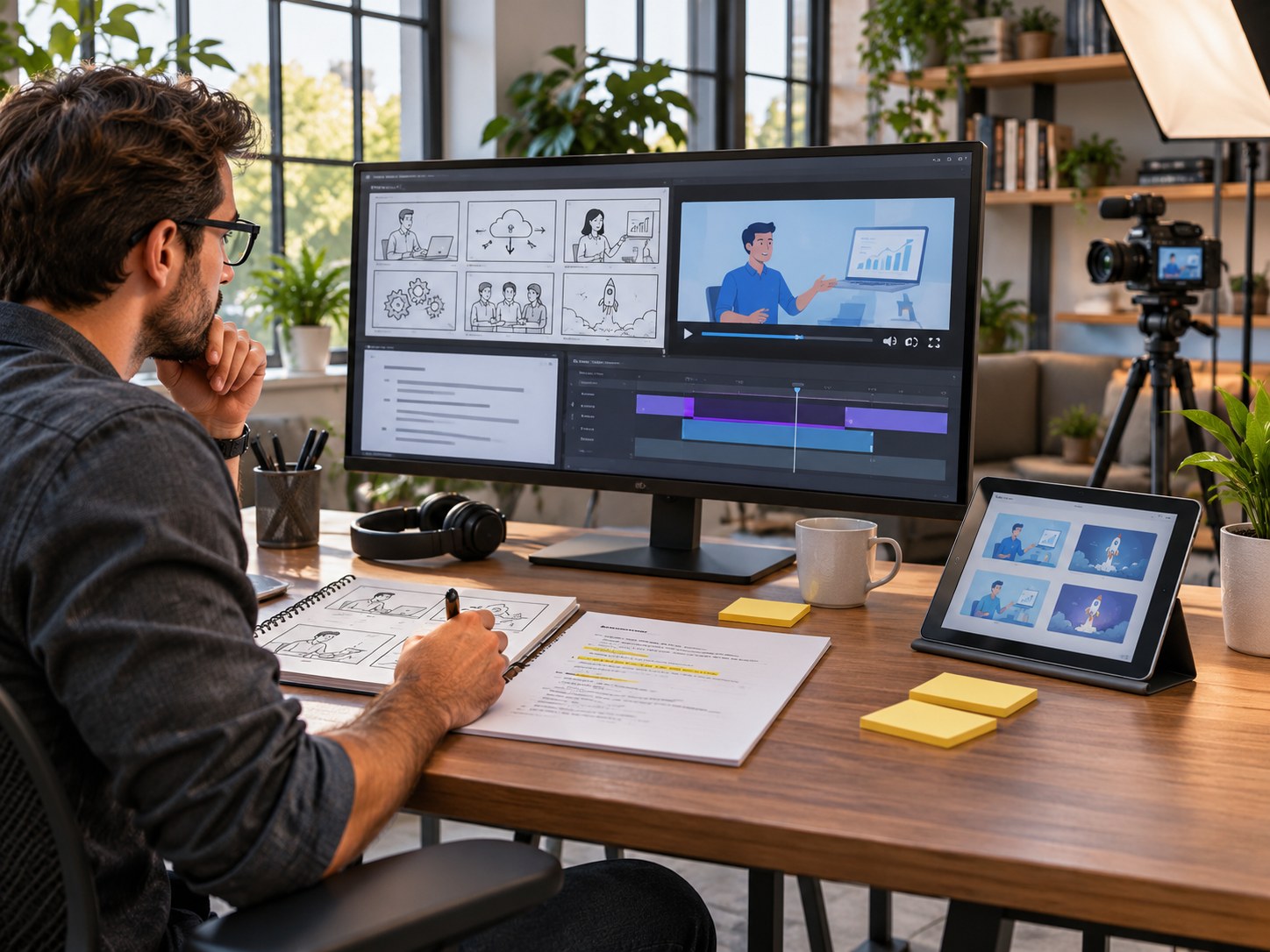
Pre-visualization, or previs, is an early representation of how a planned video might look and move. It connects the written script to the proposed shots, timing, and visual flow.
A simple project may need a storyboard with temporary narration. A complex equipment animation may require a basic 3D sequence to test camera angles and show how components relate.
The aim is to answer: Can viewers follow the explanation? Does each scene show what the narration describes? Are any steps missing?
Start With the Audience and the Main Message
Before creating previews, identify what viewers need to understand and what they already know. A customer-facing software explainer may emphasize a familiar problem and its solution. A training video may need each action shown in the correct order.
Break the script into sections with one purpose each. Note the narration, the intended image, and any facts requiring confirmation. Remove repeated ideas, and explain technical terms when viewers may not know them.
Check product claims, operating steps, and measurements with a subject expert. An early correction to the script is usually easier than rebuilding a finished animated scene.
Choose the Right Format for the Production Decision
Not every explainer needs the same preview. Choose enough detail to answer the question being discussed without producing a polished scene prematurely.
| Preview format | What it helps assess | Useful when |
|---|---|---|
| Storyboard | Shot choice and scene order | Reviewing the concept |
| Animatic | Timing, narration, and transitions | Checking pacing |
| AI-generated preview | Motion and possible visual approaches | Exploring creative options |
| Basic 3D previs | Space, camera placement, and movement | Planning complex sequences |
Formats can work together. A team might approve storyboards, test timing in an animatic, and generate a moving reference for a scene whose action is difficult to describe.
Check Whether Narration and Visuals Work Together
Scripts rarely show how much viewing time an explanation requires. Consider a fictional animation about an industrial monitoring system. The narrator describes a sensor detecting a change, sending data to a dashboard, and alerting an operator.
The viewer may need three distinct visual moments. If everything happens at once, the process becomes difficult to follow.
Use a timed preview to check whether the audience can see each action before the narration moves on. Watch for labels that disappear too quickly, crowded compositions, and transitions that hide an important step.
A useful review asks whether the viewer knows where to look, whether the visual supports the spoken point, and whether the next scene follows logically.
Explore Early Video Concepts With AI
Even with a clear script and storyboard, it can be difficult to judge how an explainer video will come together until the scenes are in motion. A visual idea that looks promising on paper may feel rushed, lack clarity, or need a different approach once narration and movement are added.
This is where early video drafts become useful. Instead of spending time developing detailed animations for every idea, production teams can create simple previews to see how different scenes work together. AI can help at this stage by turning written concepts into moving visuals that teams can review before production.
Tools such as Invideo Agent can turn a script or creative brief into an initial video draft with generated visuals, voiceover, and music. Its text-to-video capabilities allow teams to explore scene arrangements, visual styles, and pacing before deciding on the final creative direction.
In filmmaking, a similar approach can help directors test different opening shots or camera movements to see how they affect a scene’s mood and pacing. These previews provide a clearer visual reference before filming begins.
The production team can then refine the selected shots, movements, and scene details during the next stage.
Review Accuracy Before Approving the Creative Direction
Previews may look convincing even when their details are wrong. This matters for explainers about engineering, healthcare, manufacturing, and software, where incorrect visuals can mislead viewers.
Compare the proposed scenes with approved drawings, product photos, interface recordings, and technical documents. Check labels, component placement, movement, and the sequence of operations.
For instance, a generated dashboard might show controls that do not exist in the real product. An approved screen recording or custom illustration would be a more reliable choice for the finished demonstration.
Mark temporary visuals clearly. Reviewers should know which parts demonstrate the intended style and which require factual replacement before delivery.
Use Feedback to Improve the Production Brief
Previs is most useful when the team reviews specific decisions rather than debating whether a draft simply looks impressive. Give stakeholders the intended audience, script, and description of what remains temporary.
Teams can review an initial draft from invideo Agent scene by scene, checking which opening communicates the message more clearly, where narration needs more time, and which visuals require changes. This feedback can then guide revisions to the creative brief before detailed production begins.
Pre-Production Approval Checklist
- Message: Is the main explanation easy to understand?
- Sequence: Does each scene lead naturally to the next?
- Timing: Can viewers follow important actions and labels?
- Accuracy: Are claims and technical details verified?
- Brand: Does the treatment fit approved visual guidelines?
- Scope: Can the chosen direction be produced within the agreed resources?
Collect comments using scene numbers or timestamps. Assign one person to resolve conflicting requests and record which decisions have been approved.
Turn the Preview Into a Production Plan
After approval, convert the preview into clear instructions for animators, editors, or a film crew. Confirm the script, shot list, scene durations, narration, visual references, and any footage that must be captured.
Identify which ideas need custom animation and which can be shown with existing product footage or approved graphics. Keep technical reviewers involved where accuracy depends on specialist knowledge.
A preview can guide timing and style, but the finished video still needs its own quality review for dialogue, graphics, claims, and exports.
Conclusion
Pre-visualization gives explainer video teams a way to test the story before committing to final production. Storyboards, animatics, and AI-assisted previews can reveal unclear scenes, rushed narration, and gaps in the visual plan.
The strongest workflow combines creative exploration with technical checks and specific stakeholder feedback. That helps teams enter production with clearer direction.
Frequently Asked Questions
What is the difference between a storyboard and pre-visualization?
A storyboard shows planned shots in individual panels. Pre-visualization is the broader process of testing scene order, timing, and visual direction using boards, animatics, or moving previews.
Can Invideo Agent help test an explainer script before production?
Yes. It can generate video scenes and supporting audio from a script or brief, giving teams an early draft to review. Any technical details or product representations still need verification before final production.
When should teams create a pre-visualization?
Usually after a draft script is available and before detailed animation or filming. Teams can revise the preview as the script and creative direction develop.
Does AI replace professional storyboarding?
No. AI can help explore visual options, but storyboards and animatics remain valuable when precise shot planning, approved technical detail, or controlled timing matters.