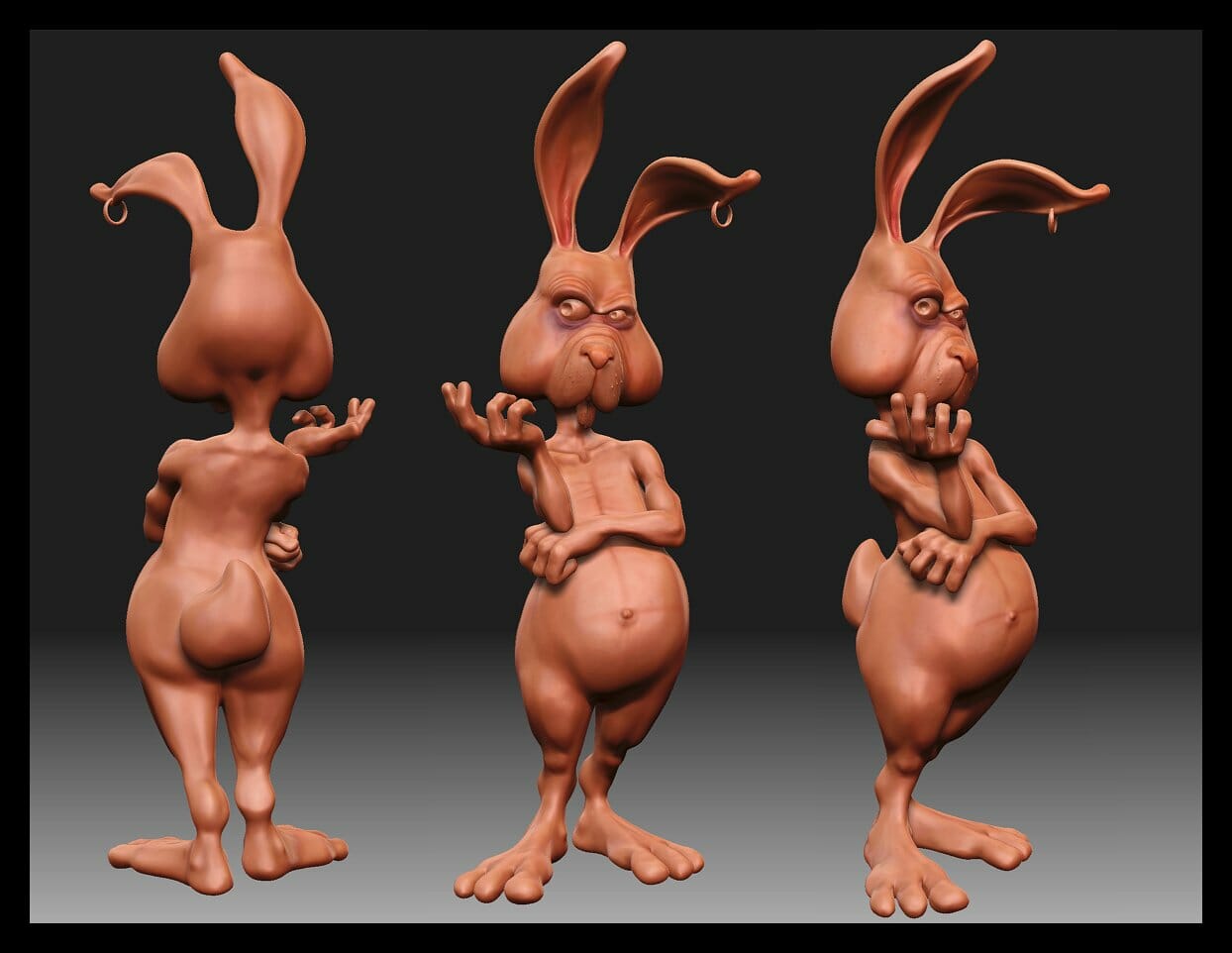
Mari for 3D animation is used to paint and organize surface textures for digital assets. Those textures help describe how a model’s surfaces should appear when the asset moves through a finished scene. Understanding this role makes it easier to plan the work between modeling, texturing, and final rendering.
Austin Visuals produces 3D animation for product and technical communication. For a texturing brief, define the visible surfaces, approved references, and file handoff before detailed painting begins. Confirm any required software and editable deliverables with the studio. Mari’s role is surface painting within the wider production workflow.
To discuss the asset requirements for your animation, contact Austin Visuals at (512) 591-8024 or info@austinvisuals.com.
Where Mari for 3D animation fits in production
Mari’s principal role in this workflow is painting textures on 3D assets. Foundry’s Mari overview describes painting in 3D and 2D views, including support for UDIM texture workflows. The resulting surface information becomes part of a larger production process.
Updated October 22, 2026.
| Production stage | Information being developed | Useful review focus |
|---|---|---|
| Model preparation | The object’s shape and component structure. | Does it match the approved geometry? |
| UV preparation | How surface locations correspond to texture images. | Are the required areas mapped appropriately? |
| Texture painting | Surface color, markings, and other image-based detail. | Does the appearance match the reference? |
| Look development | How the material appears under the intended lighting. | Does it read correctly in the target renderer? |
| Animation and finishing | Movement, camera views, editing, and final outputs. | Does the complete sequence communicate the intended information? |
A texture review cannot resolve every problem in the asset. An incorrect silhouette needs a geometry decision, while a poorly framed detail needs a camera decision. Naming the stage responsible for a change helps reviewers give the artist a useful correction.
Understand textures, UVs, and UDIMs
A texture map is an image used as an input to a surface’s appearance. UV coordinates connect positions on a 3D model with locations in those images. The layout determines where the painted information appears.
UDIMs organize texture images across numbered UV tiles. This lets a production distribute surface detail across multiple images. Foundry’s exporting and importing tutorial demonstrates filenames containing a channel, layer, and UDIM identifier. It is a version 4.8 tutorial, so use it for the illustrated naming concept and check current documentation for interface instructions.
Choose texture detail according to the shots. A small component shown only in a wide view may need a different treatment from a surface examined in close-up. Ask what viewers must be able to distinguish before approving extra detail that may never be visible.
Plan important markings as carefully as the surrounding material. A label, warning, or part identifier can carry factual information. The owner of that information should approve its wording and placement, including whether it belongs in the public-facing version of the asset.
Paint surfaces against an approved reference
A texture brief should tell the artist what the surface represents and which reference controls the decision. Photographs, approved artwork, finish samples, and written notes can each answer different questions.
For example, a photograph may show the placement of a printed label but distort its color because of the lighting. A brand file may establish the approved artwork but say little about the underlying metal finish. Record which source is authoritative for each feature.
Foundry’s Mari features documentation describes projection painting and a layer or node-based approach to building and adjusting surface work. These tools support changes, but the production still needs clear reference decisions. A revision request should identify the surface, the intended appearance, and the reference supporting the correction.
The independent tutorial below, published by FlippedNormals as an introduction to Mari texturing, provides another view of the painting task. It is a learning resource, not an Austin Visuals client example. Its interface and workflow should be checked against the version being used.

A stylized 3D illustration with contrasting surface colors and materials.
Test texture maps in the receiving scene
A texture handoff should include a test in the application and renderer that will use the asset. A map’s filename alone does not establish that the receiving material will interpret it as intended.
Agree on the required maps, naming convention, image formats, and color handling before exporting the complete asset. Identify which image belongs to each surface input and preserve the relationship between the model and its UV layout. Check a small representative part of the asset first.
Foundry documents one example of application-specific exchange in its Mari-to-Maya export guide. That process exports textures with UV patch information and creates a Maya file referencing them. It is an example to investigate for the applicable setup, rather than a guarantee that every renderer or material network will transfer automatically.
Review the transferred asset under the planned lighting and camera distance. Look for misplaced markings, visible joins, missing images, or a finish that differs from the approved reference. Record the export settings used for the accepted test so later updates can follow the same agreement.
Keep a small asset record with the model revision, texture revision, export date, and receiving scene. Attach the approved reference images or identify their location. If the model changes later, check whether its UV layout also changed before reusing the texture set. This record helps another artist determine which files belong together and which parts of the asset need another review.
Example brief: texture a fictional equipment housing
A fictional equipment housing illustrates the decisions involved without implying a completed client project. Suppose the planned animation shows an exterior view followed by a close-up of a removable cover.
The approved references identify a painted body, a different finish on the cover, and a small product label. The model team provides the geometry and UV layout. Before detailed painting, the project owner confirms which product revision the asset represents and whether all visible markings are approved for publication.
- Block in the major surfaces and review them against the references.
- Place the approved label and check its orientation on the model.
- Review the cover at the closest planned camera distance.
- Export a representative map set and inspect it in the receiving scene.
- Record the accepted version and prepare the remaining handoff files.
A request to add wear needs its own decision. A new product demonstration may need a clean surface, while an educational scene may need a specific condition. Avoid adding stains, damage, or maintenance markings simply to make the asset look detailed; those choices can change what the viewer believes about the product.
Evaluate the tool and the handoff together
A texturing tool should be evaluated against a representative asset and the required production exchange. A feature list alone cannot establish whether it fits a particular team’s work.
Before committing, identify the expected close-up detail, number of asset variations, and likely revisions. Check the current vendor requirements and the recipient’s file expectations. Test with a permitted sample rather than a confidential production model when access has not been approved.
Foundry’s Mari User Guide separates project management, painting, shading networks, previewing, and export topics. Use those sections to investigate a specific requirement. Features and interface details can change, so record the version used in a production test.
Agree on what the client receives after approval. A finished video, exported texture images, and an editable texture project are different deliverables. Specify the required source files, external images, usage rights, and any dependencies needed to reopen the work.
How Austin Visuals approaches asset requirements
Austin Visuals’ 3D product animation work involves presenting objects and their features through moving images. A useful project discussion includes the product references, intended views, and appearance decisions that need approval.
For engineering and technical animation, explain which surface markings or component distinctions carry technical meaning. Name the person who can approve them. Appearance should support the explanation without introducing details that contradict the supplied information.
Austin Visuals’ showreel illustrates the studio’s broader animation work. Review it for visual presentation, then discuss the software and editable-file requirements of your own project before approving a production scope.
Define the surface decisions before detailed painting
Mari for 3D animation belongs in a planned asset workflow with agreed references and a tested export. Define what the camera needs to show, approve the factual markings, and inspect the surfaces in the receiving scene. That gives the team a clear standard for acceptance and later revisions.
Preparing assets for a product animation?
Discuss your reference materials, required views, and deliverables with Austin Visuals before defining the production scope.
Contact info@austinvisuals.com or call (512) 591-8024.
Frequently asked questions
What is Mari used for in 3D animation?
Mari is used to paint and organize textures for 3D assets. Those surface images contribute to the asset’s appearance within a larger animation production.
Does Mari create the whole animation?
A Mari texture project is one part of the final production. The project also needs the required geometry, movement, camera work, and finishing tasks.
What are UDIMs?
UDIMs are numbered UV tiles used to organize texture images across a model. The export and receiving scene must agree on how those tiles are identified.
Do more detailed textures always improve the result?
Extra detail helps only when it serves the planned image. Judge it at the actual camera distance, lighting, and output size before expanding the work.
Can Mari textures be used in another application?
Texture images can be exported for other applications, but the exchange needs testing. Confirm map assignments, naming, color handling, and the intended material setup.
What should a texture handoff include?
A texture handoff should identify the asset version, map files, UV layout, naming conventions, color handling, and any agreed editable project. Confirm which dependent files and usage rights are included, then test the delivered asset in the receiving scene.
Related Articles
- Cinema 4D workflow and learning resources
- Preparing a computer animation marketing brief
- 3D character animation techniques