
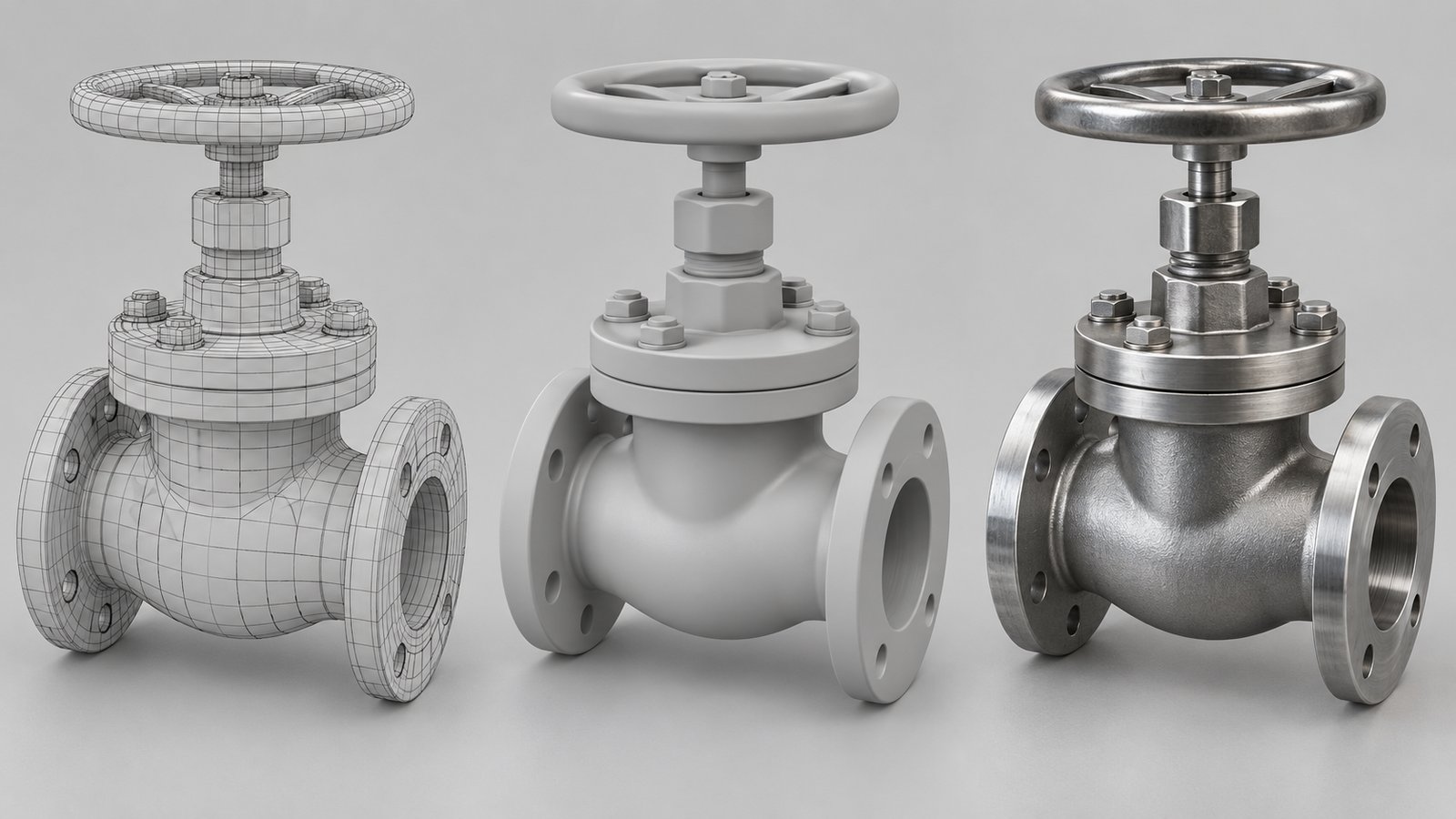
3D modeling basics begin with creating a digital representation of an object using geometry. The intended use determines what that model must contain, whether it will support an animation, a rendered image, an interactive scene, or a separately prepared physical print.
A model and a finished visual are different deliverables. A realistic-looking picture does not reveal everything about the underlying geometry, and a technically detailed file may need preparation before it works well in an animation. Austin Visuals offers engineering and technical animation for projects that use models to explain products, systems, and processes.
This guide explains the main terms and the decisions a client should make before commissioning a model. It separates visual communication from engineering validation and identifies the references needed for a reviewable project.
Discuss your modeling and visualization requirements with Austin Visuals with a clear description of how the asset will be used.
What a 3D model represents
A 3D model describes the geometry of an object in a digital space. It can represent an entire product, one component, an environment, or a deliberately simplified part of a system.
Geometry defines shape, but shape alone does not establish appearance or behavior. Materials and lighting affect the rendered image. Movement requires appropriate controls or animation data. A model prepared for one purpose may need additional work for another.
The project should identify which details carry meaning. In a technical explanation, the relationship between two components may matter more than an invisible screw thread. In a close product view, visible edges and surface treatment may be important. Scope the model around the explanation and output instead of asking for unspecified “maximum detail.”
Modeling, rendering, and animation are separate tasks
Modeling creates or prepares geometry, rendering generates images from a scene, and animation describes changes over time. These tasks are related but should not be treated as interchangeable.
| Task | Typical purpose | Question for the brief |
|---|---|---|
| Modeling | Represent the required shape | Which parts must exist and at what detail? |
| Materials | Describe surface appearance | Which visual properties are supported by references? |
| Animation | Control movement or change | What must move, and how should it be reviewed? |
| Rendering | Generate the required images | What viewpoint and image quality are needed? |
| Print preparation | Prepare geometry for a physical output | What separate manufacturing requirements apply? |
Autodesk’s visualization overview describes modeling, surface preparation, lighting, and rendering within a wider visual workflow. A model can serve that workflow without being a manufacturing-ready asset.
Polygon meshes and CAD inputs
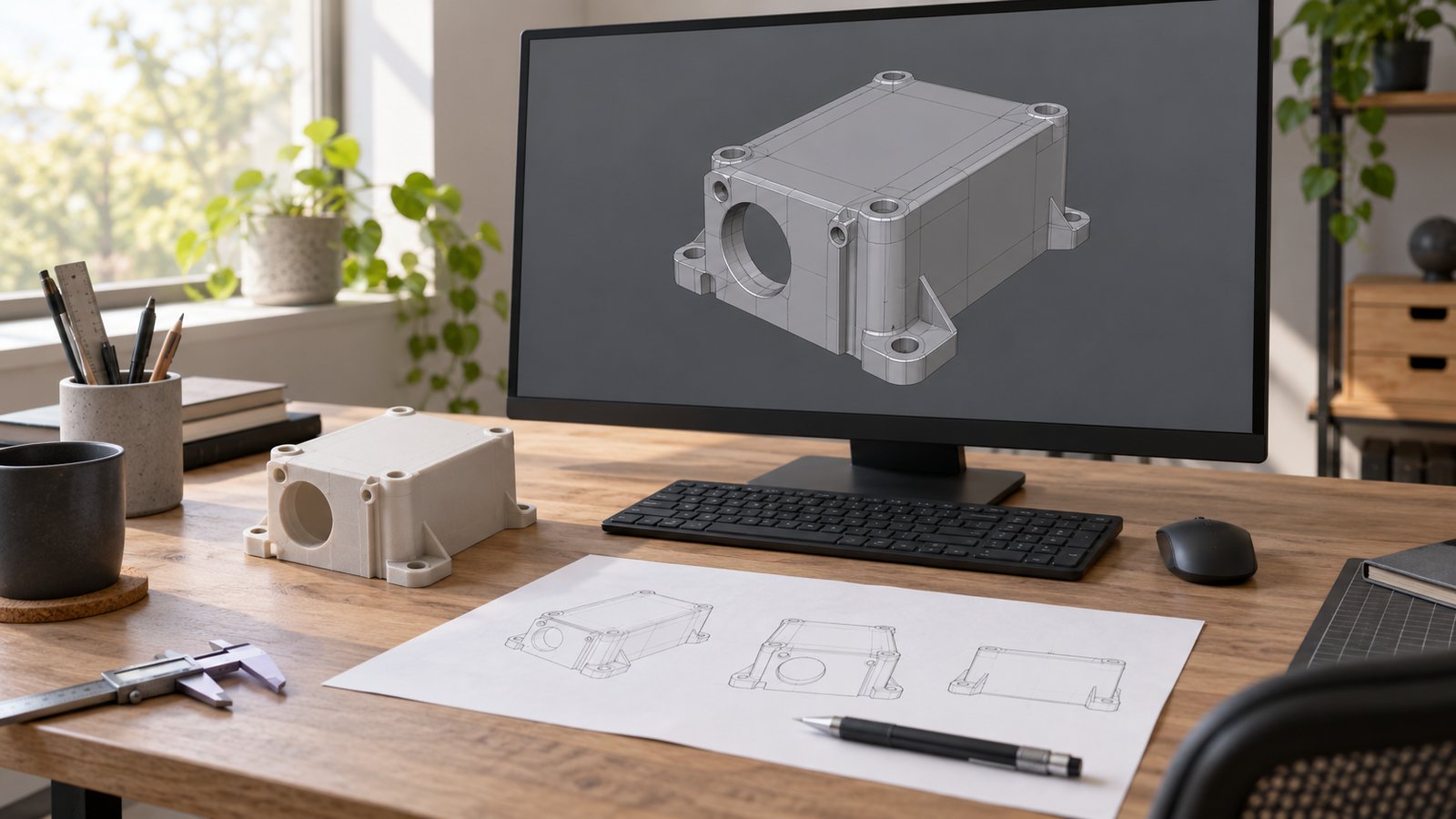
A polygon mesh represents surfaces through connected vertices, edges, and faces. CAD files can represent design geometry and related information according to the software and file format used.
The choice is not a simple contest between an artistic model and an accurate model. Inspect what information a supplied file contains and what the finished visual needs. A model prepared from reviewed drawings can suit an explanation, while an existing CAD assembly may contain detail irrelevant to the camera view.
Conversion can require decisions about surface detail, part separation, naming, and performance. Confirm the software version and export options with the receiving team. There is no single file extension that automatically preserves every design feature and produces a ready-to-animate asset.
Do not assume that a studio needs every internal engineering file. Identify the minimum approved input that supports the explanation and discuss confidentiality before sharing restricted designs.
Prepare a model for the motion it needs
Animation preparation depends on how the subject will move or change. An object turntable, a mechanical assembly, and a deforming character require different work.
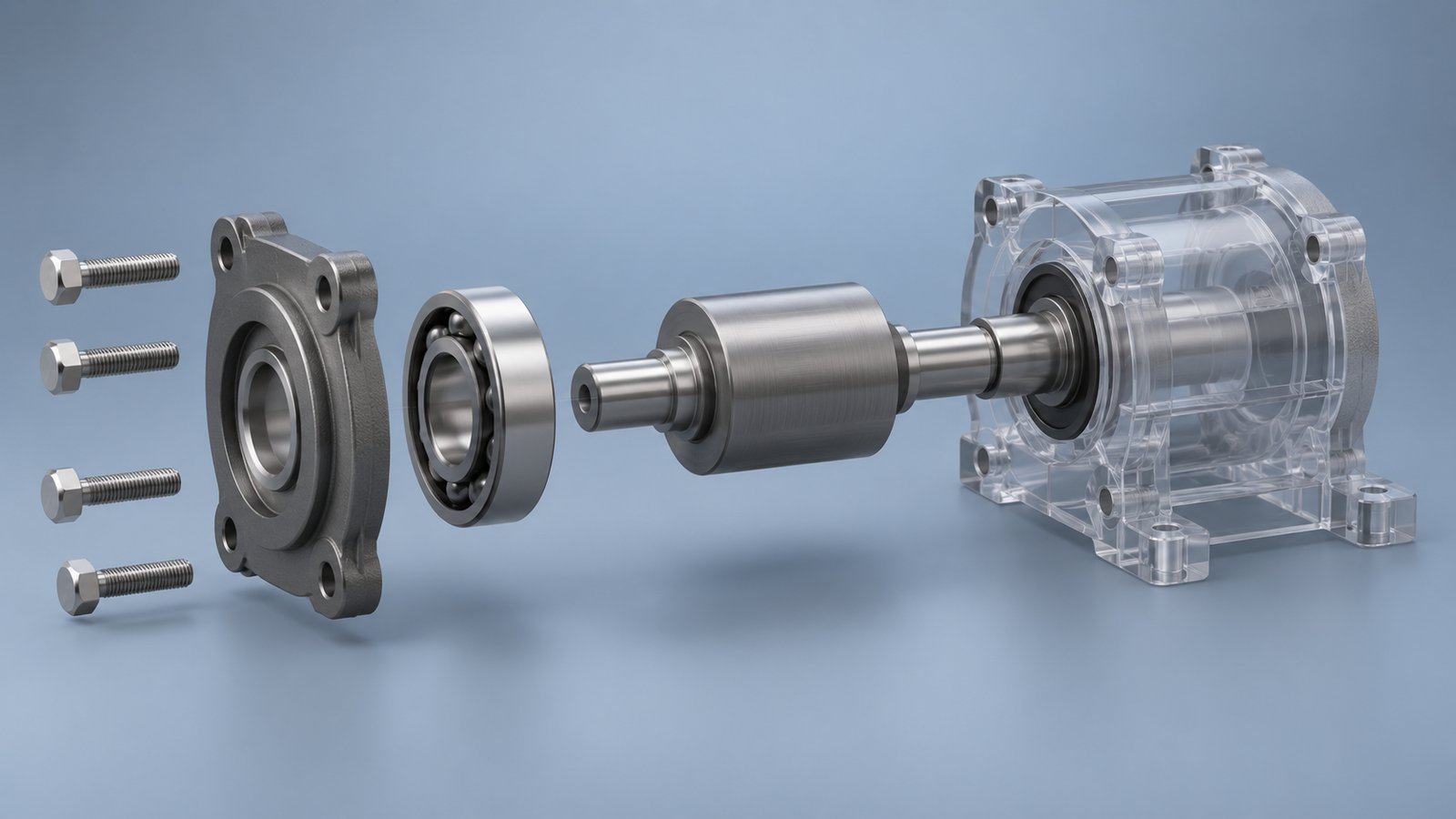
A rotating product may need an appropriate object arrangement and camera setup. An exploded view needs parts that can be separated and aligned for the explanation. An articulated or deforming subject can require additional controls and suitable geometry structure.
Describe the motion in the brief. Identify moving components, fixed relationships, and any limits supported by the source material. If a visual shows motion only to explain a relationship, say so rather than implying that the simulation proves real operating behavior.
Review a simple motion test before detailed surface work. A polished material will not resolve an incorrect component relationship. Early tests give the technical reviewer a focused opportunity to check what moves and what the camera reveals.
Use materials and lighting to support the explanation
Materials and lighting determine much of a model’s visible appearance in a rendered scene. Their role should follow the communication objective and the approved references.
A reflective metal surface may be appropriate for a product presentation but obscure a small component in an instructional cutaway. A simplified material can make that component easier to follow. Reviewers should decide whether the treatment could mislead viewers about an actual surface property.
Color coding, transparency, and cutaways are explanatory choices. Identify what they mean and whether labels are needed. A transparent exterior can reveal an internal relationship without claiming that the real object has a transparent housing.
Check the image at the delivery size. Detail that looks useful in a large still may become visual clutter on a small video player. Evaluate the scene as the audience will encounter it.
Visual realism is different from technical validation
A plausible or realistic model does not independently validate dimensions, material behavior, or performance. Technical claims require suitable source information and review.
Assign someone who can approve the relevant geometry and explanation. They should know which dimensions or relationships are essential and which details have been simplified. Keep the source revision connected to the model version so changes can be traced.
For medical or industrial subjects, the visual may need more than one reviewer. A product engineer can check component relationships while a communication reviewer checks whether the audience can follow the explanation. The specific review roles depend on the content.
Do not label an explanatory animation as a verified engineering simulation unless the appropriate validation has actually been performed and the claim is supported. Production quality and validation answer different questions.
Why 3D printing requires separate preparation
3D printing is one possible use for a model, not the definition of 3D modeling. A visual asset may need separate preparation for a particular printing process and material.
Ask the responsible manufacturing or printing specialist about geometry and output requirements. A scene created for a camera can contain representations that look appropriate in an image but do not constitute suitable printable geometry.
If both animation and physical output are required, specify both at the start. Confirm which files are included, who prepares each version, and who checks the relevant production requirements. Do not treat the rendered picture as confirmation that a physical part can be made.
Build a modeling brief that can be reviewed
A useful modeling brief identifies the intended use, current references, required views, moving parts, and final deliverables. It also assigns approval responsibility.
- Describe the audience and the subject to be explained.
- List available drawings, files, photographs, and their revisions.
- Identify the parts that must be visible or move.
- Explain required cutaways and simplifications.
- Specify image, animation, or interactive delivery needs.
- Confirm source permissions and the technical review process.
Use a reference image to explain a visual preference, but state which features matter. A style example may show lighting or composition without representing the engineering detail your model needs. Clear instructions let the studio estimate the actual preparation work and give reviewers a concrete basis for feedback.
How Austin Visuals helps with 3D modeling basics
Austin Visuals offers engineering and technical animation. Explain how the model will be used, which components viewers need to see, and what source files are available. The appropriate amount of detail should follow the communication task and the review requirements.
Explore Austin Visuals services and project planning for the relevant production scope and examples. The content and required review should be confirmed for your particular project.
Original article credit: Carey Wodehouse. The explanatory material has been updated for this Austin Visuals guide.
Prepare a clear project brief
Choose the audience and objective before deciding how much visual detail the project needs. Gather the current references, identify the people who can approve the explanation, and specify the delivery versions. These decisions provide a practical basis for production planning and a useful project discussion.
Have an animation project to discuss?
Share your audience, references, and delivery requirements with Austin Visuals to discuss an appropriate production scope.
Contact info@austinvisuals.com or call (512) 591-8024.
Frequently Asked Questions
What are 3D modeling basics?
3D modeling involves constructing a digital representation of an object using geometry. The intended use determines the level of detail, structure, and preparation needed.
Is 3D modeling only used for 3D printing?
No. Models can support animation, rendering, visualization, and other uses. Preparing a printable model is a separate task with its own requirements.
How does a model differ from a rendered image?
A model represents the geometry of an object. A render is an image generated from a scene that uses geometry, materials, lighting, and a viewpoint.
Can supplied CAD files be used for animation?
They can be useful inputs, but preparation may still be necessary. The studio should inspect geometry, version, permissions, and the detail needed for the intended explanation.
Does a realistic model establish engineering accuracy?
No. Appearance does not independently validate dimensions, material behavior, or performance. Technical claims need appropriate source data and review.
What should a modeling brief include?
Provide the intended use, current drawings or files, reference views, required detail, and reviewer responsibilities. Explain which parts must move or be shown internally.