
AI cybersecurity animation turns an invisible attack surface into a reviewable sequence, showing how data, prompts, models, retrieval systems, identities, tools, outputs, and security controls interact during a real operating scenario. The best version does more than illustrate a threat: it identifies the system boundary, follows evidence through one attack path, and shows exactly where prevention, detection, approval, containment, and recovery occur.
That structure helps security teams explain technical risk without reducing it to a hooded attacker, a glowing lock, or a generic stream of code. It also gives executives, developers, model owners, auditors, trainers, and incident responders a shared visual model they can challenge before the animation is finalized.
Austin Visuals builds these sequences from architecture diagrams, data-flow maps, threat models, control descriptions, logs, playbooks, and subject-matter-expert reviews. The result can support secure-design workshops, security awareness, red-team debriefs, product communication, incident exercises, or board-level risk discussions.
Need to make an AI threat path understandable?Austin Visuals can transform your approved architecture, attack scenario, and controls into a clear technical animation for security, engineering, leadership, or customer audiences.
Contact us at info@austinvisuals.com or call (512) 591-8024.
Why AI Security Is Difficult to Explain With Static Diagrams
An AI application is usually a chain of systems rather than one model. User input may pass through authentication, an application layer, an orchestration service, a model endpoint, retrieval infrastructure, content filters, business tools, logging, and output rendering. Training or fine-tuning introduces a different chain involving data sources, labeling, validation, storage, model artifacts, evaluation, and deployment.
A static architecture drawing can identify those components, but it rarely shows state and time. It may not reveal which identity authorizes a tool call, how retrieved content enters context, what happens after a policy violation, or whether a human approves a high-impact action. A threat model may contain that information in tables, yet a non-specialist still has to reconstruct the sequence mentally.
Animation adds controlled order. It can hold the architecture steady while one request moves through the application, pause at a trust boundary, reveal an altered state, and compare the unsafe route with the controlled route. Each passage answers one question, which makes the material easier to review and reuse.
Start With the AI System Boundary
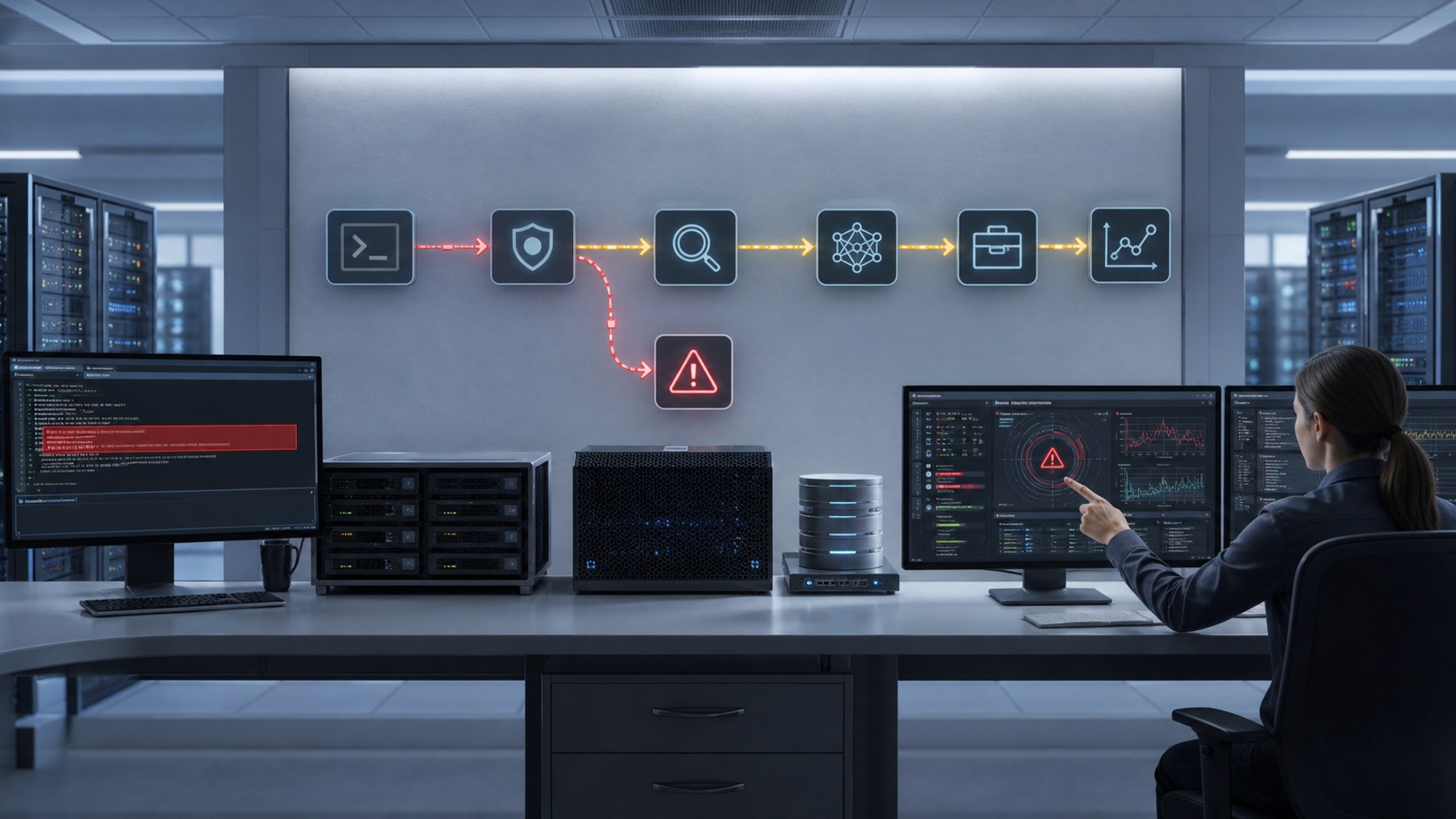
Before choosing colors or camera angles, identify what the security story includes. The boundary may contain data sources, a foundation model, fine-tuned adapters, embeddings, a vector store, system and user prompts, agent memory, tool integrations, user identities, service accounts, output handlers, telemetry, and human approval points.
The boundary also defines what remains outside the visual. A public awareness video may abstract vendors, network topology, and confidential controls. An internal architecture review may need exact services, trust zones, identities, and log sources. A training module may show only the decisions relevant to one role. Agreeing on that level prevents a polished scene from disclosing sensitive details or implying controls that do not exist.
Ownership is part of the boundary. The model team may own evaluation, the platform team may own identity and deployment, application developers may own retrieval and tools, and the security operations center may own detection and response. A useful visual connects each control to the person or system expected to act.
Build a Threat-to-Control Story
The strongest AI security narrative follows one defensible scenario from entry to outcome. It does not attempt to display every threat at once. Reviewers should be able to point to each step and answer four questions: what changed, what evidence reveals the change, which control responds, and what residual risk remains.
1. Establish the Normal Request
Begin with a legitimate user, approved identity, expected input, authorized data source, permitted model behavior, and known output destination. This baseline gives viewers a reference. Without it, an attack sequence becomes a collection of alerts with no clear explanation of what is abnormal.
2. Introduce One Manipulation
The manipulation might be direct prompt injection, malicious retrieved content, a poisoned dataset, a compromised model artifact, unusual input designed for evasion, or an agent instruction that attempts to exceed its authorized scope. The animation should state the condition precisely in narration or captions rather than suggesting that any unusual prompt is automatically an attack.
3. Follow Propagation Through the Application
Show only the components that actually process or inherit the changed state. If retrieved content influences the prompt context, reveal that transfer. If a service account is reused for a tool call, make the identity boundary visible. If an unsafe output reaches code, a database, a browser, or an industrial workflow, identify the downstream handler rather than treating the model response as the final event.
4. Stop at the Control Decision
A control should appear where it operates: input validation at ingress, provenance checks in the data pipeline, authorization at the tool gateway, output validation before execution, isolation around untrusted content, monitoring at the event source, or human approval before a consequential action. This avoids the misleading impression that a single security layer protects the entire application.
5. Close With Containment and Recovery
The ending should show alert triage, revoked credentials, isolated data or artifacts, restored versions, additional testing, and the decision to return the service to operation. A prevention-only story is incomplete for training because organizations also need to understand detection, investigation, and recovery.
Which AI Cybersecurity Threats Benefit From Animation?
Prompt Injection and Unsafe Context
Prompt injection becomes clearer when viewers see the separation among user input, system instructions, retrieved material, tool definitions, and output handling. The visual can compare direct manipulation with indirect instructions embedded in a document or webpage, then show how context separation, validation, authorization, and monitoring limit impact.
Data and Model Poisoning
Poisoning is a lifecycle story. Source data enters through a collection or supplier path, receives provenance and quality checks, moves into a versioned dataset, affects training or retrieval, and may change later behavior. Animation can distinguish quarantined material from approved material and show why rollback depends on traceable versions.

Evasion, Extraction, and Information Disclosure
Evasion attempts to produce a wrong or unsafe outcome without necessarily changing the model. Extraction and disclosure scenarios focus on repeated queries, exposed interfaces, sensitive training or context data, model behavior, and monitoring. The visual should avoid implying that every unusual output proves data theft; evidence and uncertainty must remain explicit.
Excessive Agency and Tool Abuse
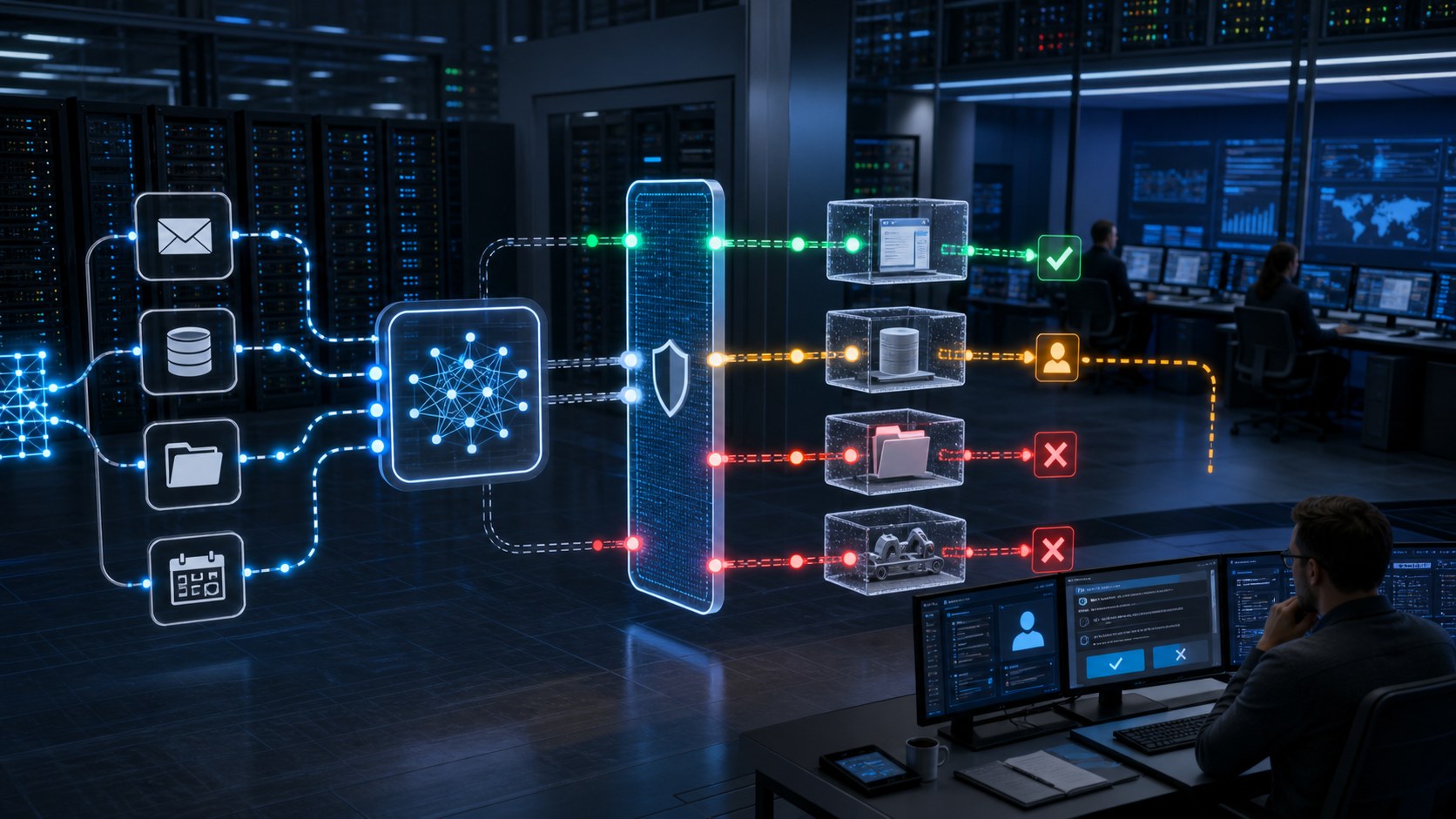
An agent can read, decide, and call external tools, which makes permissions and state changes central to the security story. A useful sequence shows scoped credentials, approved resources, denied operations, rate limits, sandboxing, and human confirmation for high-impact actions. It also distinguishes a model recommendation from an action that another system executes.
AI-Enabled Social Engineering
AI can increase the speed, personalization, or scale of phishing, impersonation, and influence operations. Training animation can show the observable cues, verification path, reporting action, and organizational response without recreating a harmful campaign in operational detail. The lesson should center on defensible behavior, not the novelty of the generated content.
How Should Controls Appear in the Animation?
Controls are easier to understand when they are tied to a decision and an owner. Identity and access management should show which principal requests an action and which policy evaluates it. Data governance should show where provenance, validation, retention, and versioning occur. Model evaluation should identify the test stage and the condition required for promotion.
Monitoring should begin at the evidence source. Inputs, retrieval results, model responses, tool calls, permission changes, and downstream actions may produce different telemetry. The animation can correlate those events on one timeline while preserving the distinction between an alert, an investigation conclusion, and a confirmed incident.
Frameworks can organize the review. MITRE ATLAS provides a knowledge base for adversarial tactics and techniques involving AI systems. NIST’s adversarial machine-learning taxonomy separates system type, lifecycle stage, attacker goals, capabilities, and knowledge. OWASP’s current GenAI guidance covers risks such as prompt injection, sensitive-information disclosure, supply-chain weaknesses, data and model poisoning, improper output handling, excessive agency, and unbounded consumption. These sources can inform terminology, but the final scene must still reflect the client’s actual architecture and controls.
Where Organizations Use AI Security Visualization
Secure-design reviews: Architects and developers can test whether a proposed control sits at the correct trust boundary and whether downstream effects are accounted for.
Red-team and incident debriefs: A controlled timeline can connect the initial condition, observed evidence, affected components, decisions, and corrective actions without making viewers search across separate logs and diagrams.
Role-based training: Developers, analysts, executives, help-desk staff, and business users need different decisions from the same scenario. Modular scenes allow each audience to receive the relevant layer.
Customer and product communication: Security vendors and AI platform teams can explain architecture and control behavior without exposing proprietary implementation details. Claims should remain bounded by approved evidence.
Tabletop exercises: The animation can pause at decision points and ask participants what they would verify, escalate, isolate, or communicate before revealing the next state.
What Source Material Does the Studio Need?
Useful inputs include a current architecture diagram, data-flow diagram, asset and identity inventory, threat model, control matrix, representative logs, incident or exercise timeline, response playbook, interface references, and a list of facts that must remain confidential. A short expert interview often resolves relationships that are ambiguous in formal documents.
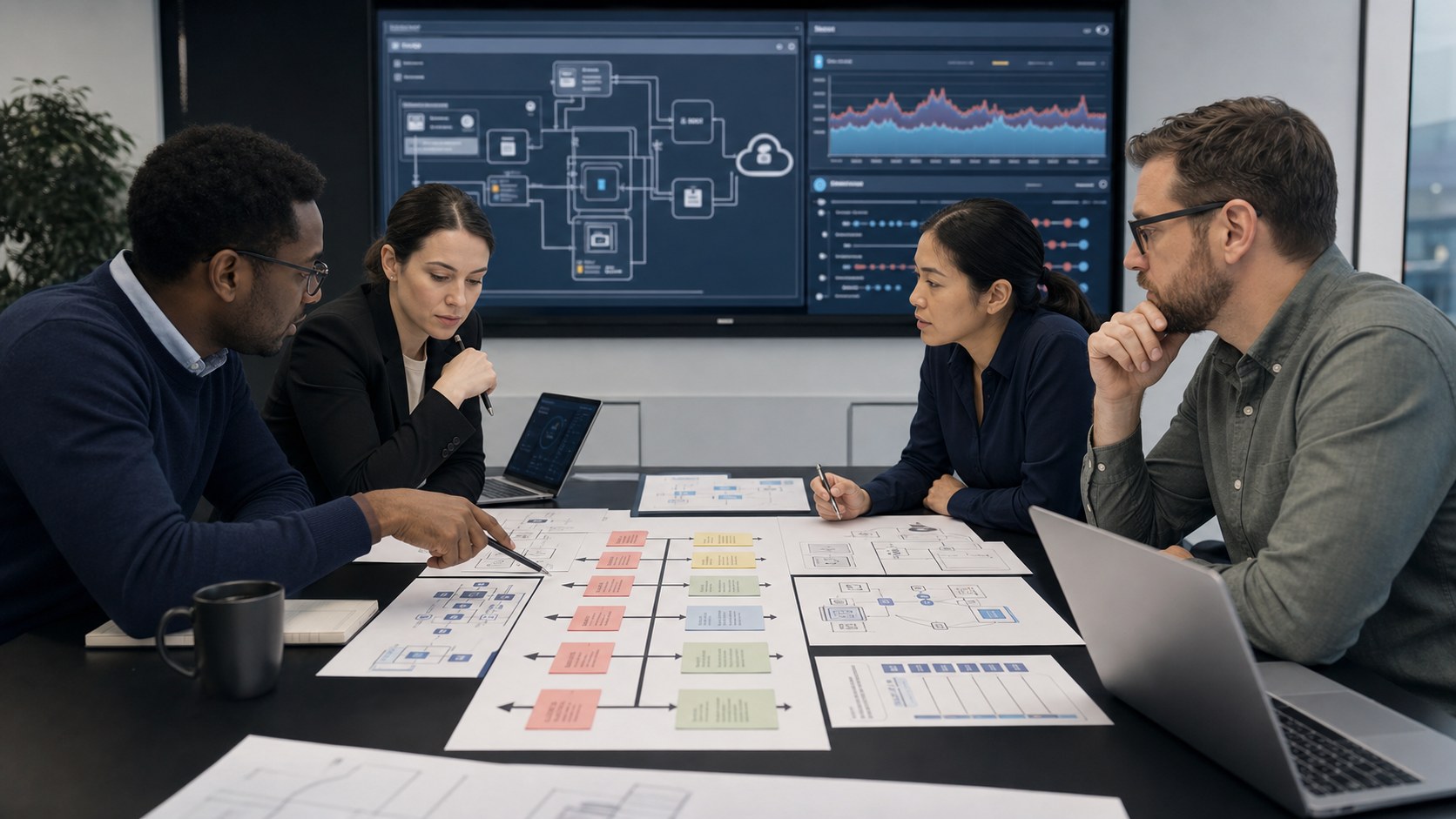
The review plan should name an authority for security, AI or machine learning, application behavior, legal or compliance language, and final communications. Each reviewer should approve the decisions they own. Script, storyboard, technical layout, animatic, and final render reviews keep factual corrections from arriving after expensive finishing work.
Why Choose Austin Visuals for AI Cybersecurity Animation?

Austin Visuals approaches cybersecurity as a systems-communication assignment. The production begins by identifying the audience, decision, source authority, trust boundaries, and evidence needed to support each scene. That prevents visual drama from outrunning technical accuracy.
The team can combine 2D diagrams, realistic 3D environments, interface-inspired motion, live-action footage, and narration while keeping one visual grammar across the project. Sensitive systems can be abstracted without erasing the relationships that make the security lesson useful. For broader production options, review Austin Visuals’ 3D technical animation services, AI video production services, and animation portfolio.
Deliverables can be planned as a reusable library: a complete overview, short role-based modules, tabletop prompts, silent event loops, still diagrams, and later updates. Separate approvals for logic, geometry, timing, and finish make that library easier to maintain when the architecture or threat model changes.
Our Clients include:
Conclusion
AI cybersecurity animation works best when it follows one approved scenario across a clearly defined system boundary. By connecting manipulation, propagation, evidence, controls, ownership, containment, and recovery, it gives technical and nontechnical reviewers a common way to test the security story.
The visual should never substitute for penetration testing, red teaming, threat modeling, engineering review, or incident evidence. Its value is communication: making the relationships among those activities clear enough for people to understand and act on them.
Ready to turn an AI security scenario into a clear visual briefing?Austin Visuals helps security and technology teams translate architecture, threat models, controls, and incident evidence into accurate animation for training, reviews, customer education, and executive communication.
Contact us at info@austinvisuals.com or call (512) 591-8024.
Frequently Asked Questions
What is AI cybersecurity animation?
AI cybersecurity animation is a visual explanation of how threats, evidence, identities, data, models, retrieval systems, tools, controls, and response actions interact within an AI application or lifecycle.
What AI security threats can animation explain?
It can explain prompt injection, unsafe retrieved context, data or model poisoning, evasion, extraction, sensitive-information disclosure, excessive agency, tool abuse, supply-chain risk, and AI-enabled social engineering.
Can animation explain prompt injection?
Yes. It can separate user input, system instructions, retrieved content, model processing, tool permissions, output handling, detection, and containment so viewers understand both the attack path and the control decisions.
How do you visualize training data poisoning?
Show the data source, provenance checks, validation, quarantine, versioned storage, training or retrieval stage, changed behavior, monitoring evidence, and rollback path. The sequence should identify assumptions and reviewed facts.
Can an animation use MITRE ATLAS or OWASP guidance?
Yes. These resources can help organize threat terminology and review questions. The final animation should map only the relevant concepts to the organization’s real architecture and approved scenario.
Is AI security animation a substitute for security testing?
No. It communicates an approved model of the system and scenario. Penetration testing, red teaming, model evaluation, threat modeling, and incident investigation provide evidence that animation cannot generate.
What files are needed to begin?
Common inputs include architecture and data-flow diagrams, asset and identity inventories, threat models, control descriptions, representative logs, response playbooks, interface references, and interviews with security and AI owners.