Product demo video best practices start with showing a product doing a useful job clearly enough for a buyer to evaluate it. Choose a relevant use case, prepare the evidence needed to demonstrate it, and give each important action enough screen time to be understood. The result should answer a purchasing question rather than simply display a collection of features.
Austin Visuals produces product demonstrations and animation for businesses explaining physical products, software, and technical ideas. Each format has different production needs, but the central question stays practical: what should a viewer understand after watching? Answering that question before filming prevents expensive changes later.
Preparing a product demonstration video? Contact Austin Visuals to discuss your audience, product, and production requirements.
Match product demo video best practices to the buying question
Define the decision the video should support. A new prospect may need to understand what a product does. A technical evaluator may need to inspect a mechanism or a specific workflow. Someone preparing an internal purchase recommendation may need a concise explanation they can share with colleagues.
These needs call for different levels of detail. Write one sentence that identifies the viewer, the question, and the evidence the video will show. For a fictional maintenance product, that could be: “Help a facilities manager understand how the replaceable component is accessed, using an approved demonstration of opening and closing the housing.”
Ask the sales or product team which misunderstanding occurs most often. Use that answer to prioritize the footage. If buyers already understand the product category but question the setup process, an extended category introduction spends time on the wrong issue.
Keep this purpose visible during review. A requested feature should earn its place by helping answer the selected question. Other features can become another video, a specification sheet, or a topic for a sales conversation. A focused scope makes it easier to judge whether the finished edit is complete.
Choose a format that can show credible evidence
Select footage or animation according to what the buyer needs to see. Live action can show handling and visible behavior. Screen footage can demonstrate an actual interface. Animation can explain a hidden mechanism or a relationship that is difficult to film.
| Production method | Useful for | Review requirement |
|---|---|---|
| Live-action filming | Size, handling, assembly, and visible operation | Confirm the product version and approved use shown |
| Screen capture | Software tasks and interface behavior | Verify the build, permissions, and sample data |
| 3D animation | Internal mechanisms and hard-to-film perspectives | Check geometry, sequence, and technical assumptions |
| Combined production | Connecting a visible action with an internal explanation | Ensure both representations describe the same product behavior |
Make the status of the visuals clear. A concept render is useful for explaining a proposed design, but it should not imply that a finished product has already been tested. When animation simplifies a process, agree with a qualified product reviewer on which simplifications preserve the intended meaning.
Avoid using polish as a substitute for proof. A beautiful rotating object may show appearance well while leaving operation unexplained. Ask whether the viewer can identify the starting condition, the action, and the result. If one is missing, the sequence may need another shot or a more precise line of narration.
Prepare the product, props, and claims before filming
A production-ready demonstration needs the correct product version, complete accessories, and an approved sequence. Confirm those details before the crew arrives. Missing parts, inconsistent samples, or an unfinished interface can prevent the planned shots from being captured.
Prepare a list of statements that need evidence. A visible action can support “the lid removes for cleaning.” A claim about temperature retention, load capacity, or time saved needs appropriate substantiation beyond an attractive demonstration. Keep the approved wording and supporting material with the project brief.
For software, use approved demonstration accounts with realistic fictional records. Check that the account has the same features described in the script. For physical products, establish which conditions are necessary to demonstrate the product correctly. Show relevant preparation when omitting it would mislead a buyer about what is required.
Arrange a repeatable setup. Mark product positions and note camera settings so later takes match earlier ones. Have a responsible product representative available to answer questions. The editor should not have to infer the correct sequence from several incompatible takes.
Review permissions for anything visible or audible, including background artwork, logos, and music. Use approved materials, and check reflective surfaces for unintended people or screens. These small production checks are easier before filming than after a polished edit has been assembled.
Build shots around actions the viewer can follow
Use a wide shot to establish the product and close-ups to explain important details. Each change of view should preserve orientation. A viewer should be able to tell which side of a product they are seeing and how the close-up relates to the previous shot.
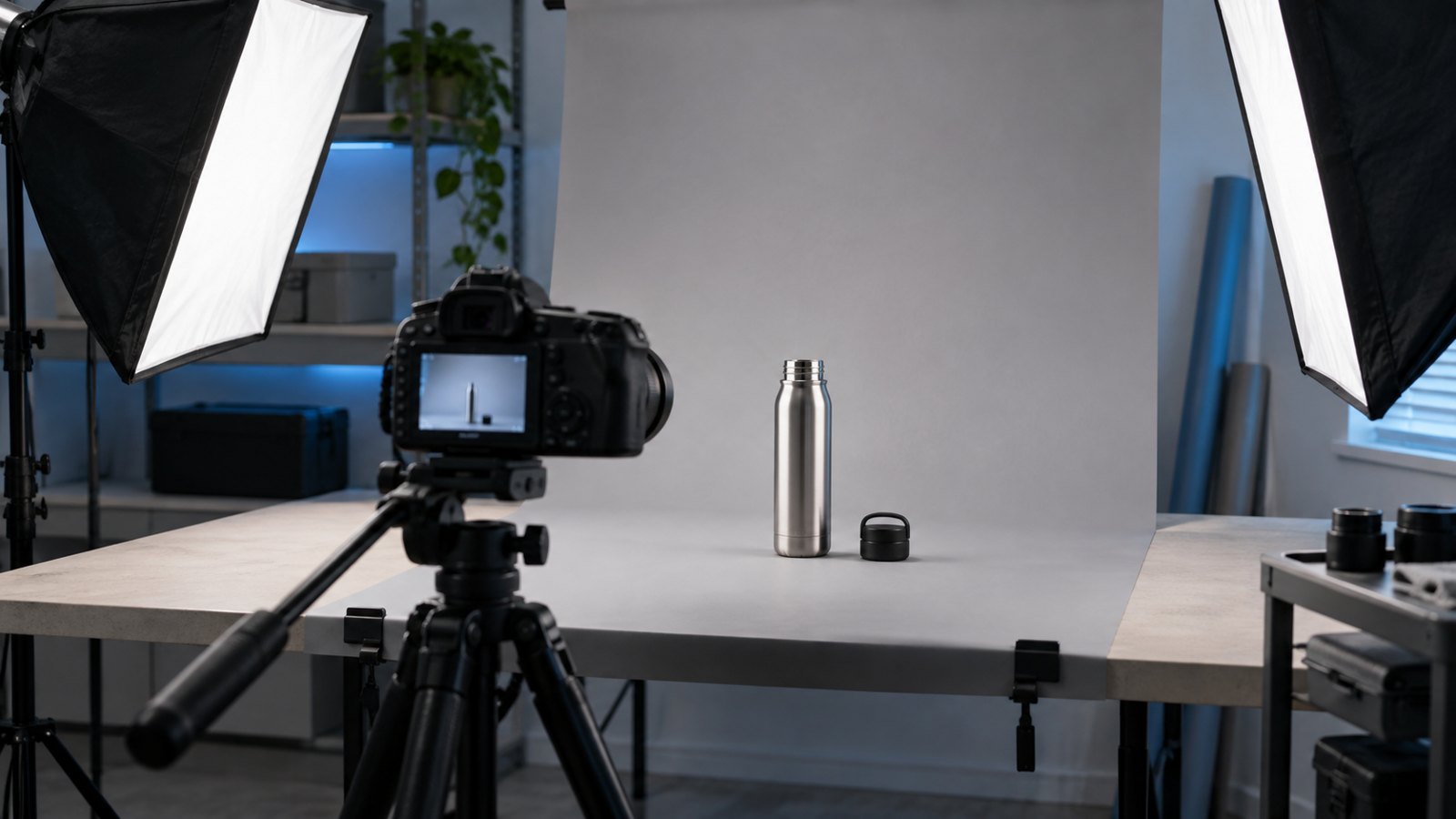
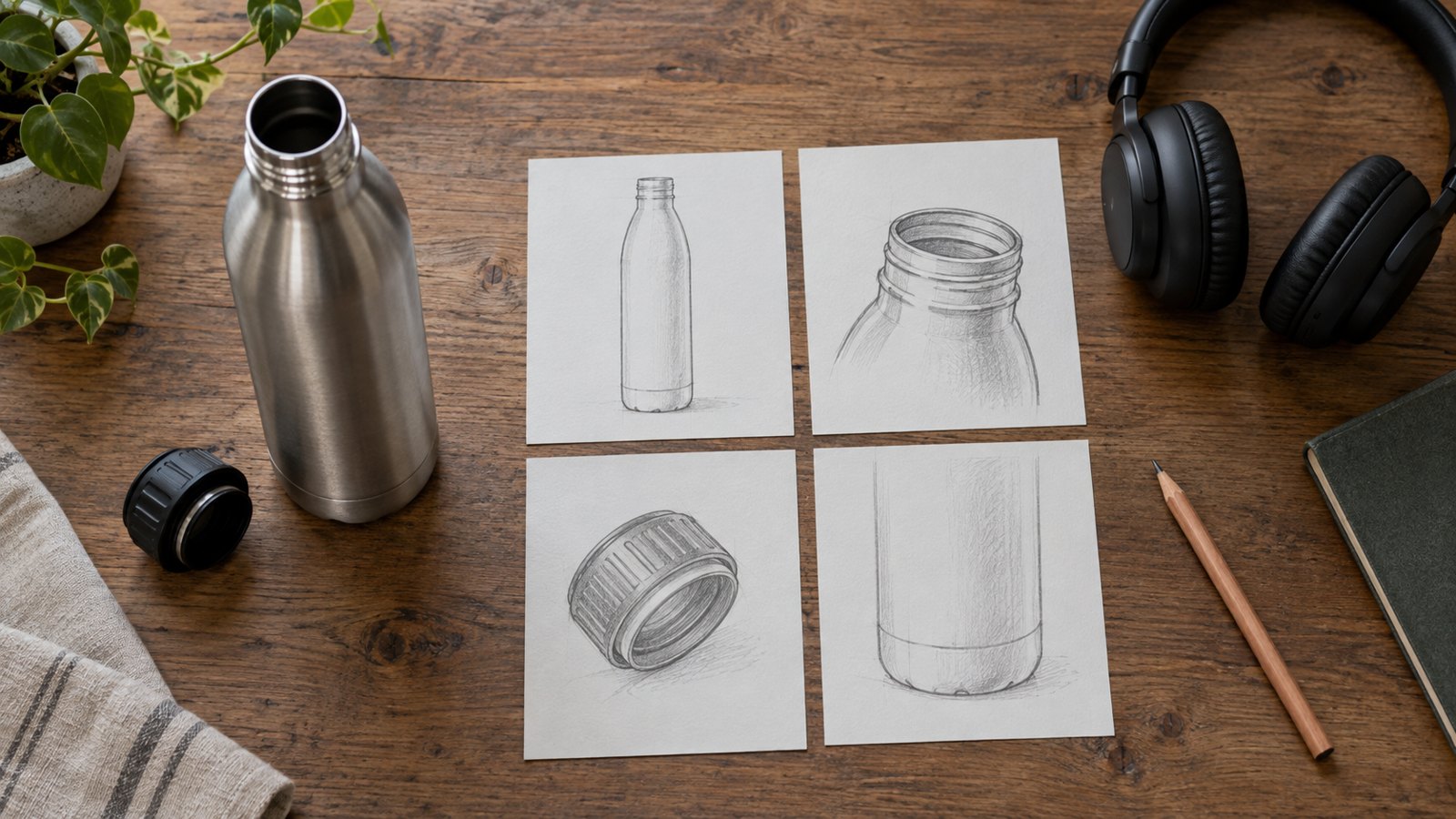
For a simple bottle demonstration, the wide shot might show the complete bottle on a table. A closer view can show how the lid is removed and replaced. That sequence can explain handling without making unsupported claims about durability or performance. It is a fictional planning example, not a claim about a particular brand.
Capture the result after the action. If the viewer sees a switch being pressed but never sees the resulting state, the demonstration is incomplete. On a screen, hold the completed view long enough to recognize the change. With a physical product, consider whether the effect requires a different angle or lighting setup.
Keep repeated actions consistent. If a hand enters from a different side in every shot, or an accessory changes position without explanation, the edit can be harder to follow. Continuity matters most where it affects understanding of how the product works.
Edit for comprehension before shortening the runtime
Remove repetition and unrelated material before accelerating useful footage. Product actions need enough time to read. A shorter video can still be difficult to understand if the critical movement passes before the viewer knows where to look.
Time a rough sequence with temporary narration. Watch it at normal speed and identify where viewers need to read, compare, or notice a change. Those moments may need a pause even when the surrounding sequence can move more quickly.
There is no single runtime that works for every product and placement. An introductory clip and an evaluator’s detailed demonstration have different jobs. Prepare a concise overview when the audience needs orientation, and use a longer version when the purchasing question requires additional evidence. Avoid presenting a universal length as a guaranteed route to better conversion.
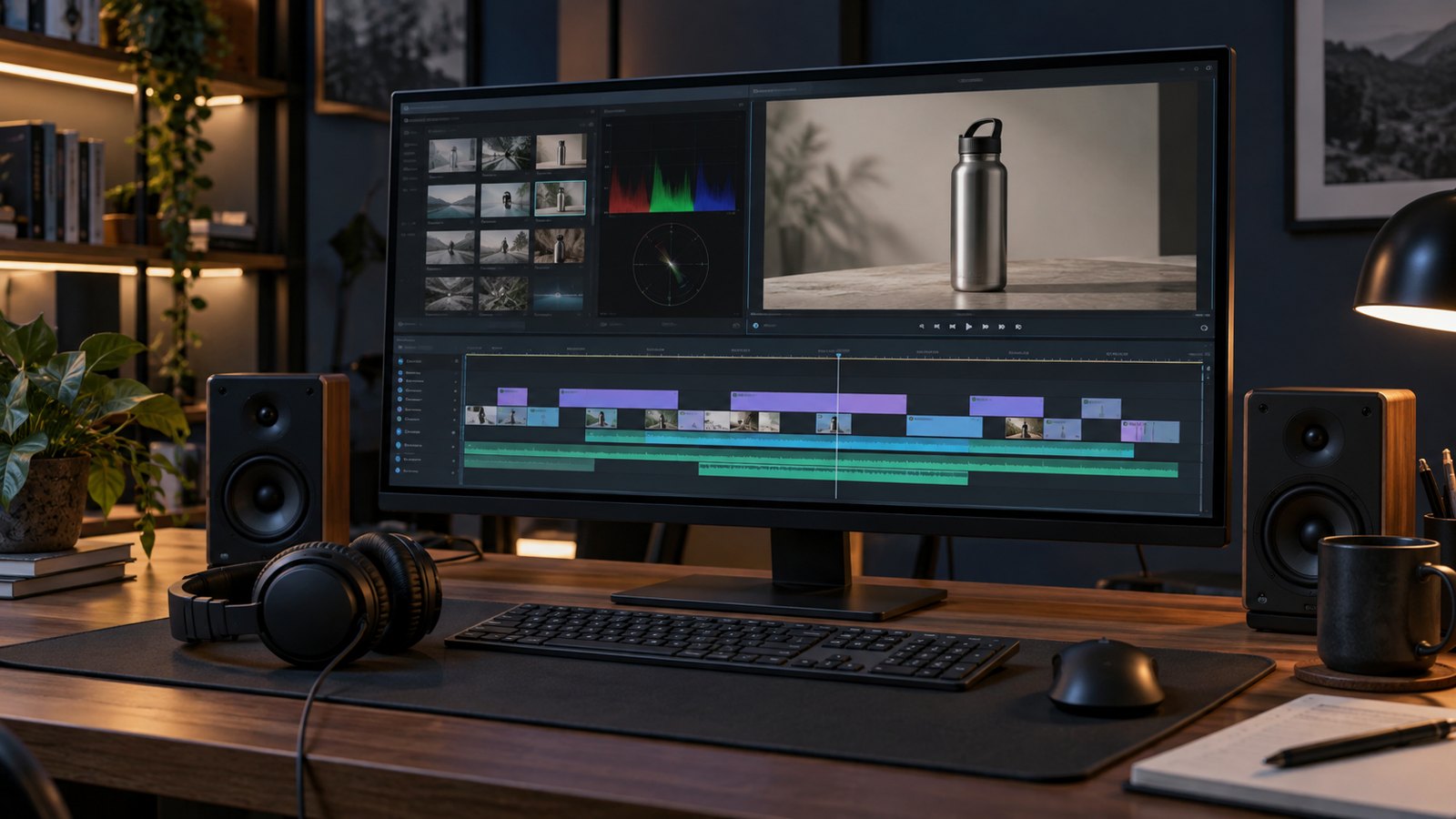
Use transitions sparingly around important actions. A decorative transition can interrupt the relationship between cause and result. Likewise, a music cue should not overpower a spoken instruction. Review the voice track on ordinary speakers as well as production headphones.
Make the demonstration understandable across placements
Check the final edit in each intended viewing format. A detail that is obvious in a full-screen presentation can disappear inside a small mobile player. Plan alternative framing when a vertical crop would remove the product action or essential context.
Use captions for spoken content and verify technical terms manually. Caption errors can change the meaning of a product name, unit, or instruction. Keep captions clear of hands, controls, and results that the viewer needs to see.
The W3C guidance for accessible audio and video addresses captions, transcripts, descriptions of visual information, and accessible media players. Include these needs in the brief so essential information is communicated in suitable forms. A silent version may need additional visual explanation rather than simply removing the voiceover.
End with one relevant next action. A general introduction might invite someone to explore the product page. A detailed business demonstration might lead to a technical consultation. Match the invitation to what the viewer has just learned, and test the actual destination link before release.
Use a product video checklist before approval
Separate factual approval from presentation review. Product specialists should check behavior and claims; marketing reviewers should check audience fit and brand language. One person should consolidate feedback so the editor receives a coherent set of changes.
- Confirm the demonstrated model or software version and its available features.
- Check every product claim against approved evidence and wording.
- Watch important actions at normal speed on the smallest expected display.
- Verify captions, narration, and on-screen labels describe the same sequence.
- Test the closing link and the page or process it leads to.
- Confirm delivery formats, source-file retention, and responsibility for future updates.
Review without sound once, then listen without watching. These passes expose different gaps. The silent pass can reveal a missing visual result; the audio pass can reveal vague instructions such as “move this over here.” Neither pass replaces a full review of the complete video.
Record approval against a specific file version. A comment that says “approved” becomes ambiguous if the shared file is later replaced. Keep the final export and its approved script together, and decide which changes require another product review.
Measure whether the demo answers the right question
Evaluate the video against its original purpose. For an introductory product page, relevant next-step activity can be useful. For a sales asset, ask whether it helps prospects understand the use case or reduces repeated explanations during calls.
Viewing data can identify a section worth investigating, but a drop-off does not explain its own cause. The audience may be mismatched, the explanation may be unclear, or the viewer may already have found the answer. Combine playback information with direct feedback and the context of the placement.
Change one meaningful element at a time when practical. If the opening, runtime, placement, and audience all change together, it is difficult to understand which change affected the outcome. Keep a record of the version and review period, and avoid claiming that the video alone caused a sales result without evidence.
How Austin Visuals supports demo video production

Austin Visuals offers product demo video production using live-action footage, animation, and post-production. Its process includes understanding the product, developing the story, and preparing the finished visual and audio presentation.
For a new project, bring the product information, audience definition, approved claims, and intended distribution channels. Share existing footage or design files so the production team can assess what is usable. Agree on review responsibilities and delivery requirements before committing to a detailed shot plan.
The most useful product demo video best practices are the ones that make a purchasing question easier to answer. Clear evidence, readable action, and a relevant next step give the production team a concrete standard to work toward.
Ready to plan a clearer product demonstration?
Discuss your product, audience, and filming or animation needs with Austin Visuals at info@austinvisuals.com or call (512) 591-8024.
Frequently Asked Questions
What makes a good product demo video?
A good product demo answers a relevant buyer question with a clear demonstration. Show the starting condition, important action, and result, then offer a suitable next step.
How long should a product demo video be?
The appropriate length depends on the audience, placement, and complexity of the question. Time a rough version and remove repetition while preserving the actions and evidence viewers need.
Should we use live action or animation?
Use live action for visible handling and operation, and animation for mechanisms or perspectives that are difficult to film. A combined approach can connect those views when both accurately represent the product.
What should we prepare before production starts?
Prepare the correct product or software version, an approved demonstration sequence, supporting material for claims, brand assets, and delivery requirements. Assign reviewers who can confirm product accuracy and marketing language.
Can one demo work on every platform?
One core demonstration can support several versions, but framing, captions, runtime, and the closing action may need to change. Check each export in its intended viewing environment.
How should we measure a product demo’s results?
Choose measures that reflect the video’s purpose, such as relevant next-step activity or improved understanding during sales conversations. Use viewing data with audience feedback and avoid attributing sales changes to the video alone.
Related Articles
- Understanding explainer videos
- Choosing an explainer video format
- Explainer video production at Austin Visuals