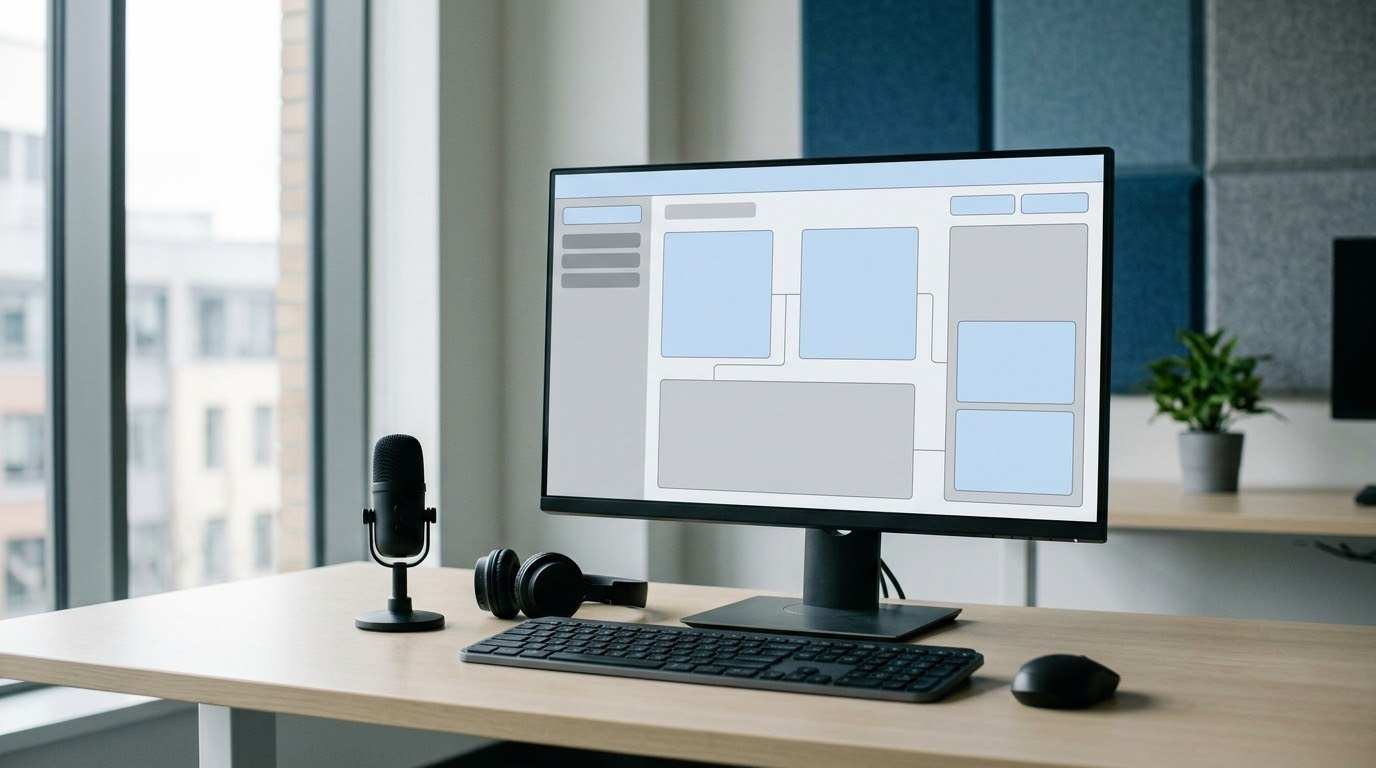
SaaS demo video production shows how cloud software completes a useful task, using a clear starting point, visible product actions, and an outcome a buyer can evaluate. A focused demo helps a prospect decide whether the product fits their work and what to investigate next.
For a marketing director or product team, the first decision is which buyer question the video should answer. An operations manager evaluating approval software needs to see how a request reaches the right reviewer. A new user learning that software needs instructions they can follow inside their account. Those audiences require different scripts. Austin Visuals helps businesses explain software and technical workflows through scripting, animation, and video production.
A useful production brief connects the intended viewer to a specific task, then identifies the screens and explanations that make the task understandable. This guide covers that brief, capture preparation, visual choices, review, and measurement.
Planning a demo for your software? Contact Austin Visuals at info@austinvisuals.com or call (512) 591-8024 to discuss the audience, product workflow, and production scope.
What a SaaS demo video needs to prove
A SaaS demo video needs to show that the software can perform a task the intended buyer cares about. The viewer should understand what enters the workflow, what the user does, and what the software produces.
Choose a task with a visible finish. Creating an approved purchase request is easier to demonstrate than a broad promise to improve operations. The completed request, its review history, and the next action give the viewer something concrete to inspect. If the product’s main benefit happens behind the interface, use a simple explanation to connect the visible result to the underlying process.
Keep product claims within what the demonstration actually supports. A successful sample workflow does not establish a percentage reduction in processing time across all customers. Describe what the viewer can see. Any claim about savings or performance needs its own evidence, along with the conditions that make it accurate.
Choose the video format around the buyer’s task
The right format depends on the question the viewer brings to the page or sales conversation. A product introduction, a recorded demonstration, and a user tutorial each serve a different purpose.
| Format | Viewer question | What to show | Possible next step |
|---|---|---|---|
| Product explainer | What does this software help me do? | The problem, product role, and a representative outcome | Explore the relevant product page |
| Recorded SaaS product demo | How would this task work in the product? | A real workflow with enough interface detail to assess it | Request a discussion of that use case |
| Product walkthrough video | How do I complete this task myself? | Required steps, settings, and checks at a usable pace | Complete the task in an account |
| Sales follow-up demonstration | Does this answer the issue our team raised? | The relevant scenario and any important limits | Confirm requirements with the sales team |
Use the product’s sales process to choose the next step. A self-service product may lead naturally into a trial. Software requiring configuration, integrations, or procurement review may need a discovery call. Ask the viewer to take one action they can reasonably take with the information the video provides.
For a broad introduction to a software category, explainer video production can establish the context before a detailed demonstration. Keep the two assets connected so buyers can move from understanding the offer to inspecting how it works.
Build the script from a complete workflow
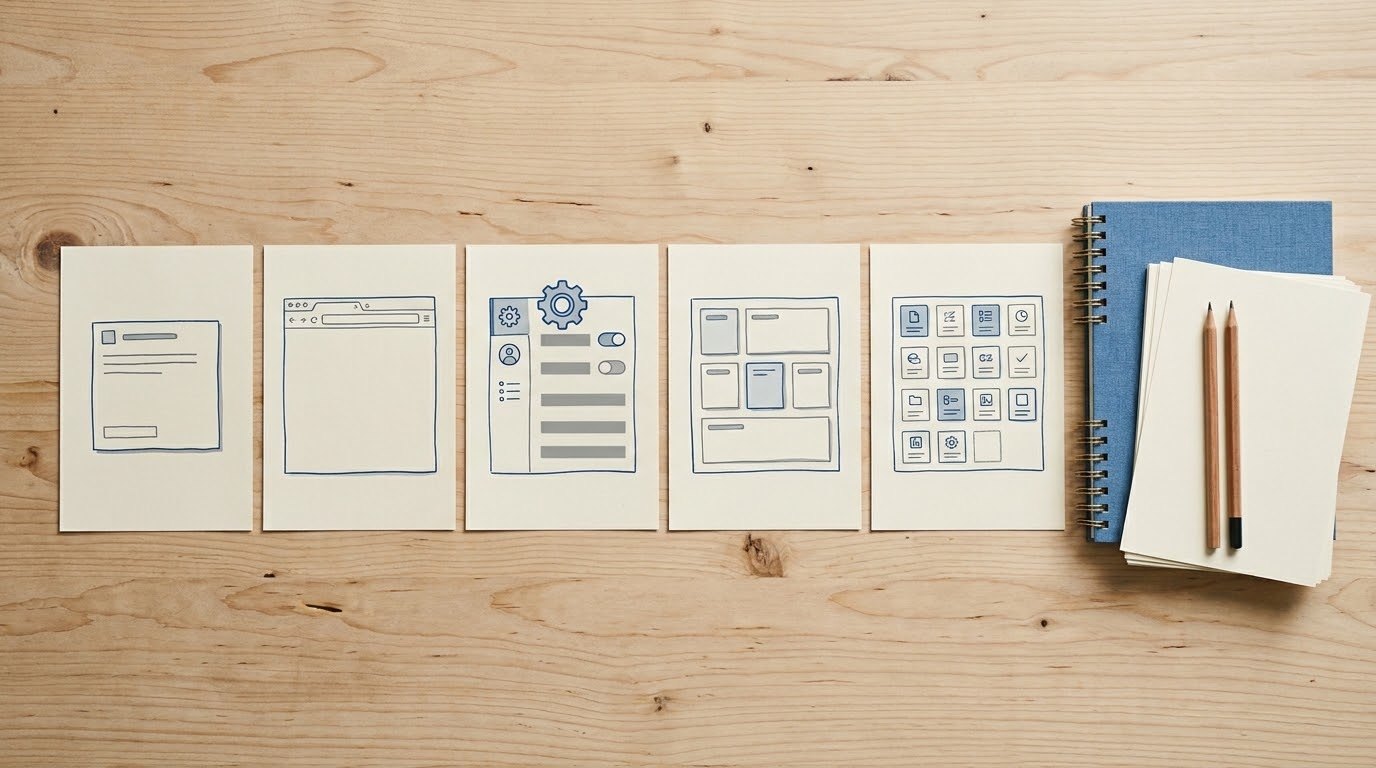
Write the script around one complete task, including the starting condition and the result. Pair each line of narration with the screen or visual that supports it.
Consider a fictional approval platform for a manufacturing team. The viewer is a supervisor who needs to route an equipment purchase request. The demonstration could begin with a prepared request, show how the supervisor assigns a reviewer, and finish on the approval record. This is a planning example, not an Austin Visuals client project or a claim about a particular product.
- State the situation in the viewer’s language: an equipment request is waiting for review.
- Show the starting screen and identify which information the supervisor already has.
- Demonstrate the actions that move the request through the workflow.
- Pause on the resulting status and explain what it tells the supervisor.
- Offer the next step that fits the product and audience.
Include prerequisites when they affect the buying decision. If routing depends on an administrator setting up roles, say so. If an integration supplies the request data, identify that dependency. Editing out these conditions can leave the buyer with an inaccurate impression of how easily their own team could repeat the task.
Read the script while advancing through the actual product. When the narration outruns the interface, simplify the sentence or give the screen more time. A feature name on a slide does not explain how someone uses it.
Prepare the product before screen recording
Record in an approved demonstration environment with realistic sample data and the correct permissions. Check the entire workflow before capture so the video shows the product in a consistent state.
Prepare an account that contains the records needed for the story. Names, dates, statuses, and totals should agree across screens. A request marked complete in one view and pending in another creates confusion even when the edit looks polished. Avoid production customer records, private messages, access tokens, and confidential documents.
Close unrelated applications and browser tabs, silence notifications, and inspect menus that may reveal account details. Capture at a size that allows readable crops in the final edit. Test the intended player size early: a dashboard readable on a large editing monitor may become illegible on a phone.
Record purposeful cursor movement. Pause briefly after an action so the viewer can see the response. Where the edit shortens a loading period or compresses several steps, make the treatment clear if it changes the viewer’s understanding of performance or effort.
Document the product version and capture date in the production files. Assign someone on the product team to approve what is shown. That record helps identify which scenes need updating after an interface release.
Use animation where the interface needs explanation
Animation can explain information that a screen recording cannot show clearly, such as data moving between systems or a review passing between roles. Product interactions should remain faithful to the software the customer can use.
A short graphic might show how a submitted request reaches a reviewer and then returns to the supervisor. An interface capture can then demonstrate the actual status change. Keep the diagram simple enough to support that explanation without implying additional capabilities.
Motion graphics can also focus attention on the relevant panel, reveal a small label, or connect two views. Avoid moving several callouts while the viewer is trying to read the interface. Each visual treatment should make a specific action or relationship easier to understand.
When a product is still being built, identify mockups or concept screens clearly. A prototype can communicate a proposed experience, but buyers need to know which parts are available today. For AI-specific workflows, Austin Visuals’ guide to generative AI software demo video planning addresses inputs, generated output, and human review.
Set length, narration, and accessibility together
The appropriate length is the time needed to make the chosen task understandable at a comfortable viewing pace. Set a planning target, then test it against the script and the screens.
A short overview for a landing page needs different detail from a training walkthrough. If the draft contains several unrelated tasks, produce separate modules so each viewer can reach the information they need. Avoid assigning a universal runtime to every SaaS demo video.
Narration should explain the purpose of an action and name the relevant control when that helps the viewer follow it. A line such as “Select the reviewer who owns equipment approvals” gives more useful context than “Click here.” Allow enough time to locate the control and see the result.
W3C’s guidance on accessible media recommends planning access needs during scripting and production. Provide accurate captions for spoken content, and describe important visual information in the narration or an appropriate alternative. Review automatic captions, especially product terminology. Test that the player controls and caption placement let people follow the demonstration.
Control production scope and review decisions
A useful production scope specifies the workflows, visual treatments, deliverables, and approval responsibilities. Quotes are easier to compare when every producer works from the same brief.
Supply the intended audience, approved product claims, capture access, and the next action. Include brand assets and examples of the tone you want. State whether the project needs original animation, recorded screens, a presenter, or a combination.
Review the script before detailed visual production. Then check the storyboard against the product and approve the interface captures. Product accuracy, messaging, and final presentation need identifiable reviewers. Consolidate their feedback so the production team receives one agreed set of changes.
Budget depends on more than runtime. A brief using approved captures and a finished script has a different scope from a project requiring message development, custom animated diagrams, several audiences, and localized versions. Ask the proposal to explain included review rounds, voiceover usage, source-file delivery, and future update options. Pricing and scheduling should follow the agreed scope.

How Austin Visuals supports SaaS video production
Austin Visuals offers scripting, storyboarding, animation, voiceover, and delivery as part of its explainer video services. Its software and technical communication work provides a starting point for discussing a SaaS demo production brief.
Bring an approved workflow, access to a demonstration account or recordings, and the buyer question you need to answer. The discussion can establish which moments need interface detail and which would benefit from animation. Your product team should verify features, claims, and any conditions that affect what the viewer sees.
For SaaS video production, agree on how the finished asset will be used and updated. A website overview, a sales follow-up, and an onboarding module may share source material while requiring different edits. Austin Visuals’ explainer video production process guide provides further context for planning those approvals and deliverables.
Our Clients include:
Measure the next step and maintain the video
Measure whether the demonstration helps the intended audience take a useful next step. Viewing data can identify where people leave, while completed actions and sales feedback help assess business value.
Choose the action before launch. For a trial campaign, distinguish visits to the signup page from completed registrations and meaningful product use. For a sales-led offer, distinguish a clicked booking button from a completed request and a qualified conversation. Keep reporting definitions consistent across video versions.
Low completion alone does not diagnose a bad video. A viewer may reach the answer early, encounter an irrelevant scenario, or struggle to read a screen. Check the exit point alongside the content and audience source. Ask sales staff which questions remain after prospects watch.
Store editable assets with a scene list identifying interface captures, claims, and narration tied to specific features. Review those scenes when navigation, permissions, or product behavior changes. Keeping the demonstration accurate protects its usefulness throughout the sales process.
Plan a demo buyers can evaluate
A SaaS demo video gives buyers a clear view of a relevant task and its outcome. Start with the audience’s question, prepare accurate product captures, and give each action enough time to make sense. A defined review process and a suitable next step make the finished asset easier to use and maintain.
Ready to plan your SaaS demo video?
Austin Visuals helps businesses explain software, products, and technical workflows through scripting, animation, and video production. Share your audience and intended use to discuss a suitable production scope.
Contact us at info@austinvisuals.com or call (512) 591-8024.
Frequently Asked Questions
What is a SaaS demo video?
A SaaS demo video shows how cloud software performs a relevant task. It uses product screens, narration, and supporting visuals to make the workflow and result understandable to a buyer.
How long should a SaaS demo video be?
The video should be long enough to explain the chosen workflow at a readable pace. A landing-page introduction and a detailed user tutorial need different amounts of information. Test the script against the actual screens before fixing the runtime.
Should I use screen recording or animation?
Use screen recording to show actual product interactions and animation to explain relationships or processes that are difficult to see in the interface. A combined approach can work when each treatment has a clear purpose.
How much does a SaaS demo video cost?
Cost depends on the production scope, including scripting, interface capture, animation, narration, review rounds, and delivery versions. Provide the same brief to each producer and compare what their proposals include.
What should I prepare before hiring a production company?
Prepare a target audience, one approved workflow, product access or recordings, brand assets, and the intended next step. Identify a product reviewer and flag any features or claims that require special explanation.
Can one demo support marketing, sales, and onboarding?
Shared source material can support all three uses, but each audience may need a separate edit. Marketing introduces value, sales addresses buying questions, and onboarding provides instructions for completing a task.
Related Articles
- Planning the explainer video production process
- Demonstrating generative AI software responsibly
- Using product explainer videos in business communication