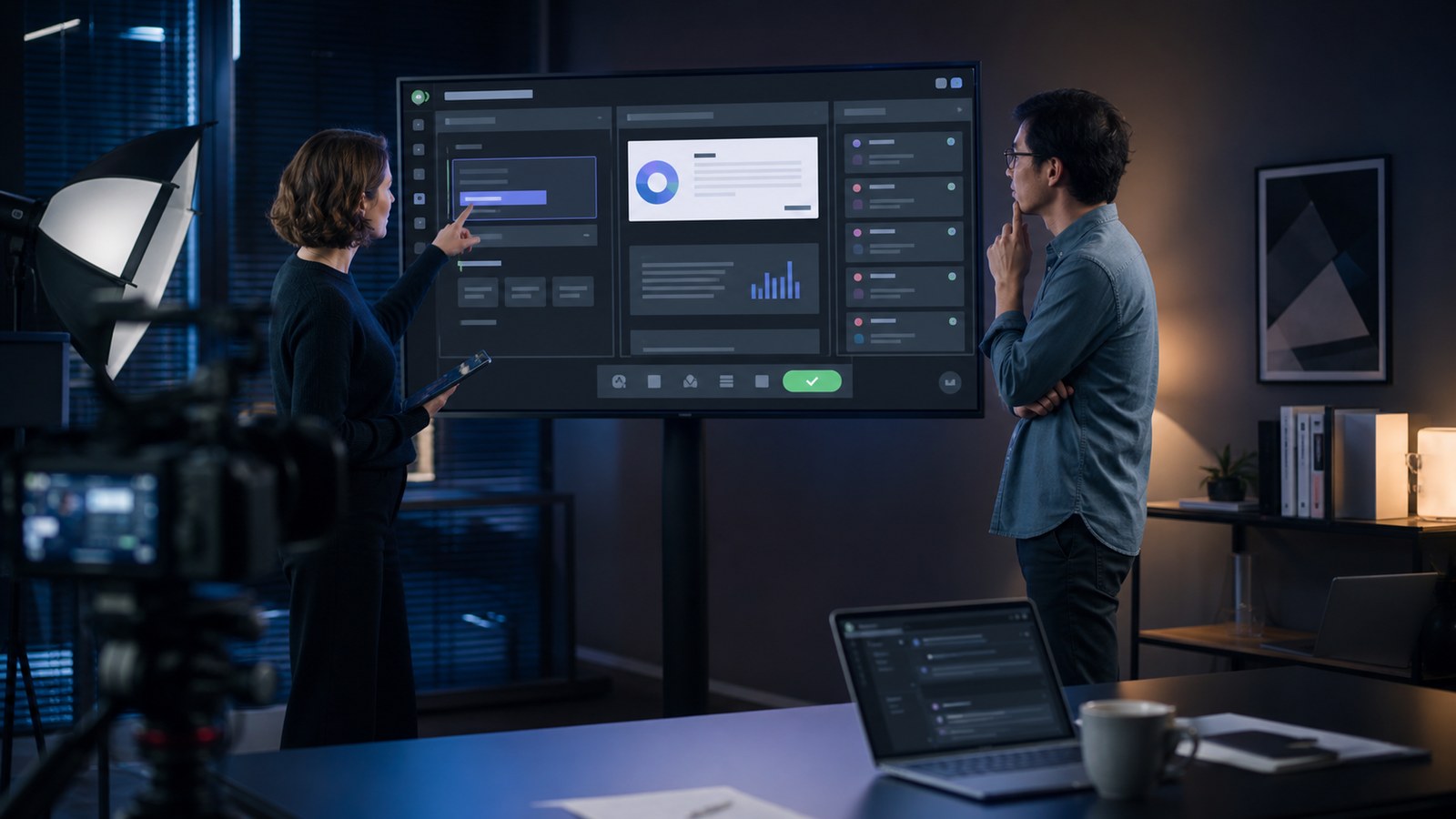
Generative AI software demo video production should prove one valuable workflow while showing the inputs, generated output, evidence, limitations, user controls, and human handoff that make the product trustworthy. Unlike a conventional screen recording, an AI demo must explain both what the software does and how a responsible user should judge the result.
The strongest demo begins with a recognizable task, follows a realistic prompt or source package, and reaches an outcome the audience can evaluate. It does not hide uncertainty behind rapid editing. Instead, it reveals where the system found context, how the user can refine an answer, what happens when output is weak, and which decisions remain with a person.
This guide presents a practical 2026 structure for an AI product demo video, from message design and interface capture to accuracy review, modular editing, distribution, and performance measurement.
Contact us at info@austinvisuals.com or call (512) 591-8024.
What Must a Generative AI Software Demo Prove?
A useful demo proves a change in the user’s work. It may show a support agent turning approved knowledge into a draft response, an analyst extracting evidence from documents, a designer creating controlled variations, or a developer translating a requirement into testable code. The viewer should see the starting condition, the work performed by the product, and the point where the user accepts, edits, rejects, or exports the result.
That evidence matters because generative systems are probabilistic. A polished output alone does not tell the audience whether it was grounded in supplied material, whether the same prompt can produce a different answer, or how the product handles an unsupported request. NIST identifies confidently presented false output as a meaningful generative-AI risk. Google’s People + AI guidance likewise emphasizes communicating capabilities and limitations early, calibrating trust, and preserving useful user control.
A demo does not need to become a governance lecture. It needs to make responsible operation visible. A source panel, revision history, confidence cue, approval step, retry control, or manual fallback can communicate more than a paragraph of claims.
Start With One Decision, Not the Entire Product
The first production decision is not runtime or visual style. It is the exact decision the viewer should make after watching. A homepage prospect may need to decide whether the product is relevant. A technical buyer may need to see how the system grounds an answer. A security reviewer may need to understand data boundaries. A current customer may need to learn one new feature.
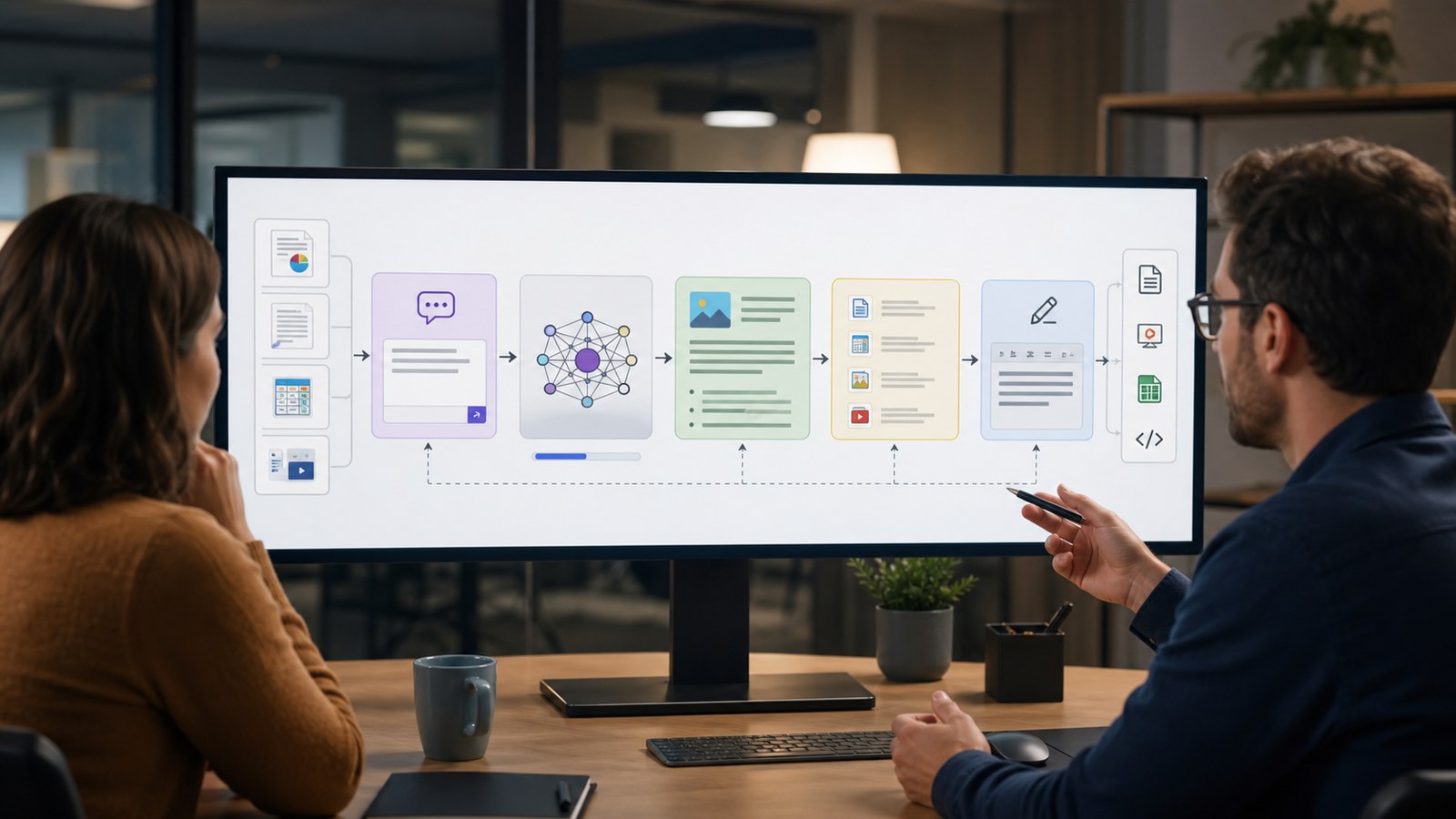
Write a one-sentence promise that includes an actor, an input, and an outcome. For example: “A customer-success manager turns a folder of approved documentation into a cited renewal brief, reviews the claims, and exports it to the account workspace.” This gives the video a beginning, middle, and end. It also excludes features that do not support that promise.
Feature lists create weak demos because every click receives equal weight. An outcome-led script creates visual hierarchy. The source material establishes credibility. The generation moment supplies anticipation. The review step proves control. The final handoff shows business usefulness.
What Should the Video Show on Screen?
1. The Starting Material
Show enough of the prompt, document, record, image, table, or application state for the viewer to understand what the model receives. Use synthetic or approved demonstration data. If private information is not necessary to prove the workflow, do not place it in the recording.
2. The Product’s Role
Clarify whether the system retrieves information, generates new material, transforms existing content, recommends an action, or coordinates tools. Avoid vague visual effects that imply intelligence without showing an operation. A concise callout can identify the function while the interface demonstrates it.
3. The Output and Its Basis
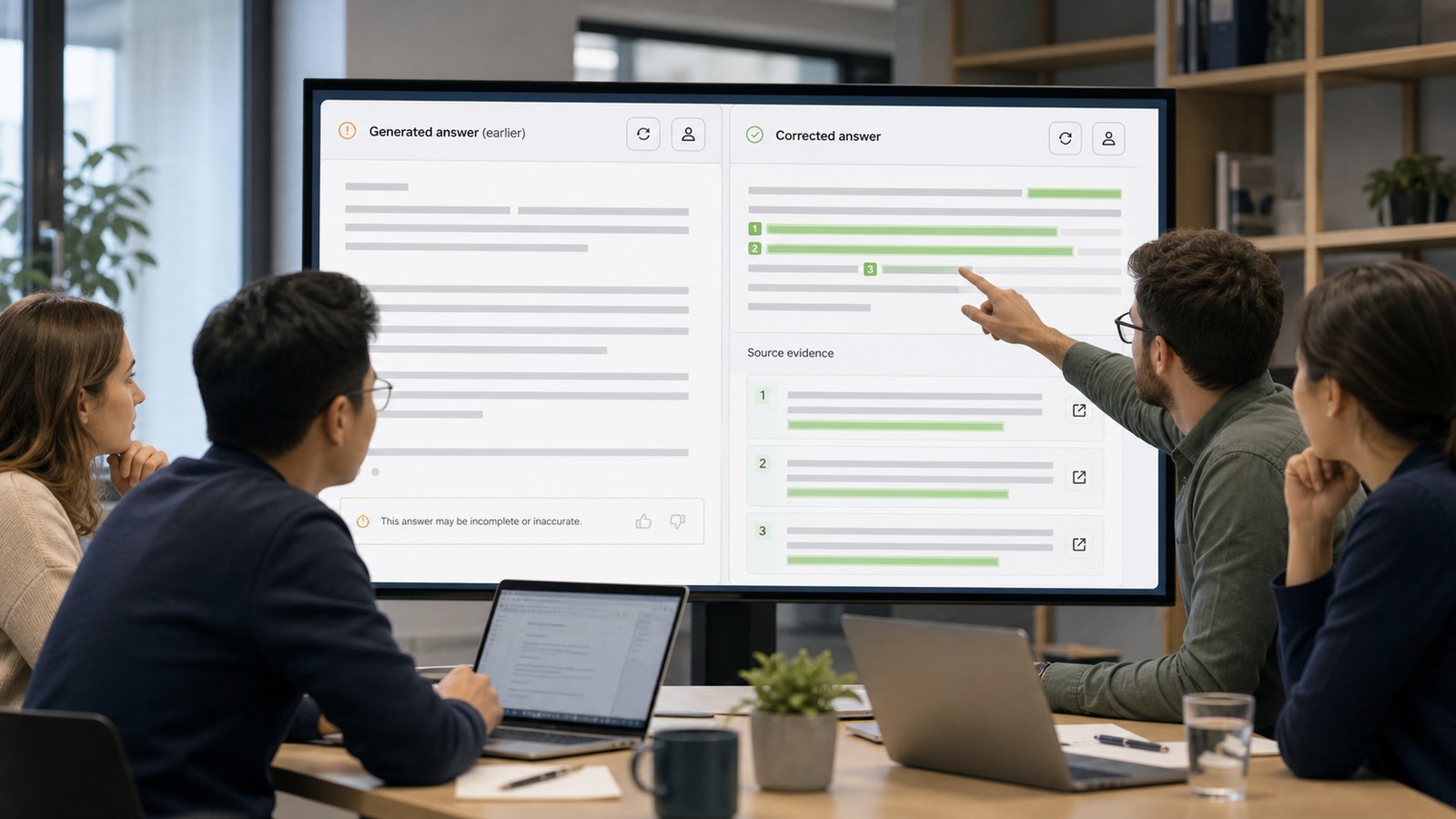
Let the audience inspect the result long enough to judge it. If the product provides citations, source highlights, confidence signals, policy checks, or comparison views, show them next to the output rather than describing them only in narration.
4. The User’s Control
A viewer should see how to revise a prompt, edit the result, reject an answer, change a setting, provide feedback, or take over manually. These moments are especially important for a SaaS AI demo video aimed at operational buyers who care about adoption, accountability, and exception handling.
5. The Handoff
Finish the workflow in the system where value is realized: a saved brief, approved ticket, updated design, published campaign draft, reviewed code change, or exported report. Generation is an intermediate event. The business outcome is the ending.
How Do You Demonstrate AI Limitations Without Weakening the Sale?
Trust increases when the video gives the audience an accurate mental model. Show the intended use case confidently, then include one controlled edge case that reveals how the product responds. The system might ask for missing context, flag an unsupported claim, display source disagreement, limit a sensitive action, or route the task to a person.
This does not require dramatizing failure. The point is to demonstrate recoverability. Present the imperfect output, the visible signal that invites review, and the action that restores a reliable workflow. A manual fallback is not an admission that the AI is useless; it is evidence that the product was designed for real operations.
Use precise language in narration. Say “creates a draft from the selected sources” rather than “always knows the answer.” Say “flags claims for review” rather than “eliminates errors.” The best generative AI demo best practices align every spoken claim with evidence visible in the product.
What Is the Production Workflow for an AI Demo Video?
Discovery and Proof Selection
Interview product, sales, customer-success, engineering, security, and legal stakeholders. Identify the audience’s strongest question, the product behavior that answers it, and the claims that require visual proof. Agree on approved sample data and a stable build before recording.
Script and State Map
Write narration alongside a state map: initial screen, user action, system response, review state, correction, and final outcome. Mark variable model output separately from deterministic interface behavior. This prevents the script from promising an exact sentence the product may not generate again.
Storyboard and Capture Plan
Decide which moments need authentic screen capture, recreated interface motion, 2D diagrams, close-up callouts, or conceptual 3D animation. Authentic capture proves the product. Motion design directs attention. Diagrams explain hidden retrieval, orchestration, or data flow without pretending those systems are physically visible.
Controlled Recording
Prepare prompts and test cases, but preserve believable pacing. Record clean interface states at sufficient resolution. Capture alternate outputs and an approved fallback path. Hide personal information, internal URLs, keys, account names, and notifications before the session.
Accuracy and Risk Review
Product owners verify behavior. Engineering confirms what the interface and diagram imply. Security and legal reviewers check data, privacy, licensing, and claims. Marketing verifies that the story remains understandable. Record the build version and review date so the video has a known product context.
Editing and Delivery
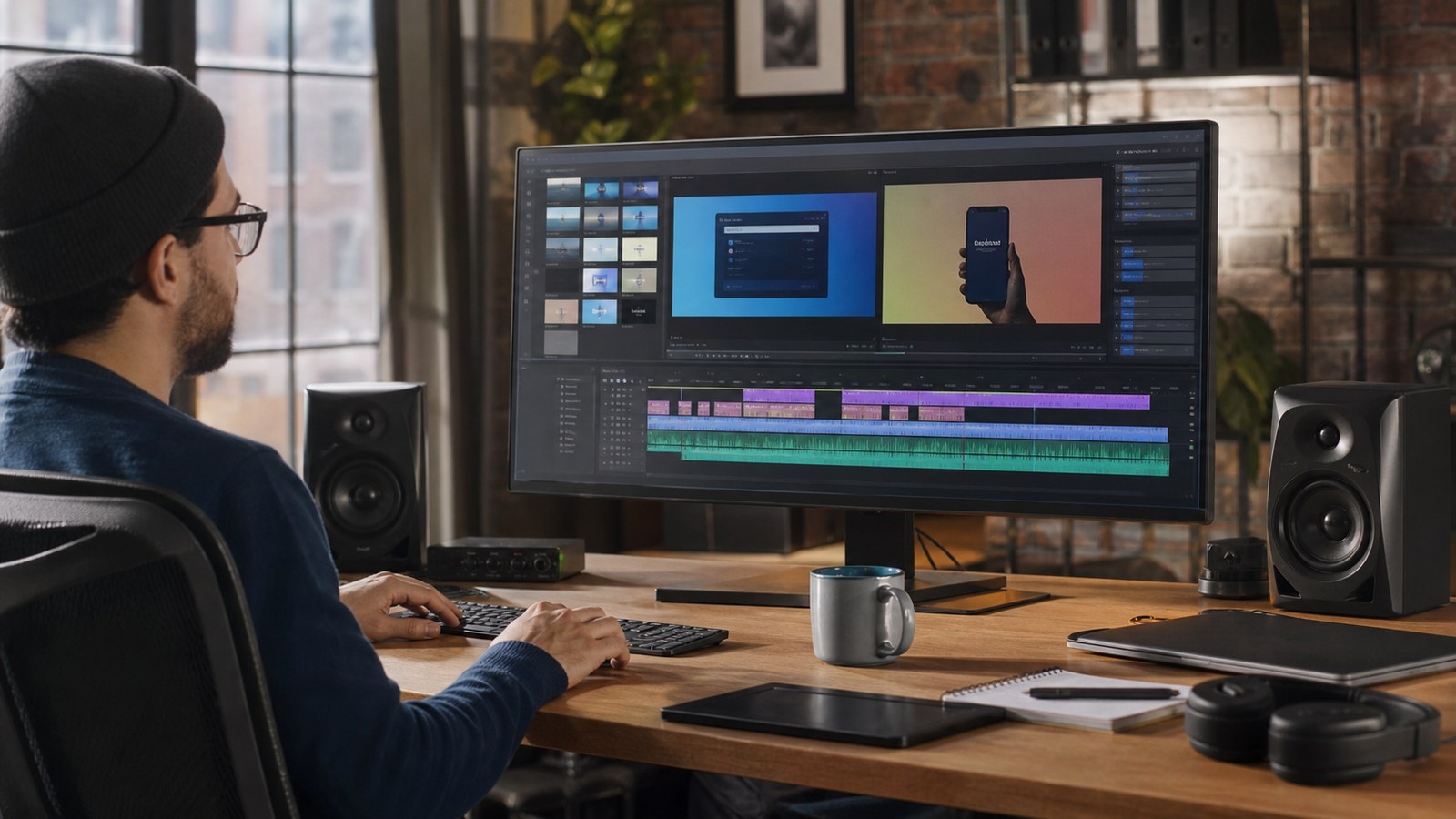
Edit for comprehension rather than maximum speed. Give the viewer time to read meaningful output. Use cursor emphasis, crops, magnification, and restrained callouts instead of constant zooming. Deliver captions, a clean master, channel-specific crops, thumbnails, and editable project files when future updates are expected.
How Long Should a Generative AI Product Demo Be?
A homepage or paid-media version often works best at 30 to 60 seconds because it needs to communicate relevance and one proof point quickly. A landing-page or sales-enablement demo may run 60 to 120 seconds. Technical evaluation, onboarding, or implementation content can be longer, but it should be divided into focused chapters instead of one uninterrupted tour.
Runtime follows audience intent. A senior buyer may need the outcome, guardrail, and integration. An administrator may need settings and governance. An end user may need the exact task. Building separate edits from a shared source package usually performs better than asking one video to serve every role.
How Do You Keep the Demo Current After the Product Changes?
Plan for change before recording. Keep narration independent from fragile labels when possible. Capture interface sections as modular scenes. Store source recordings, callout graphics, audio, captions, fonts, and brand elements in an organized library. Avoid baking release dates or temporary UI details into every shot.
Create a change map that identifies which scenes depend on navigation, model behavior, plan limits, integrations, or policy language. When a release changes one of those dependencies, the team can review the affected scenes instead of watching every frame. For fast-moving products, schedule a quarterly or major-release audit.
What Metrics Show Whether the Demo Works?
Match measurement to the video’s job. For top-of-funnel content, track qualified play rate, completion, CTA clicks, and landing-page conversion. For sales enablement, measure influenced opportunities, follow-up questions, and whether the demo shortens repeated explanations. For onboarding, track task completion, support demand, and feature adoption.
Qualitative evidence matters too. Ask viewers to describe what the product does, what they would trust it to do, and what remains under human control. If those answers differ from the product team’s intent, the demo needs revision even when view counts look healthy.
Why Choose Austin Visuals for AI Software Demo Video Production?
Austin Visuals approaches AI demos as evidence design. The team identifies the product behavior that earns belief, then combines real interface capture with motion graphics, diagrams, 3D visualization, voiceover, and editing only where each method improves understanding. This keeps the product at the center while making hidden processes legible.
The studio can coordinate product, technical, marketing, and compliance reviews through staged approvals. Scripts establish claim boundaries. Storyboards define what is shown. Animatics test timing before finishing. Final review checks interface accuracy, narration, captions, data hygiene, and channel requirements.
For related planning, explore Austin Visuals’ AI product explainer video guide and U.S. animation production services.
Our Clients include:
Conclusion
A generative AI software demo video succeeds when the viewer can follow a real task from source to outcome and understand where the system helps, where evidence comes from, and where a person remains in control. One focused proof is more persuasive than a catalog of features.
Build the script around an audience decision, record a stable and approved workflow, show trust signals inside the product, include a graceful recovery path, and organize the production for future updates. That structure creates a demo that can support marketing, sales, onboarding, and product education without overstating what the AI can do.
Contact us at info@austinvisuals.com or call (512) 591-8024.
Frequently Asked Questions
What is a generative AI software demo video?
It is a video that shows how a generative AI product uses prompts or source material to create an output, how the user evaluates or changes that output, and how the result moves into a useful business workflow.
How is an AI demo different from a regular software demo?
An AI demo must explain variable output, evidence, limitations, feedback, and human control in addition to navigation and features. The audience needs an accurate mental model of when to trust the system.
How long should an AI product demo video be?
Homepage and paid-media demos commonly run 30 to 60 seconds. Landing-page and sales videos often run 60 to 120 seconds. Technical and onboarding content can be longer when divided into focused chapters.
Should an AI demo use a live product or a recreated interface?
Use authentic capture to prove current product behavior. Recreated motion can improve legibility or explain hidden processes, but it should not imply features, speed, or certainty that the real product does not provide.
How should a demo handle AI hallucinations or incorrect output?
Show the product’s warning, source check, retry, edit, escalation, or manual fallback. A controlled recovery demonstrates that the workflow can manage imperfect output responsibly.
What materials are needed to produce the video?
Useful inputs include a stable product build, approved test account, sample data, core use case, audience profile, verified claims, screen-recording access, brand assets, security guidance, and named reviewers.
How often should an AI software demo be updated?
Review it after major interface, model, integration, pricing, policy, or workflow changes. Fast-moving products benefit from modular scenes and a scheduled quarterly content audit.