AI product explainer video content helps enterprise buyers understand what an AI system does, where it fits in an existing workflow, what evidence supports its claims, and what human controls remain in place. The strongest video does not try to explain every feature. It gives one buying audience a clear map from a costly problem to a credible, reviewable outcome.
That distinction matters because an AI product is often invisible at the moment it creates value. A buyer may see a dashboard, but the important activity happens across data sources, models, APIs, rules, approvals, and downstream systems. Animation can connect those layers without pretending that a simplified visual is the software itself.
Planning an AI product explainer video?
Austin Visuals helps AI, SaaS, and technology companies turn complex workflows, product capabilities, data relationships, and human-review steps into clear visual stories for enterprise buyers.
Contact us at info@austinvisuals.com or call (512) 591-8024.
What an AI Product Explainer Video Must Communicate
An enterprise explainer should answer five questions quickly: Who has the problem? What decision or task is difficult today? What information enters the AI product? What does the product produce? How does a person review, approve, or act on the result? If any of those pieces are missing, the video may look polished while leaving a procurement team unsure about the product.
The Buyer Problem, Not a Feature Inventory
Begin with the operational friction the intended viewer already recognizes. A security leader may be overwhelmed by alerts. A logistics team may struggle to predict delays. A healthcare organization may need to organize unstructured records. A manufacturer may need earlier warning of equipment problems. The opening should establish one of these situations before introducing model names, interface elements, or technical terminology.
A useful enterprise AI explainer then shows how the product changes the work. Instead of claiming that the platform “transforms operations,” show the old sequence, the specific AI-assisted step, and the measurable decision that becomes faster or better informed.
Inputs, Processing, Outputs, and Human Oversight
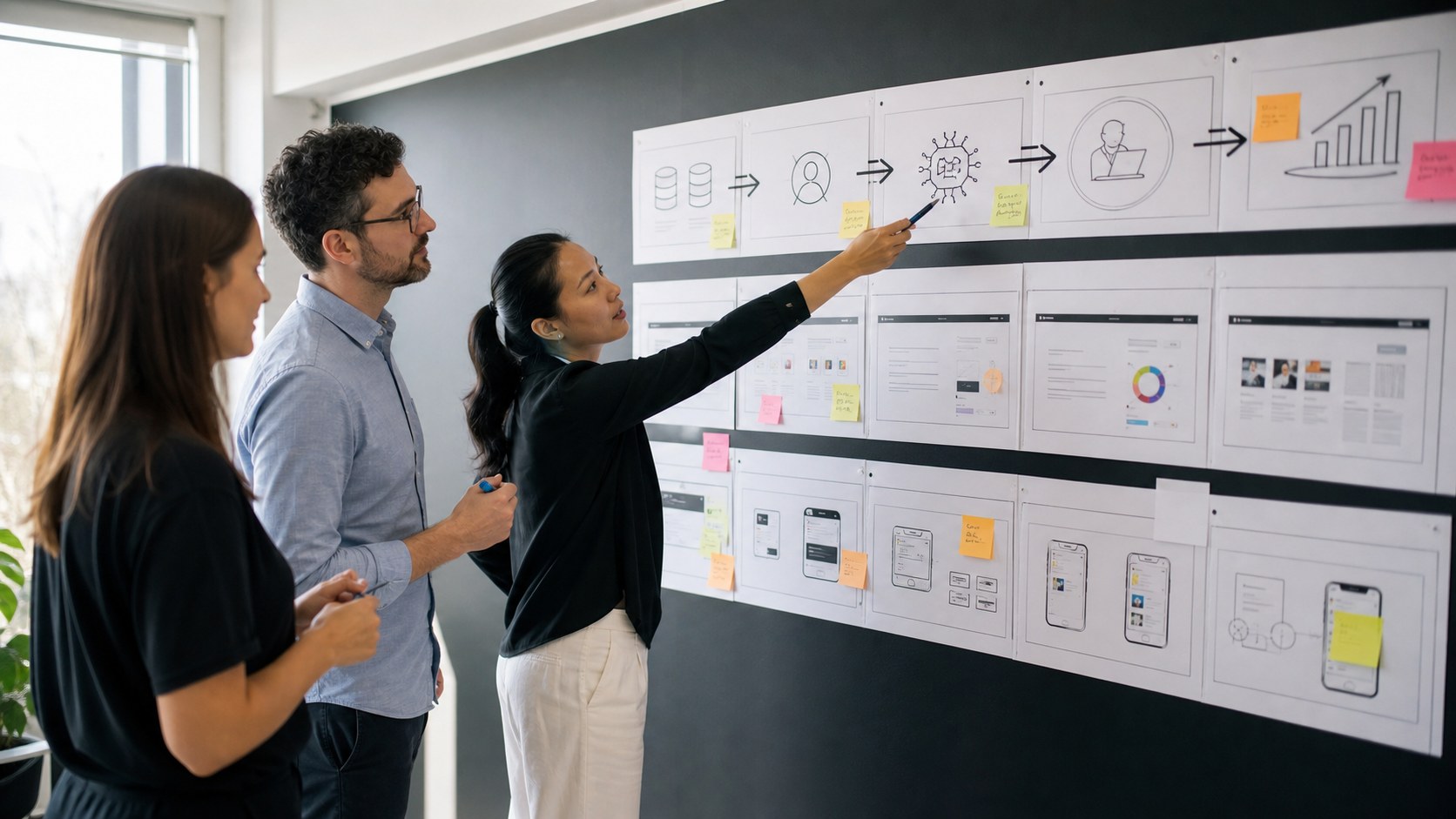
AI marketing often becomes vague around the middle of the workflow. A visual explanation should identify the input categories without exposing confidential information, show the product’s role at an appropriate level of detail, and make the output concrete. Depending on the product, that output might be a ranked recommendation, generated draft, anomaly flag, forecast, extracted field, or automated action.
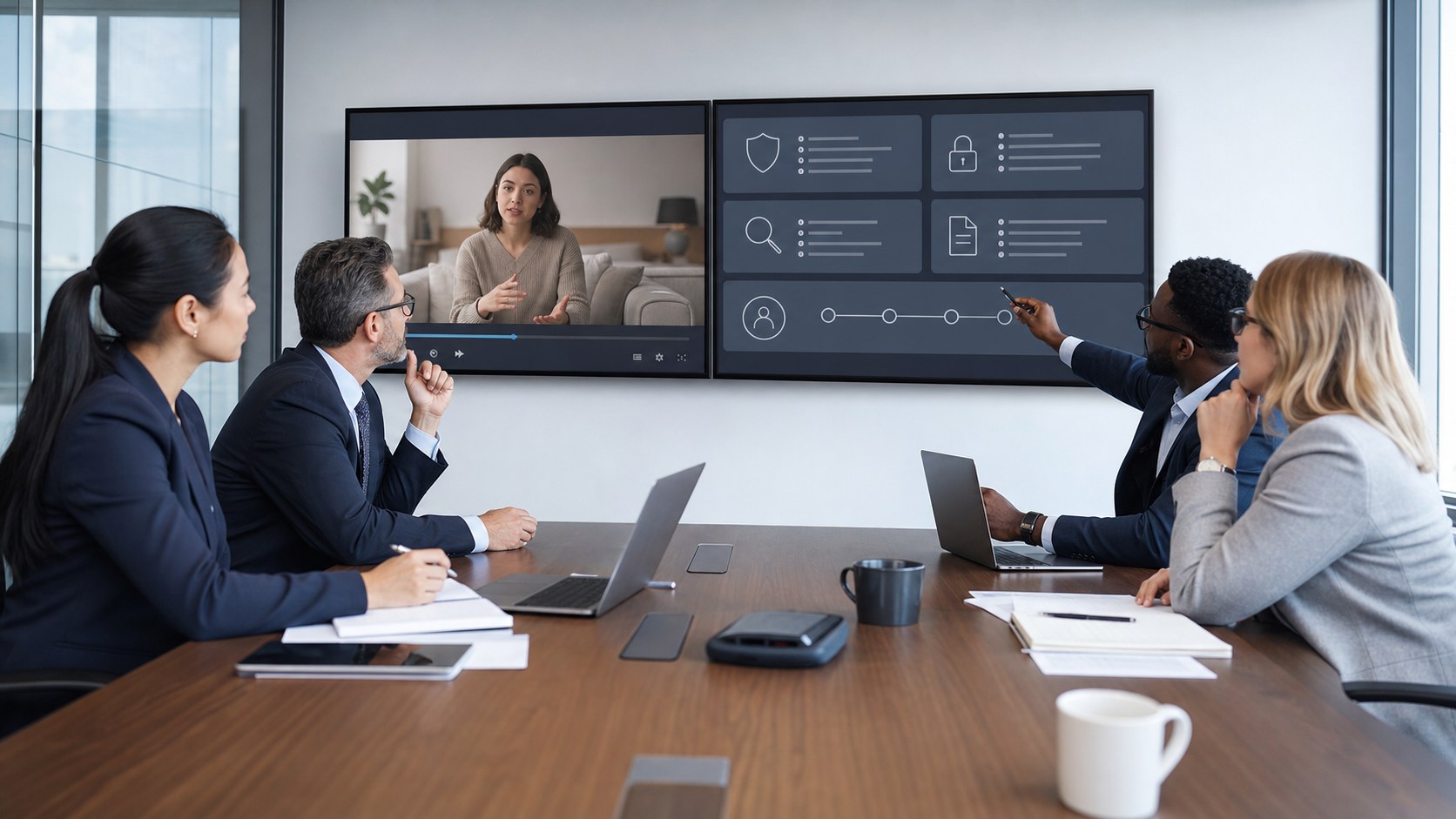
Human oversight should be visible when it is part of the real system. A review screen, confidence indicator, approval step, exception path, or audit trail can communicate more trust than a glowing abstract brain. These details also help sales, product, security, and legal teams discuss the same workflow.
How to Structure the Story for Enterprise Buyers
A practical script can be organized as a sequence of buyer questions rather than a tour of every screen.
Opening: Establish Relevance in the First 10 Seconds
Name the audience and the problem immediately. A strong opening might show a team reconciling conflicting data, a backlog growing faster than analysts can review it, or a customer waiting while several systems are checked. The viewer should recognize the business condition before the product logo becomes the center of attention.
Middle: Show One Complete Workflow
Choose one representative use case and follow it from input to outcome. Show where data comes from, where the AI product enters the process, what the user sees, and what happens next. A complete narrow story is usually more persuasive than six incomplete feature demonstrations.

Proof: Explain Why the Viewer Should Believe the Claim
Enterprise buyers need more than a promise. The video can introduce approved performance measures, customer outcomes, integration capabilities, security controls, implementation steps, or a brief customer example. Every claim should be traceable to material the company is prepared to support. Avoid inventing accuracy percentages, savings, client names, or certifications for visual impact.
Close: Give the Right Next Step
The call to action should match the buyer’s stage. A homepage visitor may need a product overview or short demo. An evaluator may be ready to request a technical walkthrough, security documentation, proof of concept, or conversation with a specialist. One clear next step is stronger than several competing buttons and messages.
Choosing the Right Visual Format
2D Motion Graphics for Concepts and Business Flows
2D motion design works well for data categories, user roles, process steps, benefits, and simplified system relationships. It can stay close to a brand system and is efficient to adapt into shorter versions. This approach is useful when the product value is strategic or procedural rather than dependent on a physical object.
Interface Animation for Product Behavior
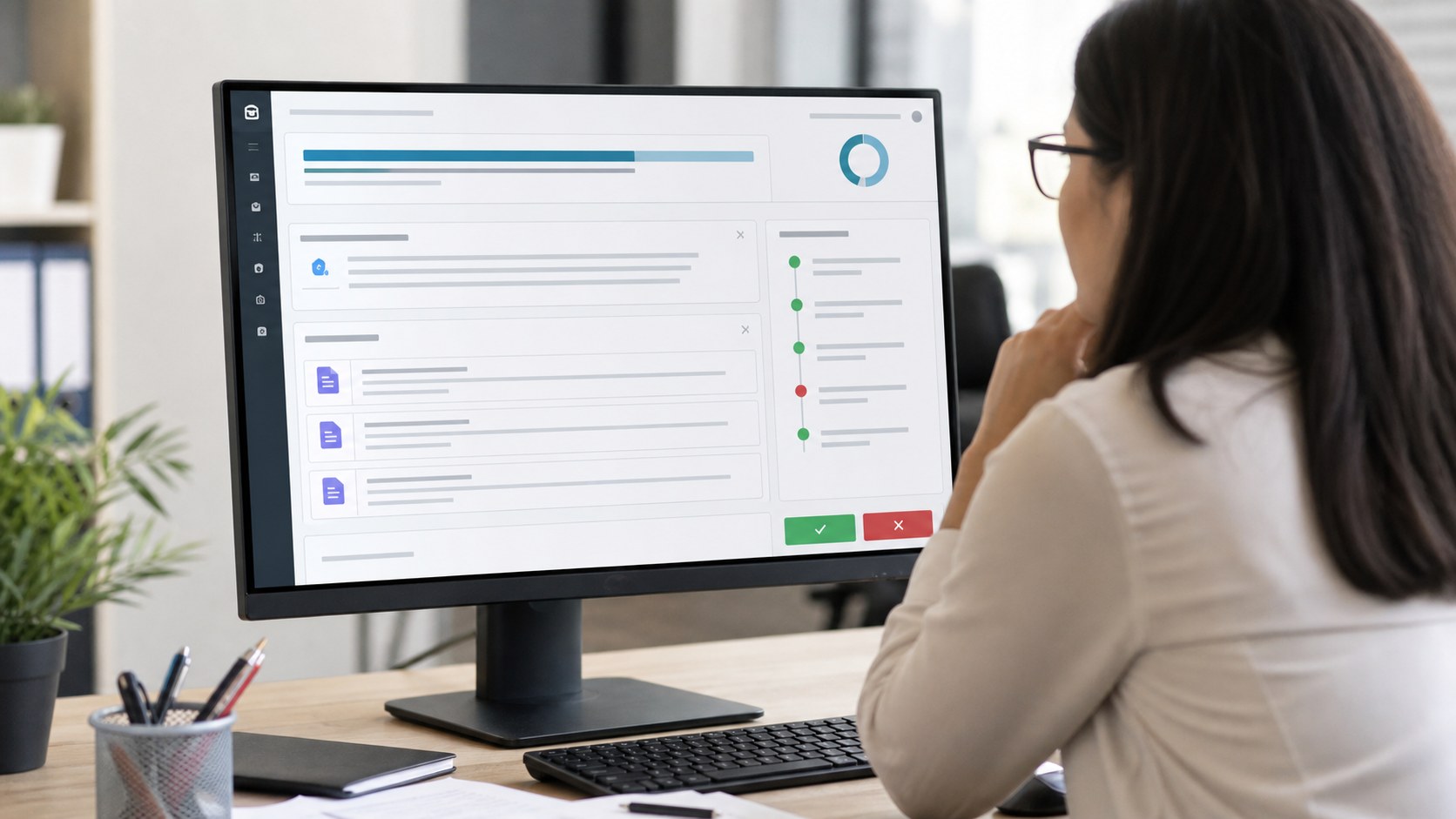
A SaaS AI product video often benefits from a combination of real interface capture and controlled interface animation. Capture proves that the product exists, while animation can direct attention, remove test data, enlarge small controls, and connect several screens into a clean narrative. The final visuals should preserve the real sequence and avoid demonstrating features that are not available.
3D Animation for Physical Systems and Spatial Relationships
3D is valuable when AI interacts with equipment, facilities, vehicles, medical devices, robots, or geographically distributed systems. A cutaway can connect sensor data to a physical location. A digital-twin sequence can show where a prediction applies. Camera movement can clarify spatial relationships that a dashboard alone cannot communicate.
Live Action and Hybrid Production for Credibility
Executives, engineers, clinicians, operators, and customers can provide human context that pure animation cannot. A hybrid video may begin with a real work environment, use motion graphics to explain an invisible process, show the interface, and return to a person making the final decision. This is often effective for products whose value depends on collaboration and trust.
AI-Generated Visuals as a Controlled Production Tool
Generative video can support concept exploration, backgrounds, transitions, or selected scenes, but it should not introduce factual drift. Product screens, regulated claims, technical geometry, brand details, and repeatable characters may require conventional design, compositing, 2D animation, or 3D production. The correct workflow may combine several methods rather than forcing the entire project through one tool.
Accuracy, Trust, and Governance
An AI explainer video for business should make sophisticated technology understandable without claiming certainty the product does not have. Words such as predicts, recommends, detects, generates, and automates are not interchangeable. The script should use the term that matches the real function.
Build a Claims Checklist Before Storyboarding
Create a review table for product claims, performance numbers, security language, customer results, integrations, and future capabilities. Identify the source and approver for each statement. This prevents a late-stage review from turning into a complete rewrite after animation has begun.
Separate Current Features From Roadmap Ideas
Product teams naturally want to present the most exciting future state. If a roadmap capability appears, label it clearly or place it in a distinct future-looking sequence. Do not let the visual grammar imply that a planned feature is available today.
Protect Sensitive and Regulated Information
Use synthetic or approved example data in interfaces. Confirm whether customer names, data fields, screens, model details, medical claims, or security architecture may be shown. For regulated industries, schedule legal, compliance, clinical, or technical review before final rendering.
Production Workflow for an AI Product Explainer
1. Discovery and Audience Definition
Define the viewer’s role, level of technical knowledge, buying stage, current workflow, primary objection, and desired next action. Collect product documentation, interface access, approved claims, brand standards, sales-call notes, and examples of questions buyers repeatedly ask.
2. Message Architecture and Script
Reduce the brief to one problem, one workflow, one outcome, and one call to action. Read the narration aloud and remove sentences that repeat the visual. Technical terms should remain when the audience expects them, but each one should earn its place.
3. Storyboard and Style Frames
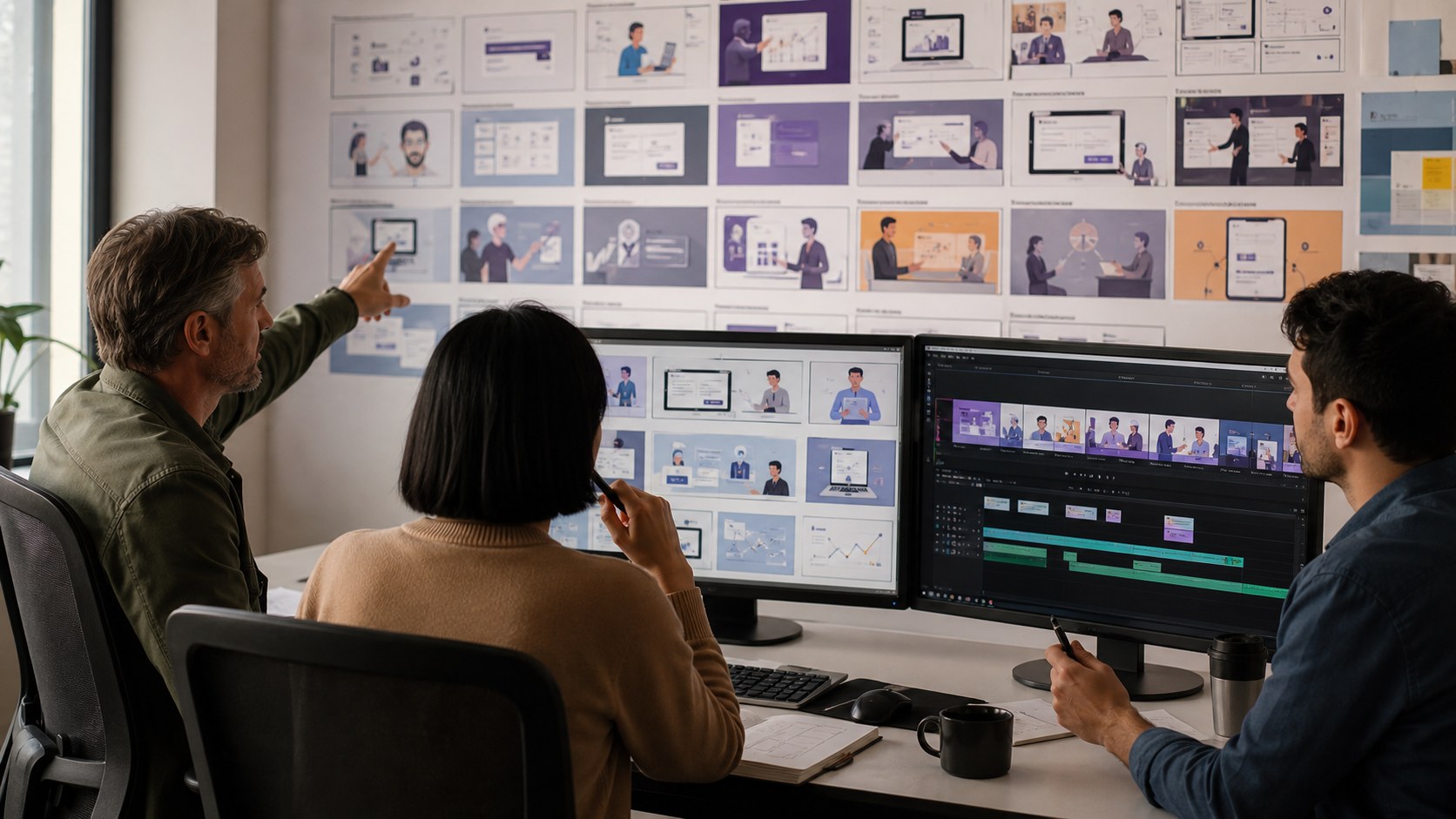
Map every spoken claim to a visual source. The storyboard should distinguish actual interface capture, recreated interface elements, diagrams, 3D scenes, live-action footage, and conceptual visualization. Before these visual decisions are locked in, tools like invideo Agent can help teams create a storyboard to explore sequencing, pacing, and visual direction ahead of final production. Style frames establish color, typography, depth, icon treatment, and realism before the full video is animated.
4. Animatic and Technical Review
An animatic combines storyboard frames with temporary narration and approximate timing. It lets stakeholders test the explanation while changes are still inexpensive. Product and subject-matter experts should verify sequence, terminology, inputs, outputs, and limitations at this stage.
5. Animation, Audio, and Delivery
After approval, the team produces final animation, compositing, voiceover, music, captions, and sound design. Delivery may include a master video, landing-page version, silent-captioned cut, sales-deck clip, vertical social edit, thumbnail, and still frames. Planning these formats early prevents important text or interface details from being cropped later.
Budget and Timeline Considerations
Cost depends on runtime, original design, interface recreation, 3D modeling, live-action production, number of scenes, technical review, voice talent, revisions, and delivery versions. A concise motion-graphics explainer may begin in the low thousands, while a custom enterprise production with 3D, live action, multiple stakeholders, or regulated review can cost substantially more.
A focused 60- to 90-second animation often requires several weeks from discovery through delivery. Complex technical review, new 3D assets, filming, localization, or multiple approval groups can extend the schedule. A proposal should identify milestones, review windows, included revisions, source responsibilities, and final formats rather than promise speed without assumptions.
Why Choose Austin Visuals for an AI Product Explainer Video?
Austin Visuals is useful when an AI product needs more than a screen recording. The studio can combine strategy, scriptwriting, storyboards, interface animation, 2D motion graphics, 3D visualization, voiceover, editing, and AI-assisted production within one coordinated workflow.
The team has worked across technology, healthcare, energy, engineering, manufacturing, and corporate communication, where an explanation must satisfy both nontechnical decision-makers and subject-matter experts. That background supports AI products connected to physical equipment, scientific processes, enterprise systems, or regulated workflows.
Austin Visuals can also design a reusable visual system rather than a single isolated video. Approved interface treatments, diagrams, 3D assets, icons, and scene components can support product launches, sales presentations, onboarding, trade shows, social edits, and later feature releases. Learn more about the studio’s AI video production services and animation video production process.
Our Clients include:
Conclusion
An AI product explainer video succeeds when it gives an enterprise buyer a credible mental model of the product. Lead with the buyer’s problem, show one complete workflow, distinguish fact from abstraction, reveal meaningful human controls, and support important claims. Select 2D, interface animation, 3D, live action, or AI-generated visuals according to what must be understood rather than what looks fashionable.
Ready to explain your AI product clearly to enterprise buyers?
Austin Visuals can develop the strategy, script, storyboard, interface animation, 2D or 3D visuals, voiceover, and delivery versions needed for a credible product story. Whether you need a focused launch video or a reusable sales-content system, we can help.
Contact us at info@austinvisuals.com or call (512) 591-8024.
Frequently Asked Questions
What is an AI product explainer video?
An AI product explainer video is a short visual story that shows what an AI product does, who uses it, what information enters the system, what output it produces, and how that output supports a real decision or workflow.
How long should an AI product explainer video be?
Many product-overview videos work well at 60 to 90 seconds. A complex enterprise workflow may need up to two or three minutes. The correct length is the shortest runtime that can explain one complete use case without omitting information a buyer needs.
How much does an AI explainer video cost?
A short motion-graphics production may start in the low thousands. Custom 3D, interface recreation, live-action filming, technical review, multiple versions, or regulated claims can move the budget into the tens of thousands. A detailed scope is more reliable than a per-minute estimate.
Should an AI product video show the real interface?
Use the real interface when it helps buyers understand the workflow and the screens are approved for public use. Controlled interface animation can enlarge details, protect sensitive data, and improve pacing, but it should not demonstrate unavailable functions.
Can generative AI create the entire explainer video?
It can support portions of production, but a fully generated workflow may struggle with consistent interfaces, exact product behavior, repeatable characters, technical geometry, and approved claims. Many enterprise projects benefit from a hybrid of AI tools and conventional design, animation, editing, and review.
What should an enterprise team provide to the animation studio?
Provide the target audience, product objective, approved messaging, interface access or captures, workflow diagrams, brand files, source documents, claims evidence, security restrictions, desired runtime, delivery formats, deadline, and a list of reviewers.
How can an AI explainer video support sales?
Sales teams can use the video on landing pages, in outreach, before demonstrations, inside presentations, at trade shows, and as a follow-up asset. A shared visual model helps product champions explain the product to security, finance, operations, and executive stakeholders.