Industrial automation video is footage, animation, or a mix of both that shows how an automated system moves material, makes decisions, and keeps people safe, so a buyer or operator can understand it without standing next to the machine. A good one follows the product through the cell, explains what each station does, and makes the control logic visible where it matters. Austin Visuals produces 3D animation and video for manufacturers, integrators, and equipment builders that need to explain complex systems to people who make purchasing or operating decisions.
This guide covers what to show, how to plan different versions for buyers and operators, which production method fits which message, and how to keep the result technically accurate through review. Each section can be used on its own as a planning checklist.
Planning a video for a robotic cell, conveyor line, or packaging system? Tell Austin Visuals what your audience needs to understand.
What an Industrial Automation Video Needs to Explain
An automated system is hard to understand from photos. A still image of a robotic cell shows guarding, a robot, and some conveyors. It does not show the sequence: where a part enters, how it is identified, what the robot does with it, what happens when a sensor detects a problem, and where the finished part leaves.
That sequence is what most viewers want to see. A plant engineer wants to know how the system fits the existing line. An operations manager wants to understand throughput constraints and changeover. A maintenance lead wants to know how people get access to the equipment. A video that answers those questions in order is far more useful than a montage of moving parts set to music.
Before any production starts, write one sentence that describes the job of the video. For example: “Show a packaging manager how the palletizing cell handles three case sizes and where operators interact with it.” That sentence becomes the test for every scene. If a shot does not help answer it, it probably belongs in a different version.
Buyers and Operators Need Different Videos
The same automation system is explained to very different people, and they rarely need the same cut. A sales video for a buyer and a training video for an operator can share models and footage while telling different stories.
| Audience | What they need to understand | Useful format |
|---|---|---|
| Executive or plant buyer | What problem the system solves and how it fits the facility | Short overview, 1 to 3 minutes, with a clear layout view |
| Engineer or evaluator | Station sequence, interfaces, utilities, and constraints | Longer technical walkthrough with labeled 3D views |
| Operator | Normal operation, start-up, changeover, and fault response | Step-by-step training modules, one task per video |
| Maintenance technician | Access points, lockout locations, and component replacement | Procedure videos that follow the approved maintenance manual |
Planning these versions before production saves money. A 3D model built once can support a sales overview, a technical walkthrough, and a set of operator modules. Adding a version after the animation is finished is possible, but it usually costs more than planning the camera angles and scene breaks for it from the start.
What to Show: Material Flow, Motion, Controls, and Safety Zones
Material flow is the backbone of most automation videos. Follow a single part or case through the system from infeed to outfeed. Viewers can hold one path in their head much more easily than a wide shot of everything moving at once.
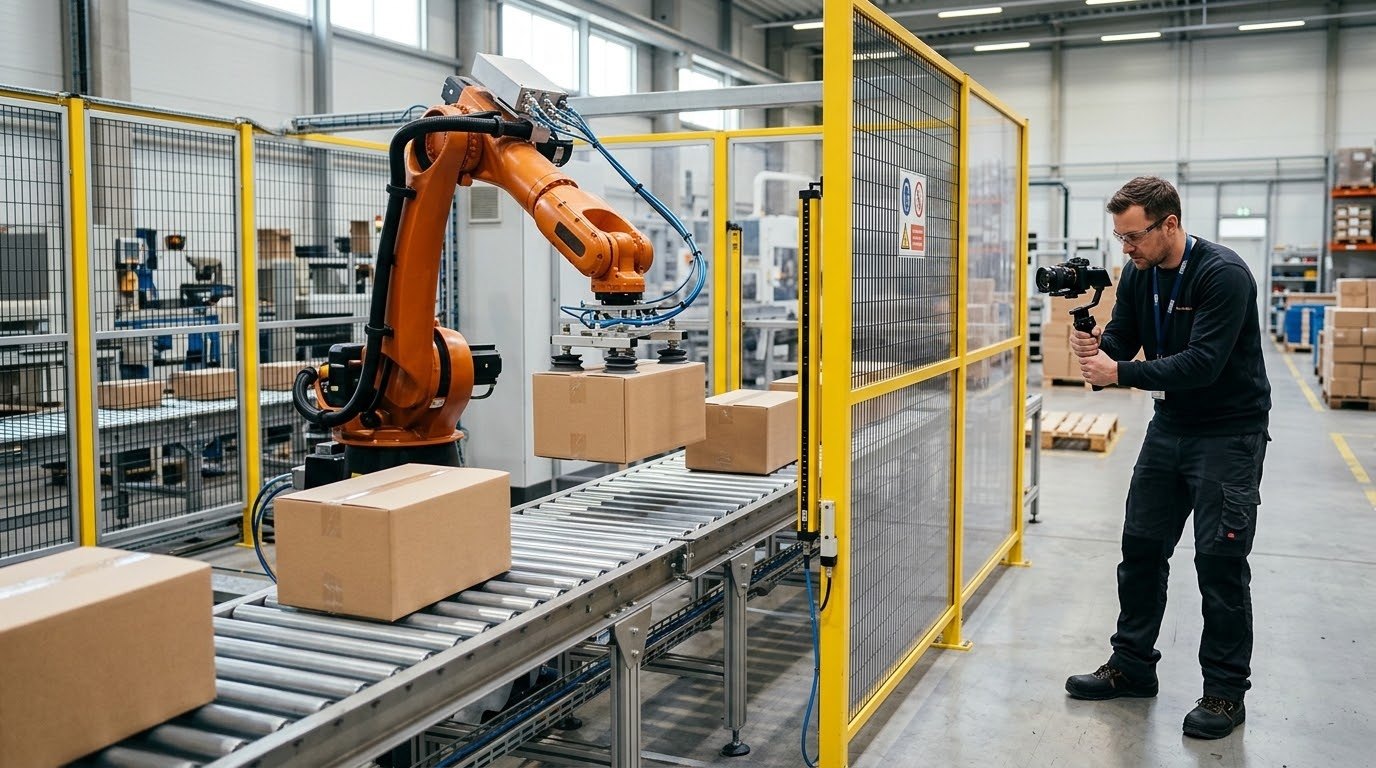
Motion comes next. Robot paths, gripper actions, indexing tables, and transfer mechanisms should be shown at a speed people can follow. Real cycle times can be too fast to read on screen, so it is common to show a step slowly first and then at real speed. If the video slows or accelerates anything, say so on screen so nobody mistakes the pace for actual performance.
Controls are often invisible, which is why automation videos benefit from simple graphics. A highlighted sensor, a short label that says “vision check,” or an arrow showing a reject path can explain logic that no camera can capture. Keep these graphics sparse. One or two callouts per scene are easier to read than a screen full of labels.
Safety zones deserve their own attention. Guarding, light curtains, safety-rated area scanners, and operator stations tell a buyer that the system was designed for real people. For training versions, those zones become the core content. Show them exactly as they exist on the approved layout, since a simplified or incorrect safety graphic can create the wrong expectation on the plant floor.
Choosing Live Action, 3D Animation, or Both
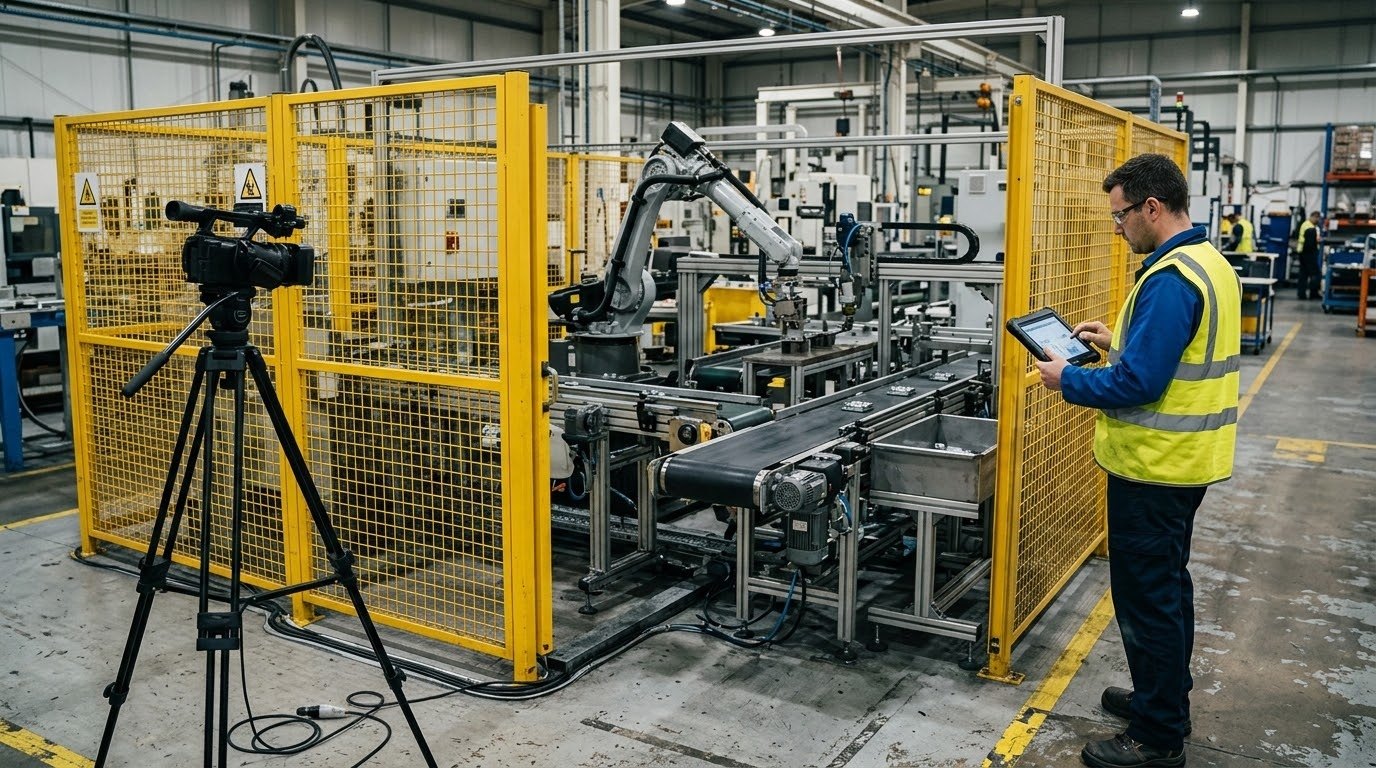
Live-action footage works well when the system already exists and the audience needs to see real equipment in a real facility. It proves that the machine runs. It also depends on access, lighting, safety escorts, production schedules, and permission to film in the plant, which can take time to arrange.
3D animation is the better choice when the system is still being built, when important parts are hidden behind guarding, or when the video needs to show a process that happens too fast or inside an enclosure. It also works for proposals, where an integrator needs to show a customer a system that exists only as CAD. Because the camera can go anywhere, animation can show a cutaway of a gripper, a top-down layout, and a close view of a sensor in the same sequence.
Many industrial automation videos combine both. Filmed footage of the facility sets the context, and an animated sequence explains what happens inside the cell. When footage and animation are mixed, match the lighting and camera style closely so the transition does not distract the viewer, and label conceptual views so they are not mistaken for recorded footage.
Inputs to Gather Before Production
The quality of an automation video depends heavily on the inputs the production team receives. Gathering them early shortens discovery and reduces revisions later.
- CAD files or 3D models of the cell, conveyors, robots, and guarding, in a format your engineering team can export.
- An approved layout drawing that shows equipment positions, safety zones, and operator stations.
- A written sequence of operations, even a simple one, that describes each station and decision point.
- Robot path or cycle information where available, including which moves matter to the audience.
- Existing photos or footage of the system, or of similar equipment, for material and color reference.
- A list of claims the video will make about capacity, flexibility, or safety, with the source for each.
- The names of the people who will approve technical accuracy, safety content, and messaging.
Not every project has all of these. A proposal video for an unbuilt system might start with a concept layout and a verbal description. That is workable, as long as everyone agrees which parts of the video are conceptual and which reflect approved engineering.
How to Keep Technical Accuracy Through Review
Automation videos are easy to get slightly wrong. A robot that reaches through guarding, a conveyor that runs the wrong direction, or a sensor in the wrong position may look fine to a marketer and immediately wrong to an engineer. Those errors cost credibility with exactly the audience the video is meant to persuade.
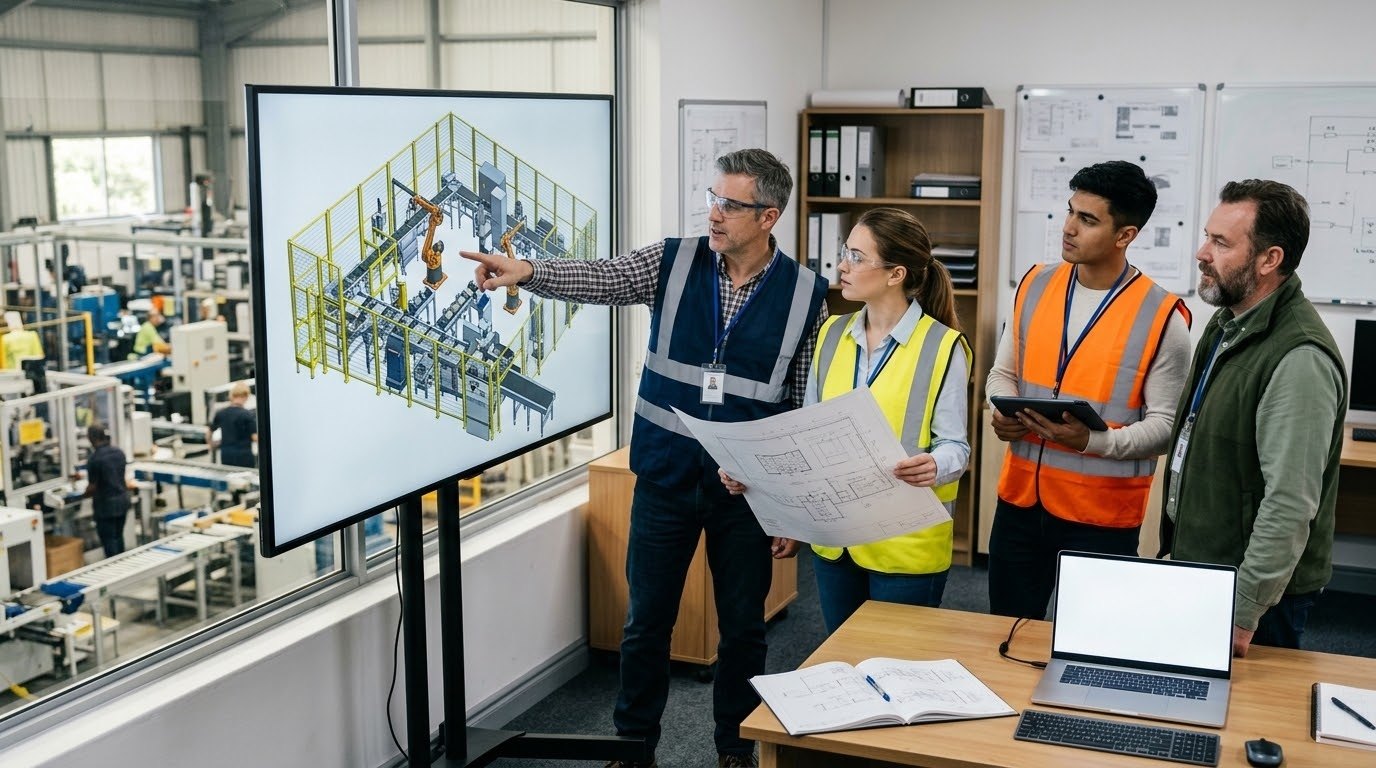
Review in stages. Approve the script and sequence of operations before any animation starts. Approve a storyboard or rough layout pass before detailed modeling. Approve motion in a low-detail preview before final rendering. Each stage should be checked by the person who actually knows that part of the system, usually a controls or applications engineer.
Consolidate feedback in one document. When sales, engineering, and safety reviewers send separate comments, they sometimes contradict each other, and the production team cannot tell which is final. One reviewer who resolves internal disagreements before sending notes keeps the schedule predictable.
Finally, keep performance claims tied to evidence. If the narration mentions a cycle time or throughput figure, it should come from a test, a specification, or a customer-approved result, along with the conditions it applies to. If the number is not confirmed yet, describe the capability qualitatively instead.
Where Automation Videos Get Used
A single automation video can work in several places, and each one has different requirements. Trade show screens often play without sound and are seen by people walking past, so they need strong visuals and short on-screen text. Proposal videos go to a small group of decision makers and can run longer with more detail. Website versions need a clear opening that tells visitors they are in the right place.
Training versions have their own needs. Operators benefit from short modules that cover one task, such as start-up, changeover, or clearing a jam, so they can find and replay the part they need. These modules should follow the approved operating procedure word for word where safety is involved, and they should be updated when the procedure changes.
List every intended use in the production brief. Aspect ratios, caption styles, lengths, and file formats are much easier to plan at the start than to retrofit after delivery.
How Austin Visuals Helps With Industrial Automation Video

Austin Visuals provides industrial 3D animation services for companies that need to explain machinery, manufacturing systems, and technical processes. For automation projects, the work typically begins with the audience, the sequence of operations, and the engineering files the team can share.
For systems with hidden mechanisms or complex motion, 3D technical animation can show views that filming cannot reach, including cutaways, layouts, and slowed-down sequences. For sales and trade show use, B2B 3D animation can turn the same models into shorter pieces for buyers. Projects can also combine animation with filmed footage when the system is already running in a facility.
To start a conversation, gather your CAD or layout files, a short description of the sequence, the audiences you need to reach, and the names of your technical reviewers. You can also browse Austin Visuals video examples to compare production approaches.
Our clients include:
Plan an Industrial Automation Video People Can Follow
An effective industrial automation video follows the product through the system, shows motion at a pace people can read, and makes controls and safety zones visible. Plan separate versions for buyers, engineers, and operators, gather engineering inputs early, and review accuracy at each stage with the people who know the system best. That approach produces a video that sales teams can use with confidence and operators can learn from.
Frequently Asked Questions
What is an industrial automation video?
An industrial automation video explains how an automated system works, using footage, 3D animation, or both. It usually follows material through the system, shows each station’s job, and makes controls and safety zones visible to buyers, engineers, or operators.
Should an automation video use animation or real footage?
Use real footage when the system exists and the audience needs to see it running in a facility. Use 3D animation for unbuilt systems, hidden mechanisms, or fast processes. Many projects combine both, with animation explaining what the camera cannot show.
What files do I need to create an automation animation?
CAD models of the equipment, an approved layout drawing, and a written sequence of operations are the most useful starting points. Robot path information, reference photos, and a list of approved claims also help the production team work accurately.
How long should an industrial automation video be?
Length depends on the audience. Buyer overviews are usually one to three minutes, technical walkthroughs can run longer, and operator training works best as short modules that each cover one task, such as start-up, changeover, or clearing a fault.
Can one automation video serve sales and training?
One set of 3D models and footage can support both, but the edits should differ. Sales versions focus on the problem solved and system fit, while training versions follow approved procedures step by step and are updated when those procedures change.
How do you keep an automation animation technically accurate?
Build from approved engineering files, review in stages from script to final render, and have controls or applications engineers approve each stage. Consolidate feedback from all reviewers, and support any performance claim with test data or specifications.
Related Articles
- 3D Animation for Heavy Equipment Manufacturing Processes
- How an Animated Video Agency Helps Explain Warehouse Automation
- Industrial Advertising Animation: How Manufacturers Use 3D Video
- How to Create Accurate Technical Animations