Non profit video storytelling explains a mission through a specific person’s experience, a visible piece of work, and evidence of what changed. A useful film gives the viewer enough context to understand the need, the organization’s contribution, and a relevant next step without exaggerating the result.
The planning problem is usually choosing what to leave out. A program director wants the full history included. A fundraiser needs a clear appeal. The person being interviewed may care about something the original brief barely mentions. Those priorities need a conversation before anyone switches on a camera.
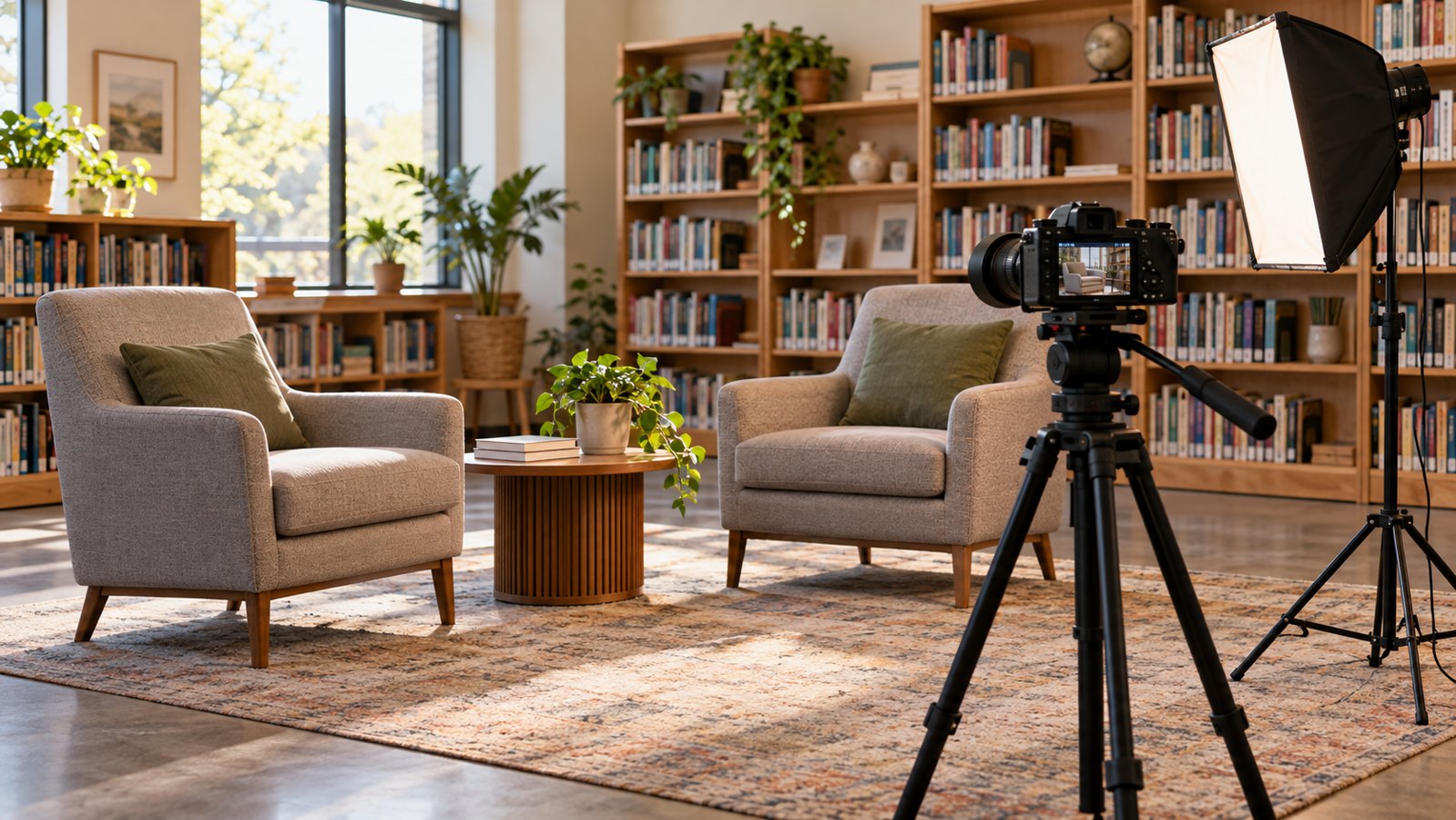
Austin Visuals’ interview work offers a useful reference for planning a conversation on camera. For a nonprofit, the preparation also needs to establish how contributors want their experiences represented and what the organization’s records can substantiate.
Give non profit video storytelling one clear purpose
Start with the decision the viewer should be able to make after watching. A film asking local people to volunteer needs different information from a film reporting progress to existing donors.
Write a short brief that names the audience, the question the film answers, and where it will appear. Be specific about the audience’s starting knowledge. A long-time supporter may recognize the program name; someone encountering a social post probably will not.
For example, a fictional community garden could make a volunteer recruitment film showing what a Saturday shift involves. An update for its funders could instead explain which beds were restored, what access problems remain, and how the next season is being planned. Combining both purposes may leave too little room to answer either audience’s questions.
Decide who owns the final editorial approval. Program staff should check the work being described, while communications staff check whether the intended audience can follow the story. Agreement on that division helps prevent a late request to turn a focused film into a complete organizational overview.
The gerontology explainer in Austin Visuals’ portfolio states its communication purpose before presenting practical guidance. Around 1:31, the narration identifies the audience and the kind of conversation it will address. A nonprofit brief can use that same discipline: name the viewer and the question the film will help answer. This is an educational communication example, not evidence of a fundraising result.
Choose a story that can be supported on screen
Choose a story with observable details and someone willing to describe their own experience. A compelling premise still needs footage, context, and permission to use the material.
Before selecting an interviewee, ask what the team can actually record. A volunteer can explain how a garden is maintained, and the camera can show the tools, watering routine, and shared spaces. A claim about neighborhood health would require different evidence. The visual appeal of the garden cannot establish that outcome by itself.
Before commissioning a film, identify the material available for each part of the story:
| Story element | Planning question | Material to gather |
|---|---|---|
| Person or perspective | Whose experience helps explain this work? | A voluntary interview and relevant background |
| Situation | What was happening at the time? | Dates, locations, and specific context |
| Work undertaken | What did the organization actually do? | Activity footage and confirmed program information |
| Observed change | What can the available evidence support? | Approved records or a clearly attributed personal account |
| Unfinished work | What remains unresolved? | A precise explanation of the next need |
A story can end with work still in progress. That is often more useful than a neatly resolved ending that the facts do not support. If the subject changes direction during research, revise the brief before booking a full filming day.
Agree on participation before recording
Discuss participation in plain language before gathering an interview or identifiable footage. Explain the intended story, audience, distribution channels, and who to contact with concerns.
The Dignified Storytelling Handbook treats consent as an ongoing process and emphasizes voluntary, informed participation. It also explains that removing material from the internet after publication has limits. Those limits belong in the conversation, alongside the planned use of someone’s words and image.
Give the contributor time to ask questions, identify subjects they do not want discussed, and decide whether they want to appear. Revisit the agreement if the intended use changes. A private presentation and a public advertising campaign can reach very different audiences.
When a story involves children or sensitive circumstances, involve the organization’s safeguarding lead before planning the shoot. Sometimes a staff explanation or non-identifying visual sequence is the more appropriate approach.
Build interview questions around concrete moments
Good interview questions invite a person to describe what happened in their own words. Ask about a particular task, conversation, or decision before asking for an overall assessment.
For a garden volunteer, useful prompts might include: What do you do when you arrive? Which part of the work took time to learn? Can you describe a day when the usual plan changed? What would you want a first-time volunteer to know?
These prompts create material an editor can connect to visible activity. A question such as “How inspiring is this program?” already suggests the desired answer. It also tends to produce language that tells the viewer very little about the actual work.
Listen for details that need clarification. If someone says “things improved,” ask what improved and when. If they mention another organization, establish its role. Avoid coaching someone to attribute every change to the nonprofit when their account includes other sources of support.
Leave pauses after answers. An interviewee may remember a useful detail once they have finished the first version of a story. Keep a record of names and unfamiliar terms so the editor can check captions and pronunciation later.
Use an interview example to plan different perspectives
A film with several contributors needs a reason for each person to speak. Assign a different question to each perspective so the edit can develop the story without repeating the same endorsement.
In the Allata Combo Interview Video produced by Austin Visuals, the opening speaker describes a technology migration problem. Later speakers discuss the working relationship and how the team approaches client problems. Their comments address different parts of the account. The portfolio entry identifies this as an interview project; it is a commercial example, not a nonprofit fundraising case.
A nonprofit team can use that division of perspectives when planning its own interviews. A volunteer might explain a recurring task, while the program coordinator explains how that task fits the service. Each person should speak from direct knowledge. Ask for concrete examples before requesting a broad statement of support, and keep disagreements or limits that affect the meaning.
Plan footage that explains the work
Supporting footage should show the activity being discussed and establish where it takes place. A collection of attractive shots can leave a story unclear if none of them explains the process.
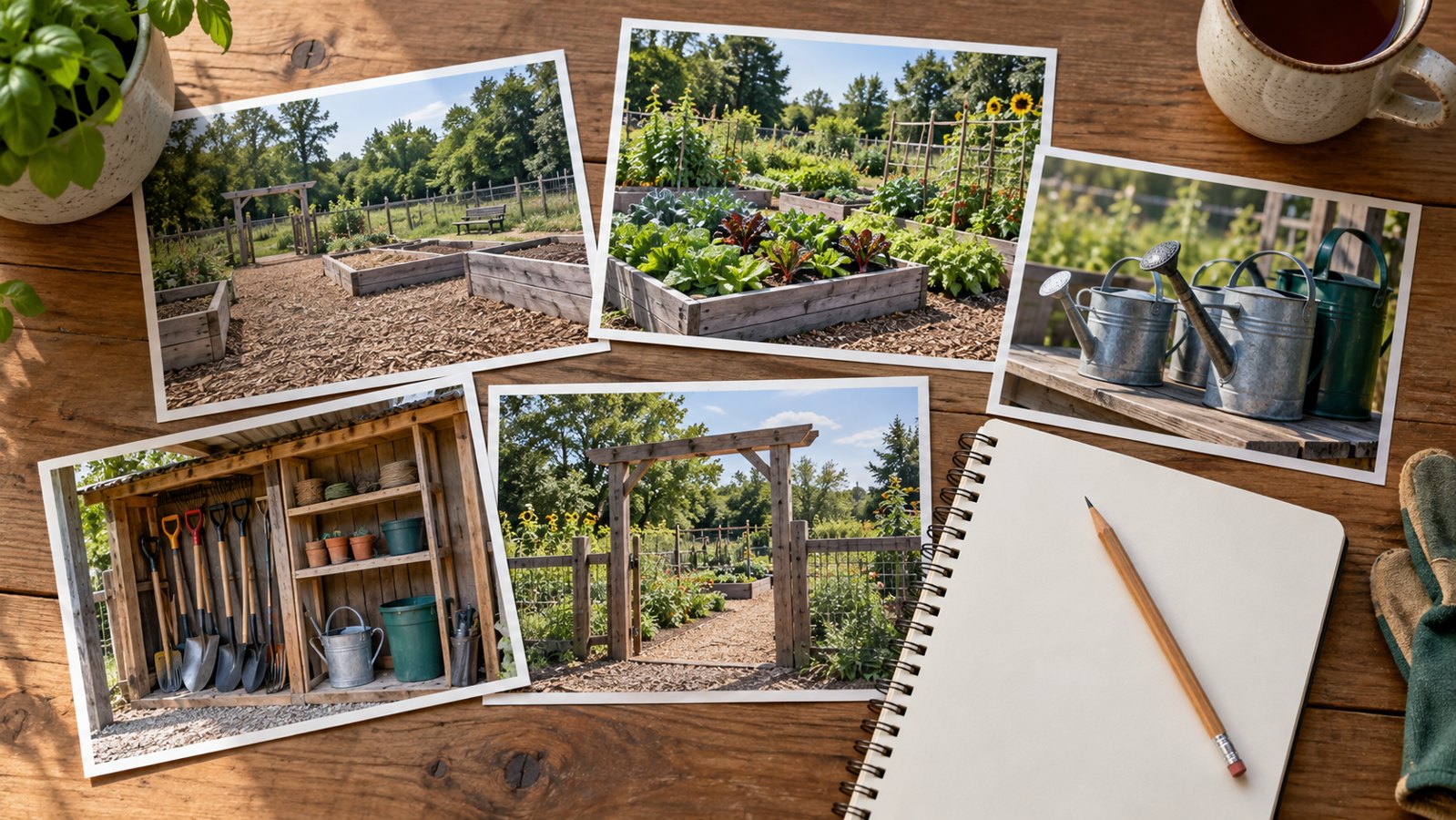
Make a shot list from the interview plan. In the fictional garden example, an entrance establishes the location, a wide view shows the layout, and a close view of a watering task explains part of the volunteer routine. Record enough of each action for the editor to preserve a sensible sequence.
Check sound before the interview starts. Listen through headphones for traffic, ventilation, or a refrigerator cycling on. A quiet room with a simple background can be more useful than a visually impressive space where speech is difficult to understand.
Record ordinary activity without suggesting that the camera captured an event it did not. If an action is demonstrated for filming, make sure the edit does not present it as evidence of a separate historical event. Clearly label reconstructed or illustrative material when its nature would otherwise be misleading.
Nonprofit video production also needs a realistic asset plan. List existing footage, photographs, music, graphics, and the permissions associated with each. An attractive image found online is not automatically available for a campaign.
When a process needs an explanation that location footage cannot provide, animation can supply a clearly illustrative sequence. Austin Visuals’ energy-conservation explainer organizes its narration around familiar household actions, including curtains and ceiling fans. For a nonprofit film, the useful reference is the connection between a spoken action and its visual explanation. It should not be presented as footage of the nonprofit’s work or proof of its outcomes.
Connect personal experience to verified outcomes
A personal account describes one person’s experience. Program-wide outcome claims need records that cover the population and period being discussed.
Keep those two kinds of evidence distinct in the script. A volunteer saying they enjoy their weekly shift does not demonstrate a measured improvement across everyone involved. Both a personal observation and a program result can belong in the film, provided each is identified accurately.
For every proposed number, record its source, date range, definition, and approving staff member. Check whether “participants” means unique people or total visits. Confirm whether a figure describes completed work, a target, or a projection. If the records are incomplete, narrow the wording to what can be verified.
Donor communication should also explain the contribution carefully. A grant may fund equipment while volunteers supply labor and a local partner supplies the site. The film should represent those roles fairly. Avoid language suggesting a single donation caused a result when the organization cannot establish that connection.
The broader planning questions in institutional video production are useful when several departments need to approve the same factual account.

Edit for meaning before polishing the presentation
Review the first edit for accuracy, context, and a clear sequence. Music, color work, and animated titles should follow a story that already makes sense.
A practical first cut establishes the situation, introduces the relevant perspective, shows the work, and explains the current position. The order can change if the material calls for it. A strong opening moment still needs enough context for a viewer to understand what they are seeing.
Read interview extracts alongside the surrounding transcript. Removing a qualification can turn a cautious observation into a broad promise. Also check the images under each statement: a shot of one location should not imply that it depicts another project.
Organize feedback by timecode and issue. “The name is incorrect at this point” is actionable. “Make it more emotional” needs a conversation about which idea is unclear and whether the material supports a different treatment. Consolidate comments before sending them to the editor.
When commissioning post-production work, specify who supplies transcripts, verifies facts, clears assets, and approves the final versions. These responsibilities affect the review process as much as the editing itself.
Prepare versions people can use
Plan delivery around the actual viewing environment. A film shown during an event, a website story, and a mobile social excerpt may need different framing, introductions, or closing information.
Check whether a short excerpt still represents the full story accurately. Keep essential context when removing a setup or qualification. A crop should preserve the person speaking and any meaningful action, with enough space for captions.
W3C’s guidance on accessible audio and video covers captions, transcripts, descriptions, and media players. Plan those needs early. Review automatic captions against the recording, especially names, and ensure important visual information is available to viewers who cannot see it.
Test the final upload in its intended location, including any supporting link or action button. For a volunteer film, the next page should explain how to take part. For a program update, the supporting report should be easy to find. Ask a colleague unfamiliar with the project to describe the message after watching.
Review the response and keep the story current
Evaluate the film against its original purpose and keep a record of where each version is used. Viewing numbers can describe reach, but they cannot by themselves explain whether the story helped someone act.
A volunteer campaign might review completed inquiries and the questions applicants still ask. A donor update might track visits to the linked report and the topics raised in follow-up conversations. Treat these as observations, especially when other campaign activity happened at the same time.
Assign someone to review names, program details, and links when circumstances change. Retain approved exports and the supporting records in an organized folder. Mark obsolete versions clearly so a colleague does not reuse an outdated appeal.
For the next non profit video storytelling project, save the approved brief beside the final film. Include the source for each outcome claim and the name of the person responsible for updates. That record helps a colleague decide whether an older clip still belongs in a new campaign.
Frequently Asked Questions
How long should a nonprofit storytelling video be?
Use the length needed to explain the chosen story in its viewing context. Read the script aloud, test the rough cut, and remove repetition before cutting information that makes the account understandable.
Can a nonprofit make a useful video with a phone?
Yes. A phone can record useful interviews and activity footage when sound, lighting, framing, and permissions are handled carefully. Test a short recording before committing to the full shoot.
Does every nonprofit film need a beneficiary interview?
No. A staff explanation, volunteer perspective, or documented project sequence can tell a useful story. Choose contributors according to the purpose and suitability of participation.
How can a video connect donations to results accurately?
Describe the contribution using verified program records and explain other relevant sources of support. Separate an individual’s experience from wider outcomes, and avoid claiming a causal connection the evidence cannot establish.
Can animation replace footage that is unavailable?
Animation can explain a process or illustrate a situation, but it should be identified appropriately. It cannot serve as documentary evidence that a particular event happened or that a program achieved a result.
What should the team check before publishing?
Check factual claims, names, permissions, captions, image context, and destination links. Confirm that the approved version matches the intended audience and use, and assign someone to handle future updates.