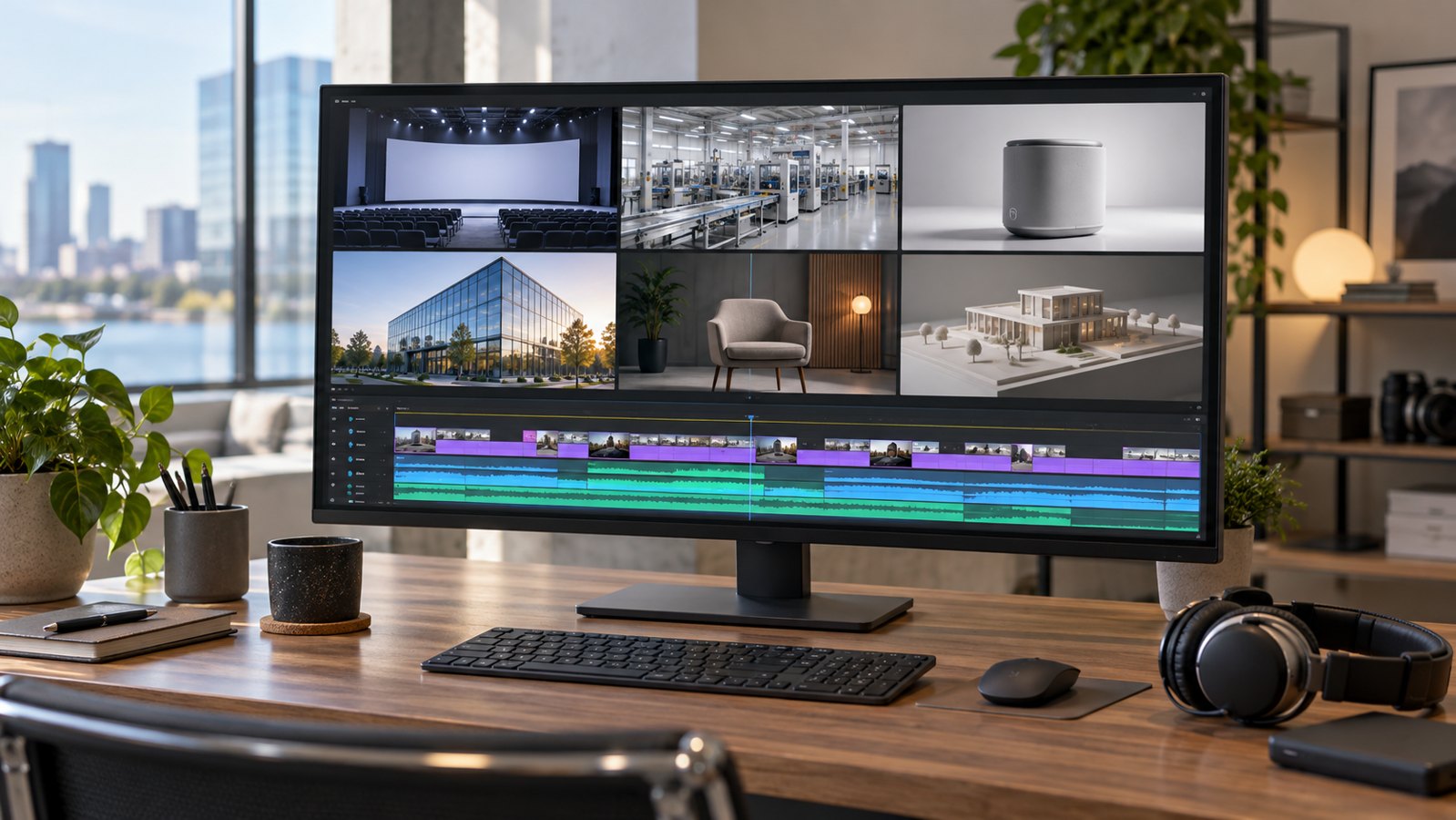
Corporate showreel videos present selected examples of a company’s work in a short, coherent sequence. Their purpose is to help a potential buyer recognize relevant capabilities and decide whether to explore a project, portfolio, or conversation in more detail.
A reel needs a clear selection principle. An impressive collection of unrelated shots can leave viewers uncertain about what the company actually delivers. Austin Visuals provides video production, animation, and post-production services that can support a reel built around a specific audience and an accurate account of the work shown.
If you have existing footage and need a focused introduction to your capabilities, discuss your showreel brief with Austin Visuals.
What should corporate showreel videos demonstrate?
A corporate showreel should demonstrate capabilities that matter to the audience watching it. The selection might emphasize production quality, the range of services delivered, or experience with a particular kind of business communication.
Define the buyer before choosing shots. A manufacturer evaluating technical animation needs to see whether complex equipment can be explained clearly. A communications director may care more about interviews, workplace filming, and the way people appear on camera.
Write the intended takeaway in plain language. For example, a fictional production team might want viewers to understand that it can combine product filming with explanatory graphics. The reel then needs convincing examples of both, with enough continuity to show how they work together.
A company showreel is an introduction to evidence. A viewer may still need a complete sample, a description of your role, or a relevant project discussion before making a purchasing decision. Place the reel where that next step is easy to find.
Choose another format when the audience needs a detailed process explanation or a company history. Those subjects can require narration and context that a rapid collection of excerpts cannot supply effectively.
Audit the footage before building the edit
Start with an inventory of usable material, including its source, technical quality, and permission status. This prevents the edit from depending on a clip that cannot be shared or no longer represents your services.
Review original exports or source footage where available. Files downloaded from previous social posts may contain heavy compression, baked-in captions, or old logos. Ask for cleaner versions before assuming the editor can remove those elements without affecting the image.
Record the company’s contribution to each project. If your team supplied animation within a larger film, describe that role accurately. A portfolio video should not imply responsibility for photography, strategy, or an entire campaign when your involvement was narrower.
| Selection question | What to inspect | Decision |
|---|---|---|
| Does this show a relevant capability? | The audience need it answers | Keep only if it supports the reel’s purpose |
| Can we show it publicly? | Approved use, confidentiality, and credits | Resolve restrictions before including it |
| Does the source hold up? | Focus, compression, color, and available framing | Use a better source or choose another clip |
| Is our role clear? | Who created each part of the project | Add concise context where needed |
| Does it reflect current work? | Services, style, and quality your team offers now | Remove misleading or outdated examples |
Keep a separate list of promising clips awaiting approval. That lets the producer assemble an alternative sequence without confusing provisional material with cleared footage. The final review should identify exactly which assets are included.

Select for relevance, then for visual strength
The strongest opening is a clear example of the work the intended buyer wants to see. Visual polish matters, but a beautiful shot from an unrelated category can establish the wrong expectation.
Compare clips against the same brief. If two examples demonstrate the same capability, keep the one that communicates it more clearly. Repetition can make a reel feel longer without increasing the buyer’s understanding.
For an illustrative technical-services reel, a useful sequence might show a finished product, an animated internal view, and a readable explanation of a process. A broad lifestyle montage may belong in another version if it does not help that audience evaluate the work.
Allow enough screen time to recognize what each example contains. An equipment animation may need a longer moment than a simple establishing shot. Cutting every image to the same beat can obscure the feature you intended to demonstrate.
Remove material that requires a lengthy explanation to seem relevant, or give it a short, accurate label. A viewer should not have to guess whether a scene is filmed, animated, or a concept visualization when that distinction affects the capability being presented.
Build a sequence with a clear opening and ending
Showreel editing should create a progression the viewer can follow. Group related capabilities, manage changes in pace, and finish with a clear identity and a practical next step.
A useful first assembly may have three broad movements: establish the type of work, develop its range through selected examples, and close with a memorable final sequence. Treat that as a planning option, not a mandatory formula.
Transitions should serve continuity. Matching movement, composition, or subject can connect different projects without elaborate effects. Use a deliberate break when the reel moves into a different service category and the viewer needs to notice the change.
Avoid a long logo animation before showing the work. A brief opening identity can help, but the audience should quickly see why the reel is relevant. At the end, leave enough time for the company name and contact route to be read.
Test the rough cut without music. The order should still make sense, even if the rhythm feels less complete. If the reel relies entirely on a dramatic track to feel coherent, revisit the footage selection and structure.
Decide length after removing repetition and checking comprehension. There is no single duration that suits a website introduction, a conference screen, and a sales meeting. Separate versions may be more useful than forcing one edit into every placement.
Plan sound, text, and accessible viewing together
Music and sound should support the visual sequence while leaving important spoken content understandable. Text should clarify a capability or credit rather than compete with the images.
Confirm that the chosen music can be used for the intended destinations before building the final edit around it. Have the responsible team verify the permitted uses and retain the relevant records. A track’s availability in an editing library does not answer every project-specific usage question.
If interview excerpts are included, preserve their meaning and provide captions. Watch for a sudden change in recording quality between clips. Consistent speech levels and a restrained music mix can make the reel easier to follow.
W3C’s accessible media guidance addresses captions, transcripts, and descriptions of essential visual information. A visual montage also needs an accessible way to communicate the capabilities it is intended to demonstrate, such as a descriptive transcript or an appropriately described version.
Check the reel with sound muted and with audio playing. These reviews reveal different problems: unreadable labels, missing context, distracting music, or spoken information that disappears in a noisy environment. Choose the delivery options that suit the actual audience.
Create versions for the places the reel will appear
Different placements need deliberate framing and messaging. A widescreen reel cannot always be cropped into a useful vertical version without losing the work it is supposed to show.
List the required orientations and viewing conditions in the brief. A website player, a presentation screen, and a mobile feed may place controls or other content over different parts of the image. Keep critical details and labels within a usable viewing area.
For a vertical edit, select shots that survive the narrower frame or create a suitable layout. Do not crop away the product, person, or diagram merely to fill the screen. A separate selection can represent the work more accurately.
At a trade show, confirm whether the reel loops, plays without sound, or appears inside a larger presentation. The ending should work under those conditions. A spoken contact invitation may be ineffective on a silent display.

Export the agreed versions with clear filenames and keep a record of the approved master. Review the actual delivery file, not only the editing timeline, to catch missing audio, unexpected crops, or incorrect graphics.
Give reviewers a useful approval checklist
Reviewers should judge whether the reel communicates the intended capabilities accurately and clearly. General reactions such as “make it more exciting” need a concrete explanation before an editor can act on them.
- Confirm the audience and the capabilities the reel must communicate.
- Verify each clip’s approval status and the company’s stated role.
- Check whether the opening establishes relevance quickly.
- Remove repeated examples and allow complex visuals enough time.
- Review text, sound, accessibility assets, and each delivery format.
- Approve a named final version and assign an owner for future updates.
Use timecoded feedback and one consolidated set of decisions. If a stakeholder wants to add another service category late in the process, decide whether the change belongs in this reel or a separate asset.
After release, assess the reel against its intended job. Relevant inquiries, requests for complete samples, and feedback from sales conversations can reveal whether the selection helps buyers. View counts alone do not explain why someone did or did not contact the company.
Revisit the reel when important capabilities or permissions change. New work should earn its place against the same selection criteria. Adding every recent project can gradually undo a focused edit.
How Austin Visuals helps with corporate showreel videos
Austin Visuals offers post-production services including editing, animation, color grading, titles, and graphics. Those capabilities can support a showreel assembled from approved existing work.
Bring the available source files, a description of your role in each project, and the audience you want to reach. Identify footage that is still awaiting permission and tell the production team where each version will be used.
If the source library has gaps, discuss whether new footage or an explanatory graphic is justified. The scope should make clear what comes from existing material and what must be created. Austin Visuals’ broader video production services can be considered when additional filming is needed.
Our Clients include:
Make the reel a clear invitation to inspect your work
Corporate showreel videos work best when every excerpt contributes relevant evidence. Select carefully, represent your involvement honestly, and make it easy for a buyer to move from the reel to a complete example or project discussion.
Ready to organize your work into a focused showreel?
Share your footage, target audience, and delivery requirements with Austin Visuals to discuss an editing plan.
Email info@austinvisuals.com or call (512) 591-8024.
Frequently Asked Questions
What is a corporate showreel video?
It is a short selection of work that demonstrates relevant company capabilities. It helps viewers decide whether to explore complete examples or discuss a project, rather than explaining every service in detail.
How long should a corporate showreel be?
Use the shortest length that demonstrates the intended capabilities clearly. Remove repetition and allow complex examples enough viewing time. Different placements may need separate edits instead of one universal duration.
Should we include every major client or project?
No. Choose work that supports the target audience and is approved for use. A recognizable client name does not make an unrelated or unclear clip useful to the reel.
Can we make a showreel from existing footage?
Yes, if the footage is suitable, available in usable quality, and cleared for the planned use. Audit source files, embedded graphics, and the company’s role in each project before editing.
Does a showreel need voiceover?
Voiceover is optional. Use it when a short explanation improves understanding. A visually led reel can use concise labels and accessible supporting information, provided viewers can identify the capabilities being shown.
When should we update a corporate showreel?
Review it when services, representative work, permissions, or contact details change. Add new projects only when they improve the selection, and keep the approved source files available for future edits.
Related Articles
- Post-production services for editing and graphics
- Planning corporate video production
- Choosing a B2B video production agency