
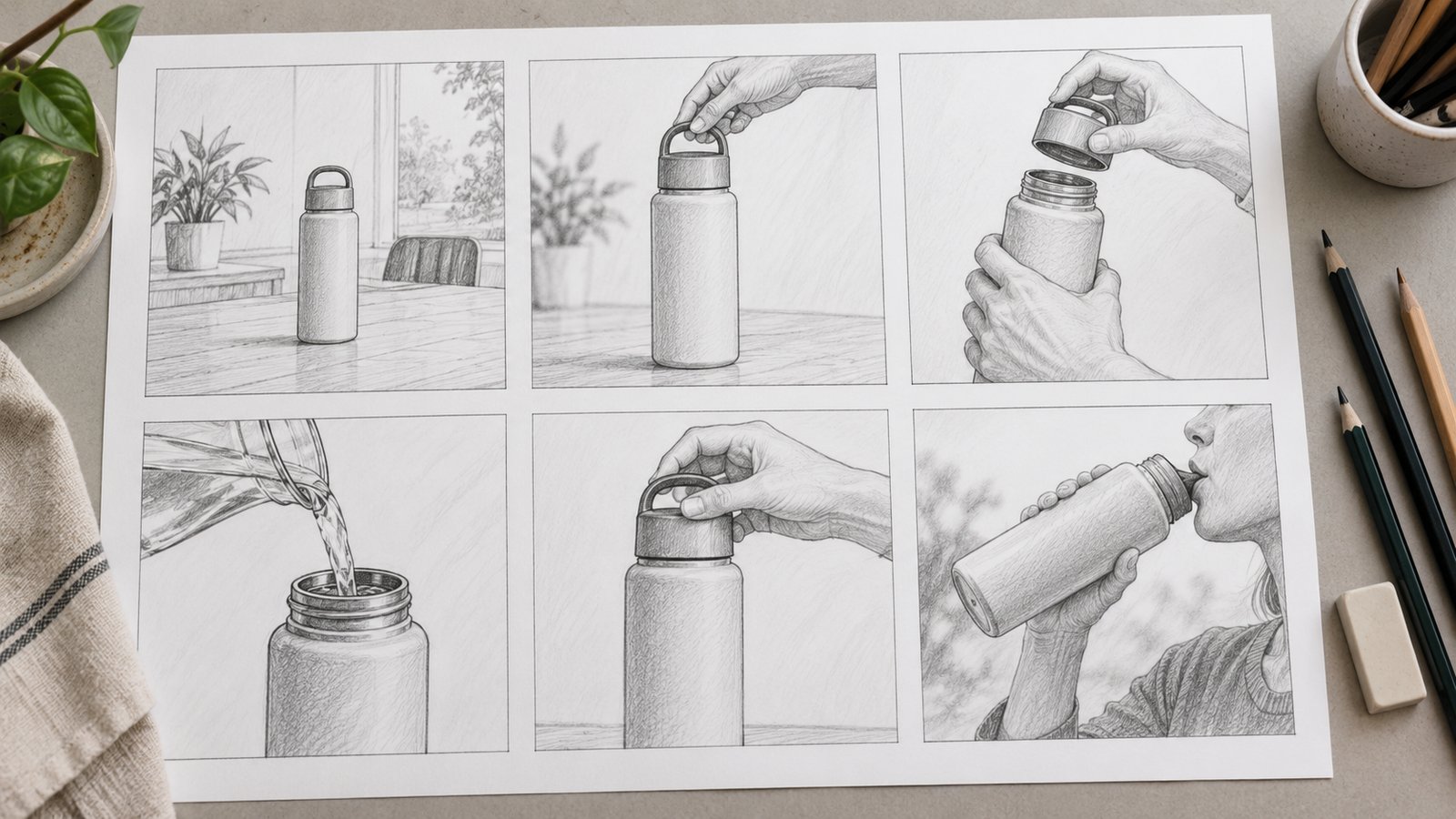
Product demonstration video planning starts with one task and an observable result. Show the product’s starting condition, the actions that change it, and how the viewer can recognize the outcome. That sequence explains more than a collection of attractive product views without a clear relationship between them.
A demonstration can use recorded footage, screen capture, animation, or a combination. The choice depends on what must be visible. A software interaction may need a readable interface, while an internal mechanism may require an illustrated view. In either case, the explanation needs to match the product information the team can verify.
Define the task the product demonstration video will explain
Choose a task with a recognizable beginning and end. The viewer should be able to describe what the user was trying to accomplish and what changed after using the product.
For a software product, that might mean assigning a storage location to a received item. For a physical product, it could mean showing how two components fit together. These are narrower assignments than introducing every feature in a product range.
State what the demonstration covers before writing the script. A feature overview may explain the purpose of an action without teaching every operating step. A complete tutorial needs the relevant prerequisites, instructions, and checks for the task it claims to teach.
Keep the scope consistent with the title and introduction. If the video shows only one stage of a longer workflow, identify that stage. A viewer should not have to discover at the end that the explanation stops before the result they expected.
Map the inputs, actions, and product states
A state is the condition of the product at a particular point in the sequence. Mapping states makes it easier to see whether the demonstration shows the connection between an action and its result.
Write down what must already exist when the demonstration begins. That may include a selected record, an approved configuration, a connected component, or information entered earlier. State important prerequisites instead of making them appear without explanation.
| Part of the sequence | What to identify | Question for the reviewer |
|---|---|---|
| Starting state | The product’s condition before the action. | Can viewers tell where the task begins? |
| Input | The information or material the action requires. | Where did it come from? |
| Action | What the user or product does. | Is the relevant control or movement visible? |
| Changed state | What is different afterward. | Does the change follow from the action shown? |
| Confirmation | The signal that the intended result occurred. | Could the viewer recognize that result independently? |
Digital.gov’s plain-language guidance recommends presenting process information in the order events occur. A product demonstration can apply that principle by making the order of actions and results clear, while leaving unrelated background outside the main sequence.
Turn the sequence into a concrete storyboard
A storyboard should describe what the viewer sees at each stage, alongside the information the scene must explain. Rough drawings or simple screen layouts are enough to review that logic before detailed production.
Consider a fictional inventory application used to assign a received item to a storage location. The following example is invented to illustrate demonstration planning. It does not describe a real software product or a completed customer project.
- Show a sample item record with its identifier visible and its location field unassigned.
- Show the user selecting that same record. Keep enough surrounding interface visible to establish where the action takes place.
- Show the location selector and a clearly fictional example location, such as A-12.
- Show the user confirming the assignment. Keep the confirmation control visible long enough to identify it.
- Return to the item summary, where the same identifier now appears with location A-12.
The unchanged item identifier connects the shots. The changed location field establishes the result. A dramatic transition or unrelated dashboard would add little unless it helps explain the assignment.
Record the fact to check for each frame. The reviewer should confirm the starting condition, the control used, and the final state. For an actual application, those details must match the version being demonstrated.
Keep the action and the result visible
Choose camera views and screen framing that preserve the information needed to follow the task. A close-up is useful when it reveals a relevant detail, but it still needs enough context to orient the viewer.
For an interface demonstration, show where the action happens before enlarging a small control. Keep the pointer or selected element distinguishable from the background. Avoid moving to another screen before the result of the previous action becomes clear.
For a physical product, establish orientation before showing an internal or separated view. If the animation moves components farther apart for visibility, make the illustrative treatment clear. The viewer should not mistake exaggerated spacing for an operating condition.
Check whether each movement has a communication purpose. A camera orbit can reveal shape, but it can also hide the connection the narration is describing. Review the sequence from the viewer’s position rather than judging individual frames as standalone images.
Write narration that names what happens
Narration should identify the action or relationship the viewer needs to understand. Replace vague praise with a concrete explanation of what changes on screen.
In the fictional inventory example, a useful line would explain that selecting a location updates the selected item’s record. A statement that the application makes everything effortless would leave the actual interaction unexplained and introduce an unsupported promise.
Microsoft’s guidance for step-by-step instructions recommends separate steps for individual instructions and identifying where an action takes place when confusion is possible. Those principles can help a writer check whether a spoken sequence skips a required action or assumes the viewer knows the starting screen.
Keep terminology consistent between speech, labels, and the product itself. If the interface calls something a location, switching to an unexplained term such as destination can create uncertainty about whether it is the same field.
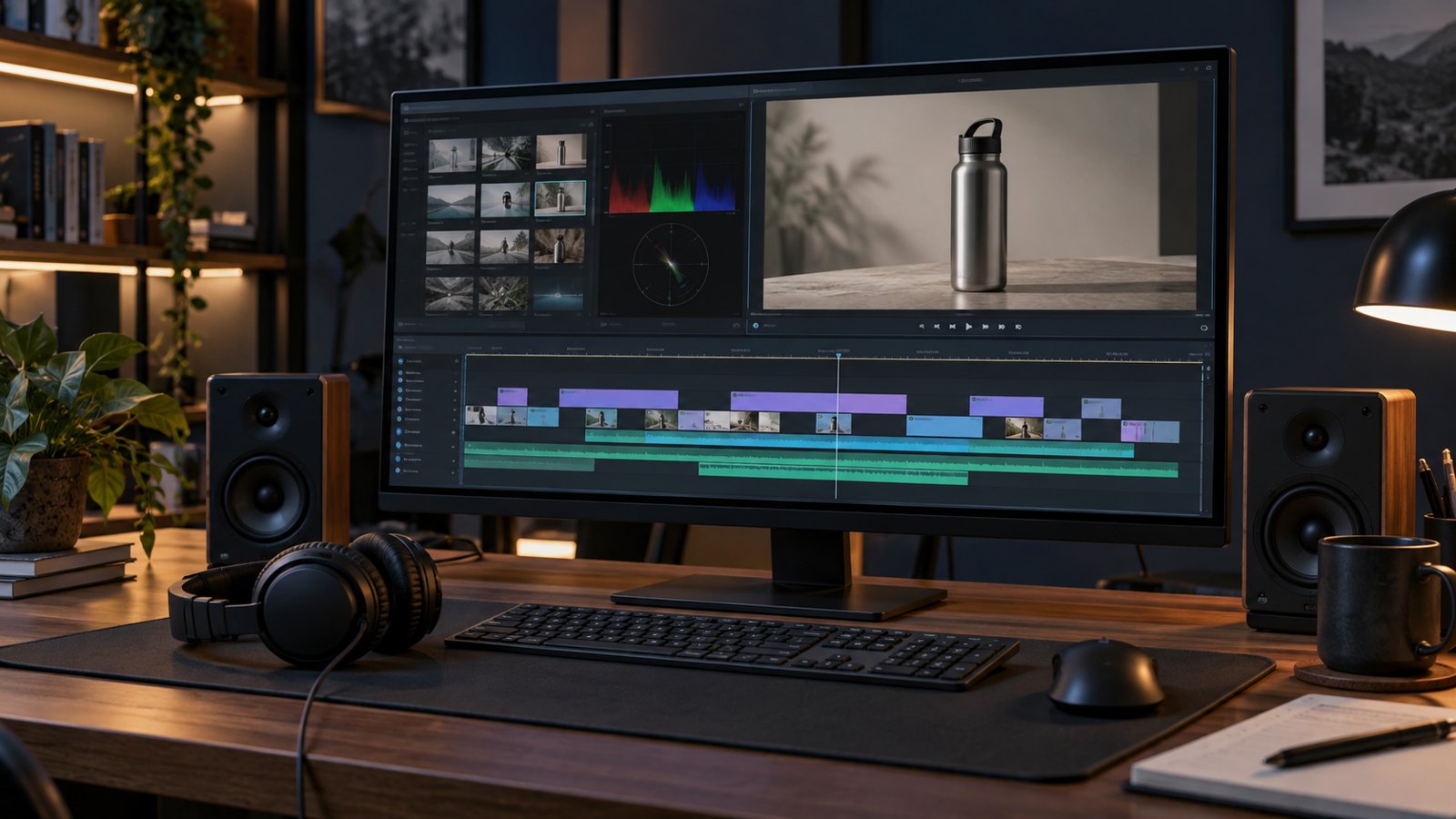
Check what the demonstration implies
Review visible behavior as carefully as explicit statements. A sequence can imply speed, automation, compatibility, or operating conditions even when the script never makes those claims directly.
If a pause has been shortened, make the editing choice clear when timing matters to the explanation. Do not present a compressed sequence as evidence of actual processing speed. Likewise, an animated concept should be identified as a concept rather than footage of a working released product.
Use sample data that is appropriate for publication. Check names, account details, internal codes, and any confidential information visible in the frame. A test environment should still be reviewed before recording or exporting screenshots.
For equipment or a safety-related task, have the responsible specialist review the operating conditions and omitted steps. A simplified marketing demonstration should not imply that it replaces the applicable product instructions or workplace procedures.
Keep the accepted references with the script. The product version and source revision help a later editor decide whether the sequence still represents current behavior.
Test whether viewers can explain the sequence
Review the demonstration with people who have the intended level of product knowledge. Ask them to describe the task and result before explaining what the video was meant to show.
Useful questions include where the task started, what changed, and how the user could tell it had worked. For the fictional inventory application, ask which item received the location and where that assignment became visible.
Record the misunderstandings by scene. If viewers confuse two controls, revise the view or wording that distinguishes them. If they cannot identify the result, examine the final state before adding more introductory material.
A small review provides feedback on the explanation. It does not establish a sales increase or prove that all viewers will understand the product. Keep those claims separate from the observations gathered during the review.
Make the explanation usable in its final setting
Test the actual export at its intended display size, with the surrounding page or presentation available. A readable editing preview does not establish that a small interface label will remain readable on a phone.
W3C’s guidance for planning audio and video recommends considering visual description while scripting and storyboarding. Narration can name essential information instead of relying on phrases that require the viewer to see a particular color or location.
Review captions and supporting text as part of delivery. Provide a concise written explanation or task reference where it is useful. Keep important conditions available alongside the video so viewers can consult them without repeatedly searching through the timeline.
Assign a review trigger for later updates. An interface change, renamed component, or revised operating sequence can make the demonstration inaccurate even when the file still plays correctly.
Finish with a result the viewer can recognize
A product demonstration video is complete when its intended task has a clear beginning, an understandable sequence, and a visible result. Use the storyboard to check those connections, confirm the depicted behavior, and test what viewers actually take from the explanation. Remove material that does not help them follow that task.
Frequently asked questions
What should a product demonstration video show first?
Show the task and the product’s relevant starting condition. Give viewers enough context to understand what the user is trying to accomplish before presenting individual actions.
Should a demonstration include every feature?
Include the features needed for the task being explained. Separate unrelated features into their own demonstrations when combining them would obscure the sequence.
Can animation explain how a physical product works?
Animation can expose components and relationships that are difficult to film. The product owner should check the geometry, movement, and any deliberate simplifications against the approved information.
How long should a product demonstration be?
Give the task enough time to remain understandable. Determine length from the required actions, explanation, and viewing context instead of assuming a universal duration will fit every product.
Is a product demonstration the same as a tutorial?
A demonstration can explain a function without teaching an entire procedure. A tutorial should include the prerequisites and steps needed for the task it claims to teach.
How can a team check whether the video is clear?
Ask representative viewers to describe the starting condition, actions, and result. Use their answers to locate missing context or confusing scenes, then review the revised sequence.