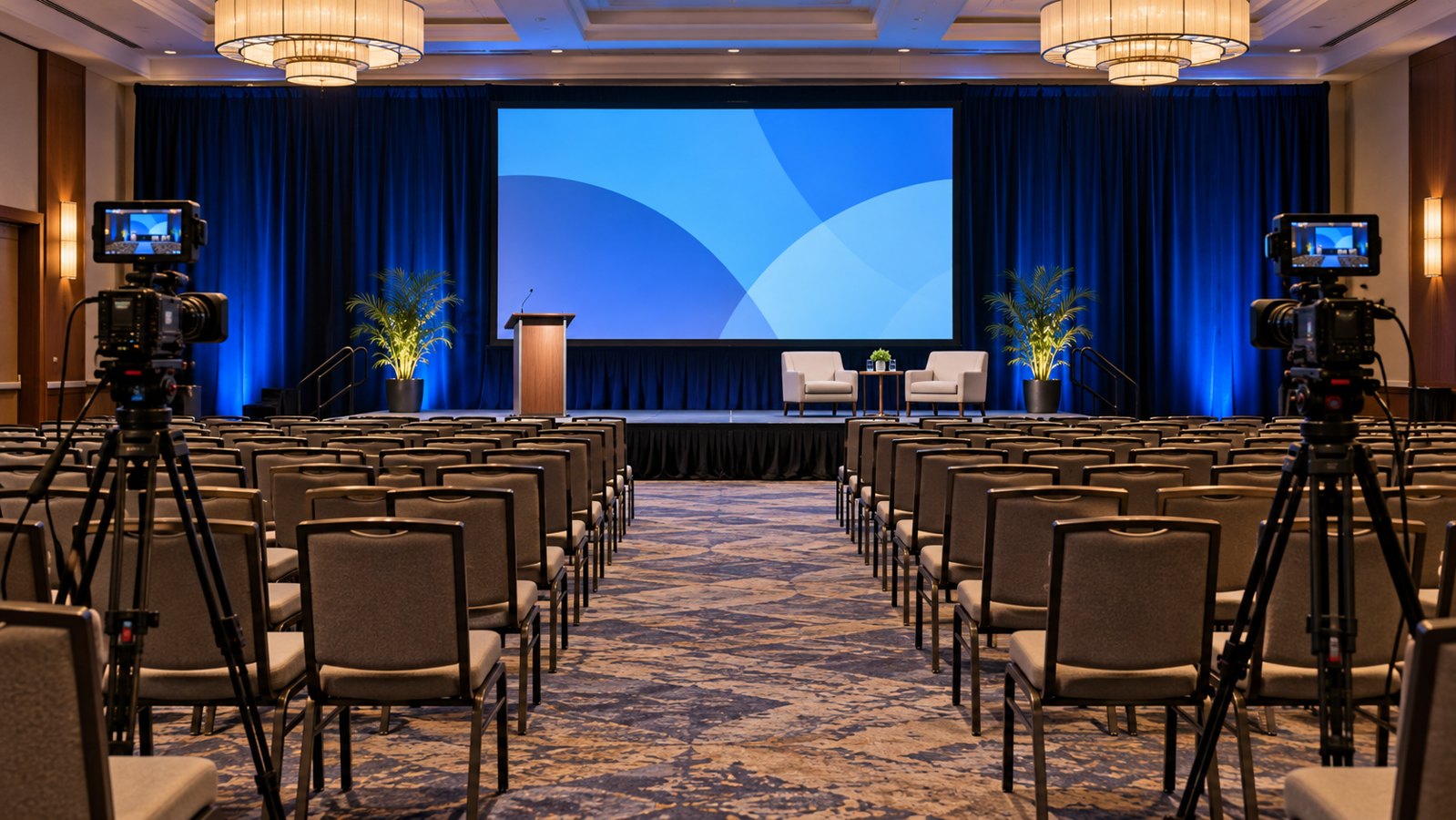
Corporate event video production turns a live business event into planned recordings and edited assets for specific audiences. The scope may include a highlight film, complete presentations, interviews, or short promotional clips. Each deliverable needs its own coverage and audio plan before the event begins.
A room full of activity does not automatically produce a useful edit. The crew needs to know which moments matter, who can approve interviews, and where the footage will be used. Austin Visuals offers corporate video production, including event and conference content, alongside editing and animation services that can support the finished materials.
For an upcoming conference, company meeting, or launch, share your event brief with Austin Visuals to discuss the coverage and deliverables.
Define corporate event video production by deliverable
An event video brief should specify what the team must deliver and what each asset will accomplish. “Film the event” leaves too much undecided. A recap for future attendees requires different material from a complete keynote intended for employees who could not attend.
| Deliverable | Primary purpose | Coverage to plan |
|---|---|---|
| Event recap video | Explain the event’s experience and main themes | Establishing shots, selected remarks, interactions, and a coherent ending |
| Complete presentation | Preserve a session for later viewing | Continuous speaker audio, stable camera coverage, and presentation assets |
| Interview edit | Capture a participant’s perspective | An approved interview subject, focused questions, and a suitable recording area |
| Short promotional clip | Support a defined campaign or invitation | A self-contained message and framing suited to its destination |
Decide which deliverables are essential if time or access changes. A priority order helps the crew respond when a keynote runs late or an interview subject becomes unavailable. Put that order in the shared brief instead of expecting the camera team to infer it.
Also distinguish recording from livestreaming. Sending a program to remote viewers introduces additional responsibilities, such as transmission, live switching, monitoring, and contingency planning. Confirm that scope separately when requesting conference video production.
Turn the run of show into a coverage plan
The run of show becomes a filming plan when every important moment has a location, time, responsible crew member, and intended use. Walk through the schedule with the event organizer and venue team before finalizing equipment or staffing.
List simultaneous activities. One camera operator cannot continuously record a keynote while also capturing an interview in another room. Concurrent sessions, distant locations, and restricted access can affect crew requirements more than the total event duration.
Identify camera positions that preserve clear sightlines and keep public routes open. Confirm when the team can enter the venue, test equipment, and move between rooms. Ask about power access, lighting restrictions, and any rules for placing tripods or cables.
Build the shot list around editorial needs. A useful sequence might establish the venue, show the audience settling in, capture a speaker’s complete point, and add relevant interaction afterward. Close-ups should contribute information rather than merely decorate the edit.
Give the production team one operational contact who can resolve changes on site. That person should know which sessions are confidential, which guests are available for interviews, and who can approve an altered filming plan.
Treat audio as a separate recording requirement
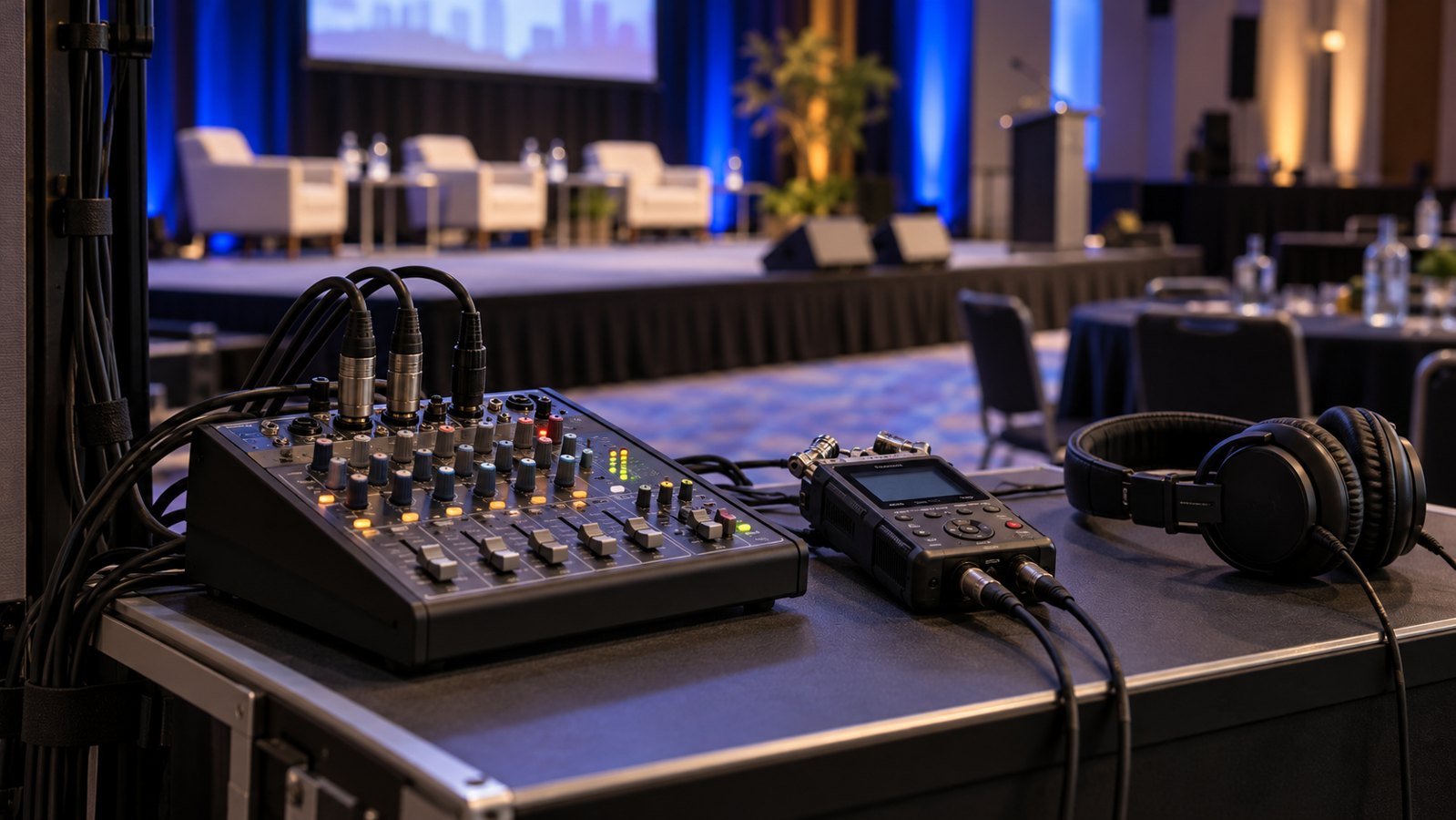
Clear recorded speech requires an audio plan even when the room’s sound system seems excellent. Ask the venue’s audio team which signals can be supplied for recording and arrange a test with the actual microphones and expected speaker positions.
A feed intended for the audience may differ from what the recording needs. Check that relevant speakers and audience questions are captured, listen for distortion or noise, and monitor throughout the session. Keep an appropriate backup recording where the agreed setup allows it.
Equipment compatibility matters. A camera and an audio mixer may need different signal levels or connections. The crew should confirm the interface during technical planning rather than improvising after the presentation starts. Shure’s conference system documentation illustrates how recording outputs and routing depend on the installed system.
Choose interview locations by listening as well as looking. Music, food service, neighboring conversations, and ventilation can make an attractive lobby difficult to use. A quieter side room may provide a more useful recording even if it looks less impressive.
Plan interviews that produce usable answers
Event interviews work best when participants answer focused questions in their own words. Choose questions that connect directly to the intended edit and avoid requiring everyone to repeat the same promotional phrase.
For an internal company event, ask what an employee learned or how a session relates to their work. For a customer conference, ask about a particular discussion or challenge, subject to the participant’s approval to speak publicly. Specific questions tend to produce clearer material than requests to describe the whole day.
Schedule interview windows and a contact for each participant. Leave room for microphone setup and a short conversation before recording. A hurried interview between sessions can produce incomplete answers and distracting background noise.
Confirm the intended use of identifiable participant footage with the organizer. Track approved speakers, restricted sessions, and any footage that needs additional review. Have the responsible team settle permission questions before release, especially when confidential presentations or customer stories are involved.
During editing, retain the meaning of each answer. A short quotation should still reflect the question and context in which it was given. Keep the original recording available for reviewers who need to assess a proposed excerpt.
Capture material for the formats you will publish
Different delivery formats require deliberate capture choices. A wide stage recording may not provide a useful vertical close-up, and a fast highlight montage may not contain the complete explanation needed for an internal training clip.
Specify destination, orientation, approximate duration, and caption needs for each approved asset. If both horizontal and vertical versions matter, discuss whether the camera framing supports both or whether dedicated coverage is needed.
Collect clean presentation files from approved sources. Recording a projection screen can introduce glare, obstruction, or poor legibility. Having the correct slides available gives the editor another way to show information clearly while preserving the relationship to the speaker’s remarks.
For prerecorded videos, W3C’s caption guidance addresses text alternatives for speech and meaningful audio. Build caption review into the delivery schedule and check names, specialized terms, and speaker changes.
Useful visuals also need context for viewers who cannot see them. Discuss narration, transcripts, or descriptions where visual-only information carries the message. Accessibility works better when the production plan accounts for it before the final export.
Set a review process that matches the delivery deadline
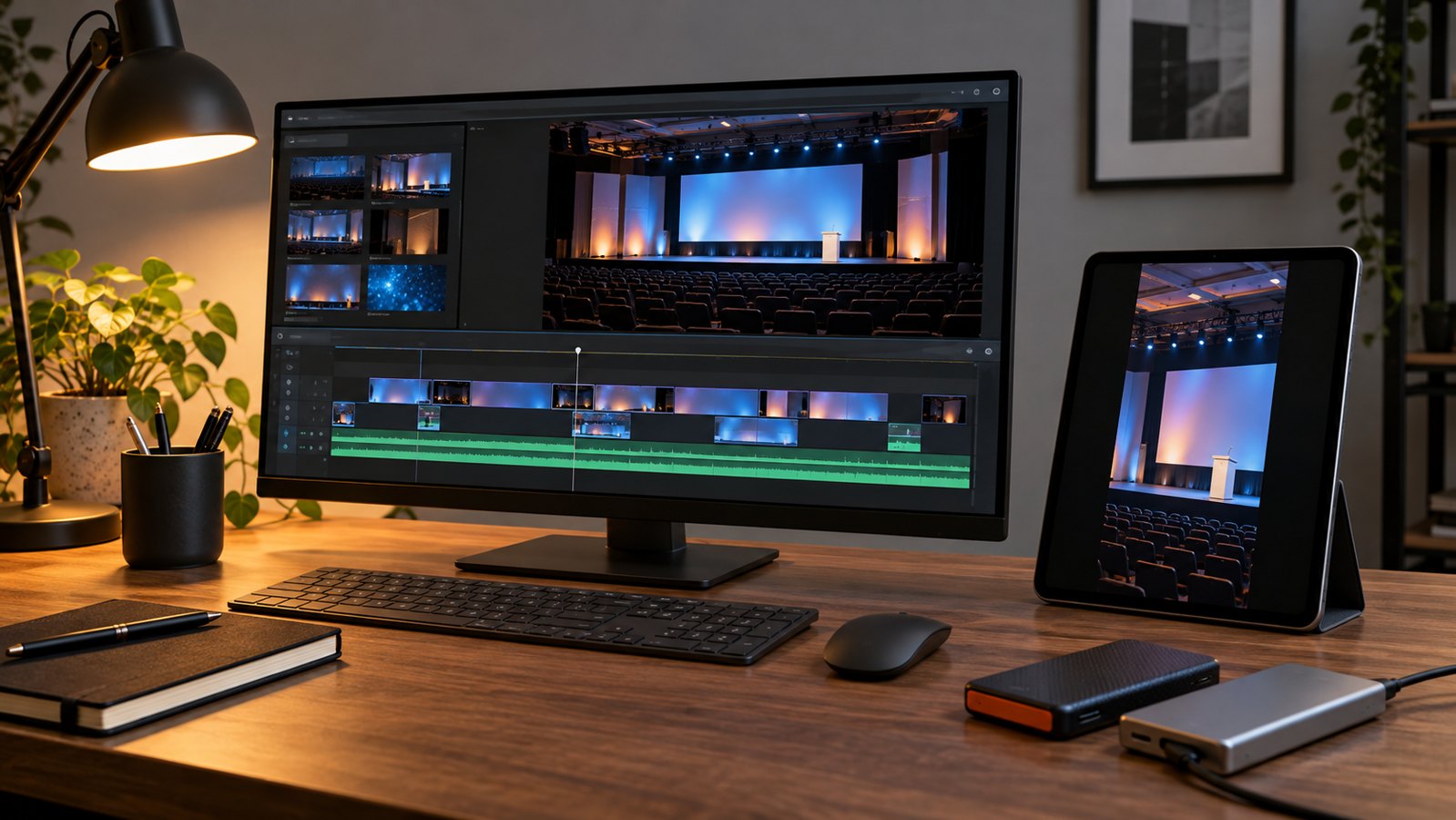
The delivery schedule depends on the amount of footage, the complexity of the edit, and how approvals will work. Agree on those factors before promising a same-day recap or a complete series of edited presentations.
A rapid edit may require a dedicated editor, a reliable way to transfer footage, a tightly limited scope, and an available approver. If those resources are missing, plan a later delivery that allows proper checking. A fast deadline should not remove the review of factual claims or participant context.
- Confirm the deliverable list and priorities before the event.
- Agree how footage will be transferred, backed up, and organized.
- Assign a lead reviewer to consolidate comments from stakeholders.
- Check names, titles, quotations, captions, and approved usage before export.
- Deliver the agreed versions with a clear naming system and storage handoff.
Specify whether raw footage, editable project files, clean masters, and caption files are included. Discuss retention and future access rather than assuming the studio will store everything indefinitely. These details become important when someone requests another edit months later.
Keep feedback tied to timecodes and reasons. “Remove this answer because the speaker has not approved public use” is actionable. Conflicting comments scattered across several emails can delay even a simple revision.
Compare quotes using the same production scope
Corporate event video production quotes are easier to compare when every provider receives the same brief. Crew coverage, audio responsibilities, edit quantities, travel, access, and review expectations should be stated clearly.
Ask what happens if the event runs longer or a second room needs coverage. Clarify whether setup and breakdown are included in the planned hours. A lower initial number may describe less coverage or fewer edited deliverables.
Discuss the limits of the proposed setup. A team hired to create a highlight film may not be recording every presentation continuously. If complete session archives matter, make them explicit deliverables with suitable staffing and recording capacity.
Use an illustrative planning scenario to test the proposal: a keynote overlaps with a customer interview, followed immediately by a product demonstration in another area. Ask how the team would cover the priorities and what additional resources would be needed. This reveals assumptions before the schedule becomes difficult to change.
Our guide to choosing a B2B video production agency offers additional questions about review responsibilities and production scope.
How Austin Visuals supports corporate event content

Austin Visuals’ corporate video production services include event, conference, and tradeshow content, as well as company communications. Its published workflow covers planning, recording, editing, sound, and review.
For an event brief, share the current run of show, venue information, expected audiences, and the assets you want afterward. Identify must-record sessions and explain whether the finished material will support employee communication, sales conversations, or promotion of a future event.
If a presentation introduces a complex product, discuss whether a separately prepared animation or motion graphic would clarify that section. Confirm the specific crew, equipment, live-production requirements, and delivery commitments in the project scope. Those details should reflect the actual event rather than a generic service list.
Our Clients include:
Give the footage a purpose beyond the event day
Corporate event video production produces more useful material when the deliverables guide the coverage plan. Decide who will watch, preserve clear speech, and record enough context for an editor to assemble complete messages.
After delivery, assess the assets against their intended jobs. Session access, relevant inquiries, and feedback from internal viewers can help you plan the next event. Avoid treating every view as proof of business value.
Planning video coverage for a corporate event?
Send Austin Visuals your event schedule, venue details, and desired deliverables to discuss a practical production scope.
Email info@austinvisuals.com or call (512) 591-8024.
Frequently Asked Questions
What does corporate event video production include?
It can include planning, filming, audio recording, editing, graphics, and delivery of agreed video assets. Complete presentations, interviews, highlight films, and livestreaming should each be specified because they require different coverage and resources.
How many cameras does a corporate event need?
The number depends on simultaneous activities, camera positions, and the deliverables. Continuous session recording and interviews in another room may require separate coverage. Review the run of show before deciding on camera and crew counts.
Can we receive a same-day event recap?
A same-day recap may be possible when dedicated editing resources, footage transfer, a limited brief, and a responsive approver are arranged in advance. Confirm feasibility and scope with the production team before committing to a release time.
Is livestreaming included in event filming?
Livestreaming is a separate capability that must be confirmed in the scope. It introduces live transmission and monitoring requirements beyond recording footage for a later edit, along with an appropriate contingency plan.
Can one event produce videos for several channels?
One event can supply several assets when their messages and formats are planned before filming. Agree on the required orientations, interview material, session coverage, captions, and edit quantities so the footage supports each intended use.
What should we send when requesting an event video quote?
Send the event date, venue, run of show, room count, priority sessions, intended audiences, deliverable list, and deadlines. Include any access restrictions, audio arrangements, interview requirements, and approval responsibilities already known.
Related Articles
- How to compare a B2B video production agency
- Planning corporate video content with Austin Visuals
- Planning sales demo content for follow-up conversations