Sales demo video content shows how a product addresses a buyer’s specific requirement and gives the buying team evidence for its next decision. A useful recording identifies the question being answered, demonstrates relevant behavior, and makes the remaining discussion clear. It can support an introduction, follow up on a meeting, or help a colleague review the product without attending the original call.
The challenge is choosing what the buyer actually needs to see. A comprehensive feature tour can bury the answer beneath details that do not affect the purchase. Austin Visuals produces product demonstrations and animation for businesses explaining complex offerings. This guide focuses on planning a sales asset around the decision it needs to support.
Need a demonstration for your sales process? Contact Austin Visuals to discuss your product, buyer questions, and video requirements.
Give each sales demo video a specific job
Choose the question the recording should resolve before writing the outline. A buyer checking product suitability needs different information from a technical reviewer confirming an implementation requirement. Record the intended audience and the decision the video can reasonably support.
A sales demo video may be useful before a meeting when the prospect needs basic context. After discovery, it can demonstrate a requirement that came up in the conversation. Later, a short explanation may help someone who was not present understand the proposed workflow.
Do not assume the video can settle every concern. A visible interface sequence can demonstrate an available function. It cannot establish compatibility with an untested system or prove savings for an organization whose process has not been assessed. Name the questions that need documentation, testing, or another conversation.
| Buying situation | Useful video focus | Possible next step |
|---|---|---|
| Early interest | A recognizable use case and the product’s role in it | Confirm whether the use case is relevant |
| After discovery | The requirement the buyer described | Review the demonstrated workflow together |
| Technical evaluation | An approved configuration or specific product behavior | Arrange validation with the appropriate specialist |
| Internal stakeholder review | Enough context to understand the proposal without the original meeting | Collect unresolved questions from the buying team |
These are planning options, not a mandatory sequence for every deal. Use the customer’s actual evaluation process. Producing a video for a stage that does not exist in their purchase adds work without answering a useful question.
Turn discovery notes into a demonstration brief
A demonstration brief converts what the buyer said into a question the product can answer visibly. Separate the stated requirement from the salesperson’s assumptions. Confirm uncertain details before building a tailored recording around them.
For example, “We spend too long checking requests” does not identify which step is difficult. The issue might be missing information, unclear ownership, or an approval delay. Each would call for a different demonstration. Ask what the buyer needs to inspect before choosing the feature to show.
Write down the expected starting conditions, including relevant roles and configuration. If a capability requires an additional service or setup, have the product owner confirm that condition. The video should not imply that every account receives the same behavior automatically.
Keep the brief compact enough for a reviewer to use. It should identify the audience, requirement, evidence, exclusions, and proposed next step. Attach approved source material for factual claims, rather than leaving the editor to infer what the product can promise.
Show evidence through one complete example
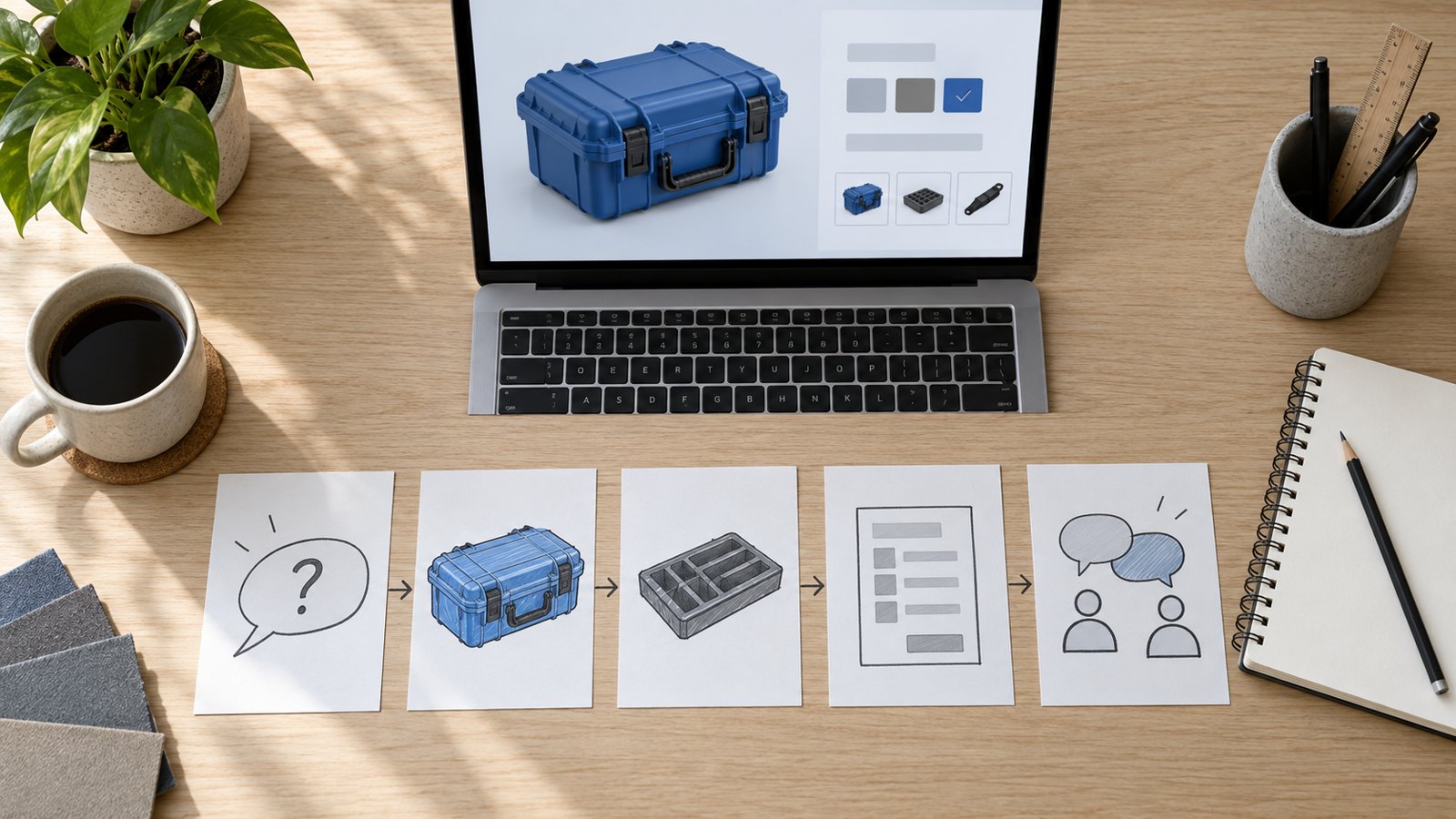
Use a representative example that starts before the important decision and ends after the result becomes visible. A complete sequence helps the buyer evaluate the relationship between the action and the outcome. Avoid assembling unrelated successful screens into a workflow the product cannot perform.
Consider a fictional equipment supplier demonstrating a configurable ordering system. A procurement manager wants to know whether a buyer can select an approved accessory and see it reflected in the order summary. This is an illustrative scenario, not an Austin Visuals case study.
- Establish the sample equipment configuration and the assumptions that apply.
- Open the compatible accessory choices and explain what determines the available options.
- Select one accessory using fictional order information.
- Show the updated summary and distinguish a saved configuration from a submitted order.
- Identify what the buyer should validate next, such as suitability for the equipment they actually own.
The distinction between configuration and ordering is commercially important. A saved selection may not establish stock availability, delivery timing, or final price. Demonstrate those separately if they are part of the brief and can be verified.
For an animated hardware explanation, identify which parts are illustrative. Animation can expose a hidden mechanism or clarify a process, but a simulated motion is not evidence that a specific performance test occurred. Keep test results tied to approved supporting material.
Make the recording understandable when it is forwarded
A forwarded sales demonstration needs enough context to stand alone. Name the workflow and the intended audience near the beginning. Avoid relying on phrases such as “the issue we discussed” when the next viewer may never have attended that conversation.
Give the video a descriptive title and include a short written note explaining what it covers. State material assumptions in the recording or accompanying resource. A colleague should be able to distinguish what is demonstrated from what still needs evaluation.
Different reviewers may need different sections. An operator might care about daily steps; a manager might want to understand responsibility and handoffs. Technical specialists may need configuration details. Use clearly named sections or separate recordings when those questions would otherwise compete for attention.
Choose one next step that matches the purpose. A request to review the proposed workflow is more useful than several competing invitations. Keep the destination current, and confirm that the person responsible for follow-up knows what the video asks the buyer to do.
Decide what deserves custom production
Match production effort to the complexity, expected reuse, and quality requirements of the asset. A short answer to one account’s question may be handled with a careful screen recording. A reusable sales enablement video may need original filming, animation, professional narration, or coordinated versions.
Separate reusable product footage from account-specific material. A general demonstration can use approved fictional data and a stable explanation. A short opening or supporting note can supply the account context, provided the core sequence genuinely answers that buyer’s requirement.
For physical products, plan the shots around what must be inspected. Wide views establish scale and setup; detail shots show controls or component relationships. If the key action is hidden inside the product, discuss whether animation would explain it more accurately than a camera angle.
Request a quote against the actual scope. Identify the deliverables, supplied assets, review process, and expected versions. Clarify narration, captioning, revisions, and future updates. A runtime target alone does not describe the work needed to produce an accurate demonstration.
Edit for clarity without changing the claim
Editing should make the demonstration easier to follow while preserving the meaning of what happened. Remove repeated explanations and unrelated setup, but keep the conditions that a buyer needs to interpret the result accurately.
Watch for transitions that conceal a change of account, product version, or configuration. A cut can make two separate operations look like one continuous action. Add context or restructure the sequence if the edit would otherwise misrepresent the workflow.
Use labels and close-ups sparingly. The viewer should know where an important control sits in the wider product view before the camera or crop moves closer. Read the narration against the visuals so the explanation does not arrive after the relevant evidence has disappeared.
Plan accessible delivery during production. The W3C media accessibility guidance covers captions, transcripts, visual descriptions, and accessible playback. Check the finished captions and ensure essential product details remain visible beside them.
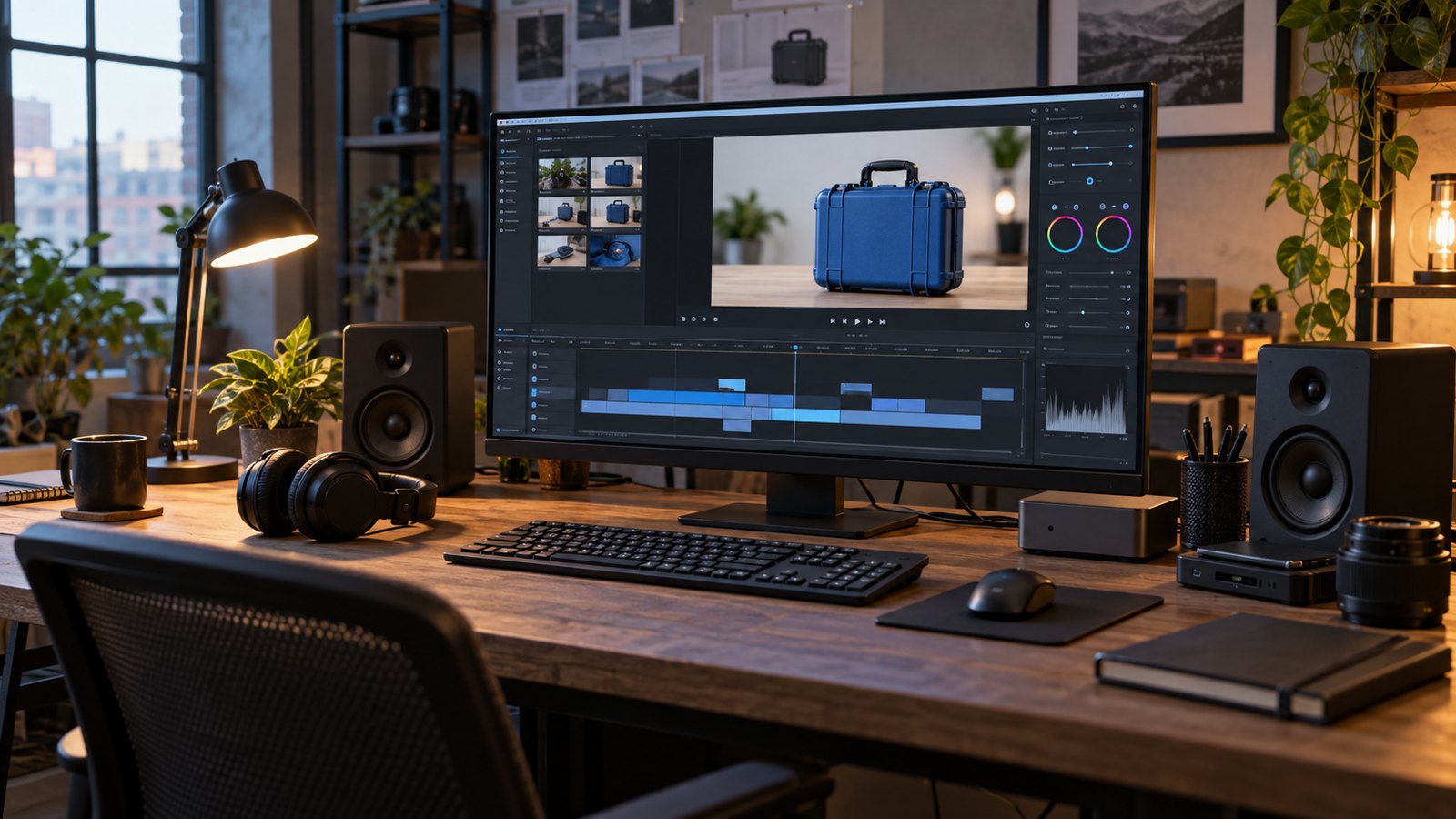
Review a recorded sales demo before sending it
Have a product reviewer verify accuracy and a sales reviewer check the buyer context before release. Assign one person to combine corrections so the production team receives a consistent decision. Resolve disputed claims before the asset is distributed.
Confirm that all names, figures, and records in the demonstration are approved for its audience. An internal recording may contain material that does not belong in a broadly shared video. Creating a clean recording with fictional data is often easier to manage than editing many sensitive details out of a meeting.
Test the actual viewing link under the intended access conditions. Check playback and captions on ordinary devices. A link that works for the creator may still prompt a customer for access they do not have. Decide who should be able to view or forward the material before choosing the sharing settings.
Keep a short release record containing the approved version, intended use, product version shown, and owner. Give the sales team a reliable place to find current assets so old downloads do not quietly become the default follow-up material.
Measure usefulness through the buyer’s next question
Evaluate the video against the decision it was meant to support. Watch activity can indicate engagement, but it does not by itself establish purchase intent or explain why a deal moved forward. Combine viewing information with the buyer’s response and the sales context.
Ask whether the recording resolved the stated question. If the prospect still asks how a step works, inspect that section. If the next concern is implementation, the video may have done its job and revealed a different evaluation need. Record the distinction rather than treating every new question as a failure.
Compare similar uses cautiously. Different products, audiences, and deal conditions can produce different outcomes even when the video is identical. Avoid attributing a change in revenue or sales cycle entirely to the recording without evidence that supports that conclusion.
Use the feedback to maintain the asset library. Retire recordings that show unavailable features or outdated conditions. If several prospects ask the same question, consider a reusable answer with an approved scope and a clear update owner.
How Austin Visuals helps with sales demo video production
Austin Visuals provides product demo video production using visual storytelling, live action, and animation as appropriate to the project. Share the product materials and identify the reviewer who can confirm the demonstration.
A useful sales demo video gives buyers a clear view of relevant product behavior and the questions that remain. Start with a real evaluation need, show accurate evidence, and plan a practical next discussion. Production quality supports that explanation when the scope and facts are settled first.
Need a clear demonstration for your buying audience?
Discuss your sales video with Austin Visuals at info@austinvisuals.com or call (512) 591-8024.
Frequently Asked Questions
What is a sales demo video?
A sales demo video demonstrates product behavior relevant to a buyer’s requirements. It supports evaluation by showing an accurate example and identifying an appropriate next step.
How long should a sales demo video be?
Use the time needed to answer the selected buyer question clearly. Remove unrelated material, and separate distinct evaluation topics when one recording becomes difficult to navigate.
Should a recorded demo replace a live sales meeting?
A recording can answer repeatable questions and give colleagues something to review. Keep live discussion available for requirements, exceptions, and validation that depend on the buyer’s situation.
How much should we personalize the video?
Personalize the use case and explanation where they change what the buyer needs to understand. Reuse approved footage only when it accurately fits the requirement.
Can we use a recording of an existing sales call?
Use it only when recording and sharing are appropriately authorized and the content suits the intended audience. Review private information, outdated claims, and missing context before distributing an edited version.
How do we know whether the video helped?
Check whether it answered the stated question and supported the intended next discussion. Use buyer feedback alongside viewing data, and avoid treating views alone as proof of sales impact.
Related Articles
- Showing customer value in a SaaS demo
- Understanding the role of an explainer video
- Comparing explainer video formats