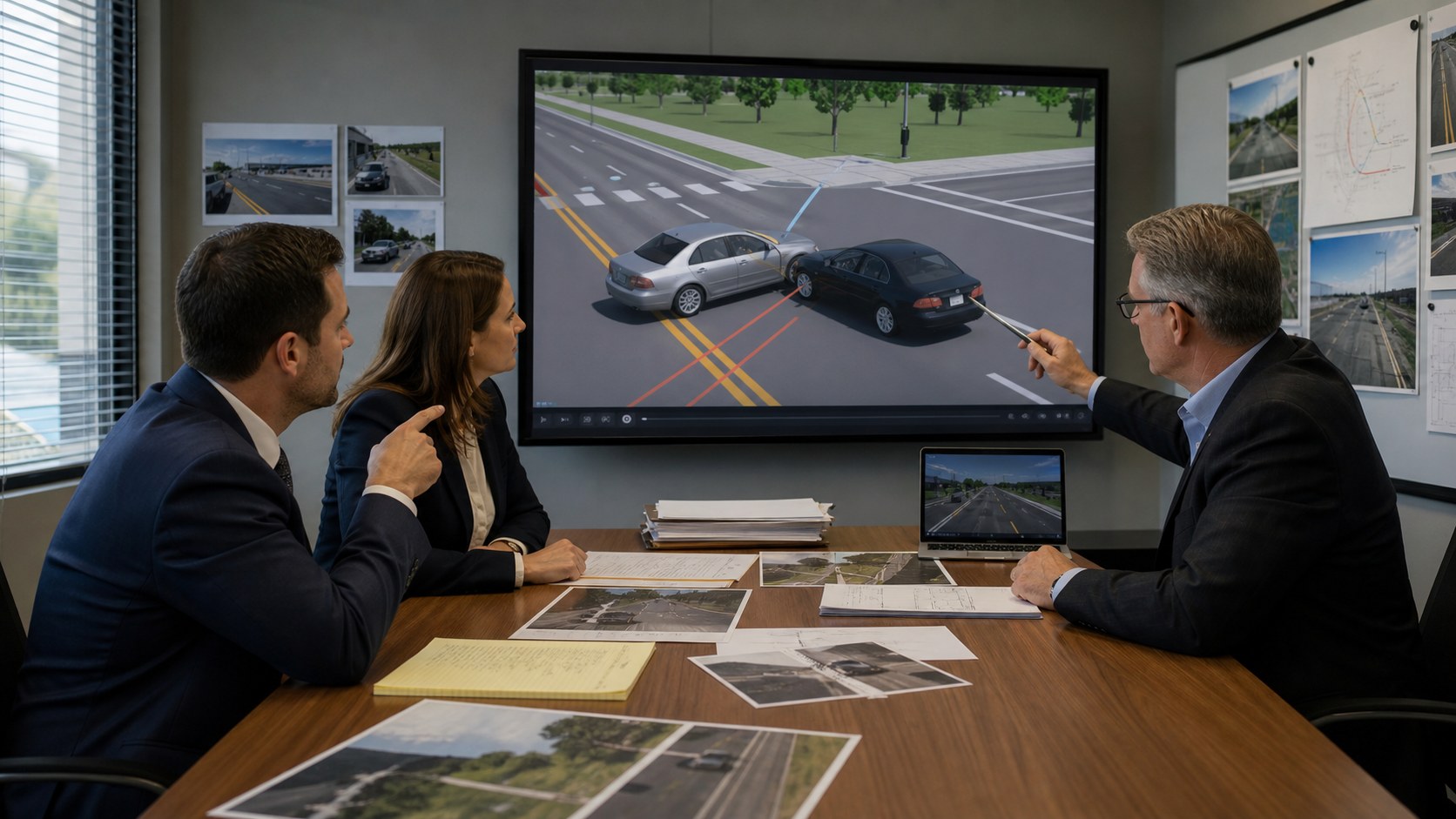
Are courtroom animations admissible in court? Often, yes. A judge may allow an animation when it helps the jury understand admissible evidence or argument, accurately reflects the testimony or opinion it illustrates, and does not create unfair prejudice, confusion, or a misleading impression. The exact foundation depends on whether the visual is an illustrative aid, a demonstrative exhibit, or a computer simulation offered as substantive evidence.
Admissibility is never automatic. Federal courts, state courts, and individual judges may apply different rules, pretrial procedures, and disclosure requirements. Attorneys should decide how a visual will be offered, which witness will support it, and what legal foundation is required in the forum handling the case. This article provides general information, not legal advice.
Contact us at info@austinvisuals.com or call (512) 591-8024.
How Courts Classify Courtroom Animations
The purpose of a visual matters more than its production style. Two videos can look similar on screen but receive different legal treatment because one merely illustrates admitted testimony while the other uses data and calculations to generate a new conclusion.
That distinction is central to courtroom animation admissibility. A demonstrative animation may help a witness explain an existing opinion, while computer simulation evidence may require the proponent to establish the reliability of the process that generated its conclusion.
Illustrative Aids
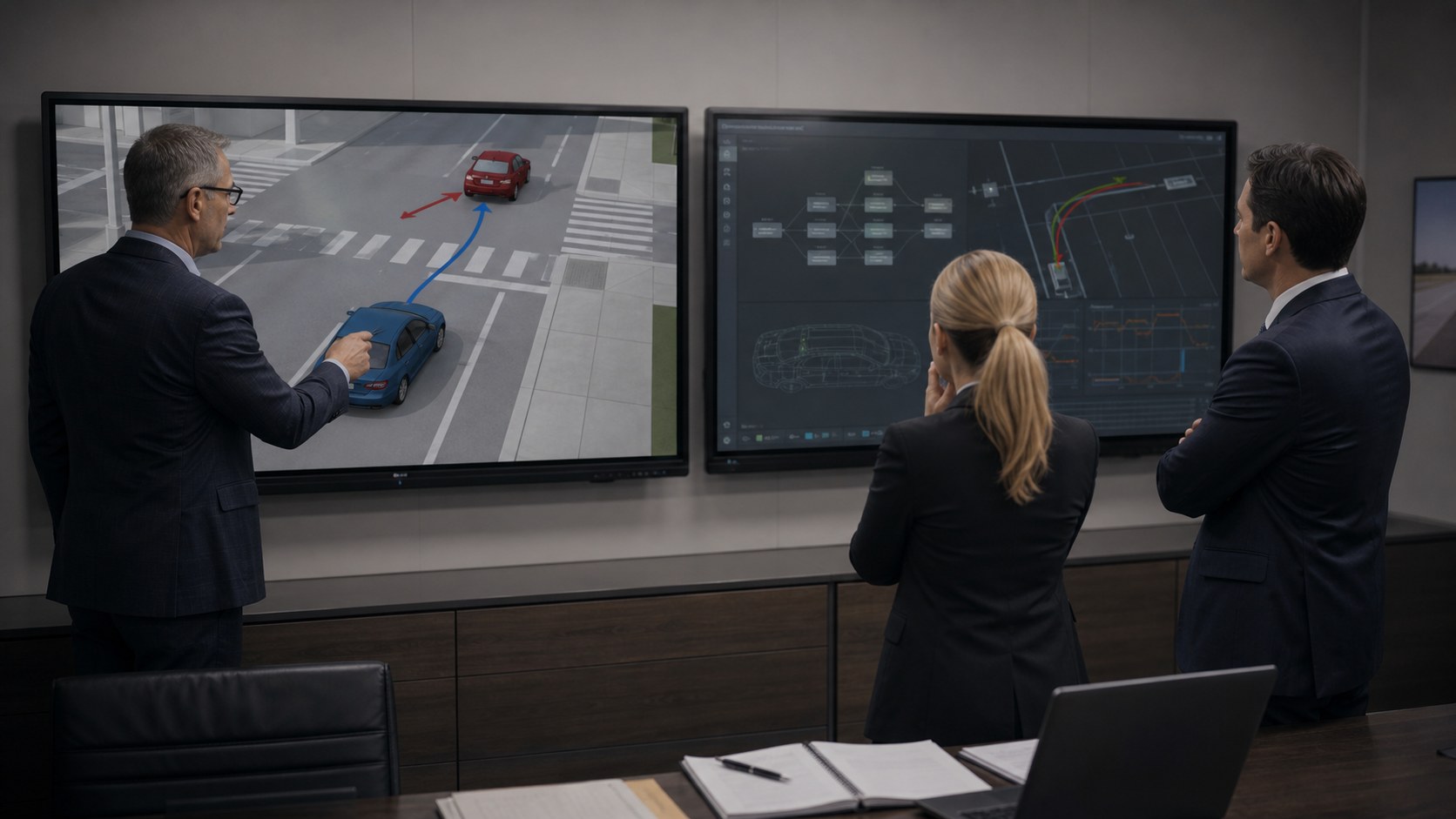
Federal Rule of Evidence 107, effective since December 1, 2024, specifically addresses illustrative aids. An illustrative aid is presented to help the factfinder understand evidence or argument, but it is not itself offered as evidence. The rule allows a court to use the aid when its value in helping comprehension is not substantially outweighed by risks such as unfair prejudice, confusion, misleading the jury, delay, or wasted time.
For practitioners researching Rule 107 illustrative aids, the key point is that the rule regulates how a non-evidentiary visual can be used, recorded, and handled during deliberations. It does not make every proposed animation permissible.
A courtroom animation used alongside an expert’s testimony can fit this category. The expert remains the source of the opinion. The animation gives the audience a moving, organized way to follow that opinion.
Rule 107 also states that an illustrative aid ordinarily does not go to the jury room during deliberations unless all parties consent or the court finds good cause. When practicable, an aid used at trial must be included in the record.
Demonstrative or Substantive Evidence
Courts and practitioners do not always use the phrase “demonstrative evidence” consistently. Some decisions use it for a visual that illustrates testimony. Others reserve it for a physical or visual demonstration offered to prove a disputed fact. Rule 107 adopted the term “illustrative aid” partly to make this distinction clearer in federal court.
If a visual is offered as evidence rather than merely as an aid, the proponent must satisfy the applicable evidentiary rules. Relevance, authentication, hearsay, expert testimony, and other requirements may all matter depending on the content and purpose.
Computer Simulations
A simulation does more than display a conclusion already reached by a qualified expert. It may apply formulas, software, measurements, and input data to calculate what happened. In that situation, the computer process contributes to the conclusion. Courts may examine the underlying methodology, data, assumptions, software process, and expert qualifications more closely.
The label placed on a file does not control. A judge will look at what the visual actually does and how the proponent intends to use it.
Which Evidence Rules Affect Courtroom Animation Admissibility?
Rule 107: Utility Versus Risk
For a federal illustrative aid, Rule 107 asks whether the animation genuinely helps the judge or jury understand evidence or argument. That benefit is weighed against the danger that a polished visual could distort, oversimplify, inflame, or appear to prove more than the supporting testimony establishes.
A useful animation should therefore make its limited purpose easy to understand. It should not quietly add disputed speeds, positions, expressions, weather, visibility, sounds, or environmental details that the sponsoring witness cannot support.
Rules 401 and 402: Relevance
When a visual is offered as evidence, it must relate to a fact that matters in the case. Even when an animation is used only as an aid, its helpfulness comes from its connection to evidence or argument already before the court. Attractive visuals that do not clarify a material issue may consume time without adding legitimate value.
Rule 403: Unfair Prejudice and Confusion
Rule 403 permits a court to exclude relevant evidence when its probative value is substantially outweighed by dangers such as unfair prejudice, confusing the issues, misleading the jury, undue delay, wasted time, or cumulative presentation. Rule 107 uses a related balancing approach for illustrative aids.
Realism can improve comprehension, but realism also increases persuasive force. Cinematic camera moves, dramatic lighting, emotional music, graphic injury detail, or unsupported human reactions can make an animation feel like a recording of the event. A restrained visual treatment often protects credibility better than a dramatic one.
Rule 901: Authentication
When authentication is required, a witness with knowledge may explain what the animation represents and confirm that it fairly and accurately depicts the testimony, opinion, evidence, or conditions it is offered to illustrate. The witness should understand the important assumptions shown on screen rather than simply recognize the final video.

Rules 702 and 703: Expert Testimony
When an animation illustrates expert testimony, the underlying opinion must meet the governing standard for expert evidence. If the animation depends on accident reconstruction, biomechanics, medicine, engineering, fire science, product design, or another specialized field, the qualified expert should direct and approve the technical content within that expert’s discipline.
An animator should not create undisclosed scientific opinions. The production team translates approved information into a visual sequence; the designated expert supplies and defends the analysis.
What Foundation Helps a Courtroom Animation Survive a Challenge?
No checklist can guarantee a ruling, but the following practices make a visual easier for counsel and experts to evaluate.
Define the Purpose Before Production
Decide whether the animation will explain witness testimony, summarize a technical process, illustrate anatomy, reconstruct an event, support an opening or closing, or function as substantive evidence. This decision affects the scope, review process, witnesses, and disclosure plan.
Identify the Sponsoring Witness
Determine who can support each part of the animation. A reconstruction expert may approve vehicle movement and timing, while a medical expert approves anatomy and treatment. One witness should not be expected to authenticate details outside that witness’s knowledge.
Build From Traceable Sources
Useful source material can include photographs, scans, surveys, medical imaging, CAD, reports, deposition testimony, measurements, inspection records, exemplar data, and expert calculations. The production file should distinguish measured facts, expert opinions, demonstrative simplifications, and neutral context.
Good legal animation evidence documentation also helps counsel separate what came directly from the record from what was supplied or approved by a retained expert.
Document Material Assumptions
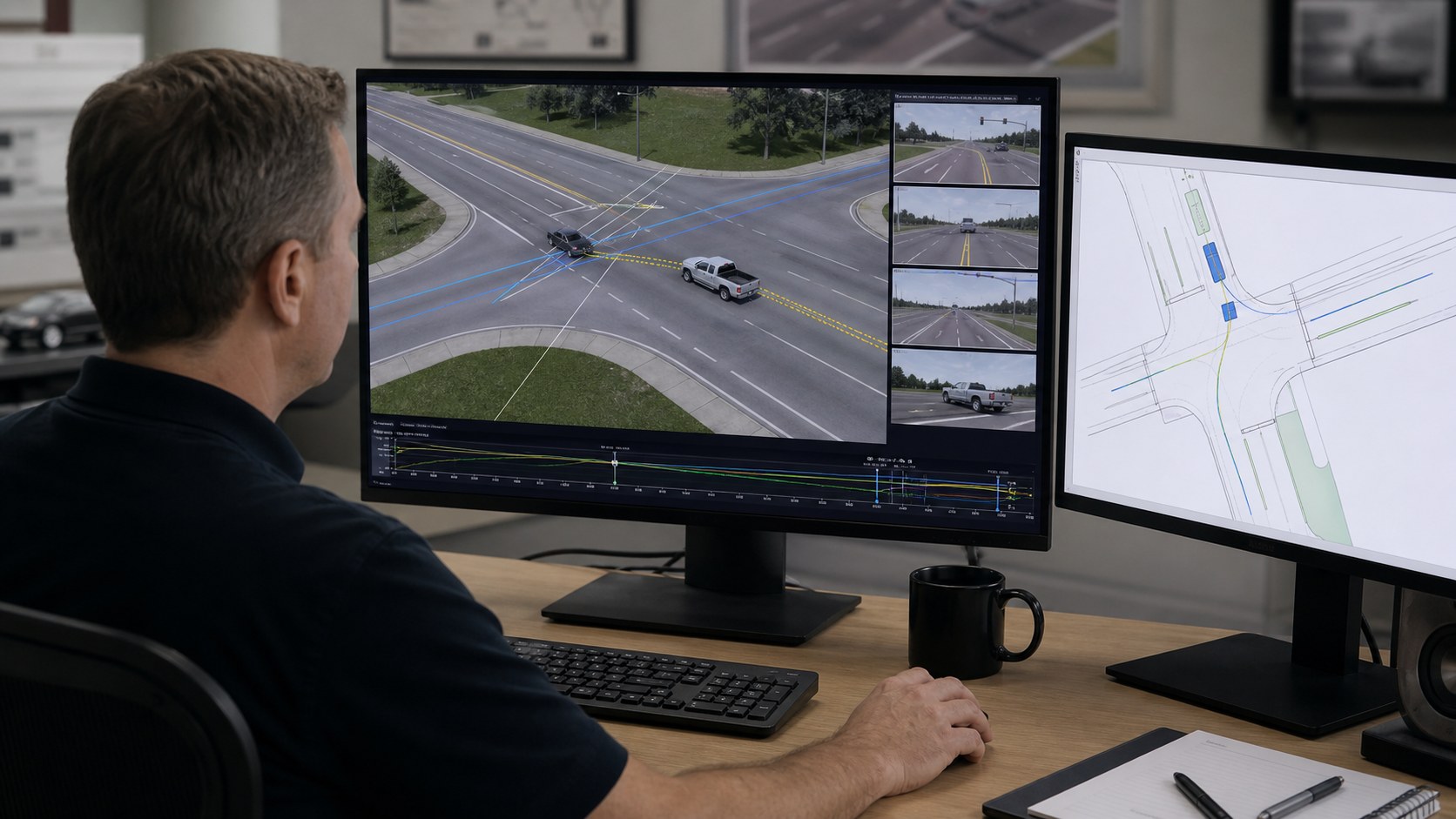
Maintain a scene-by-scene list of important inputs. For an accident sequence, that may include vehicle dimensions, road geometry, path, speed, timing, sight lines, and camera position. For a medical animation, it may include anatomy, injury location, procedure steps, implant geometry, and the limits of available imaging.
Use Staged Reviews
Review a written visual plan first, then storyboards, low-detail models, camera views, and an animatic before producing polished frames. Early approval keeps technical corrections efficient and prevents an unsupported detail from becoming embedded throughout the sequence.
Preserve Versions and Review Records
Keep source lists, dated review notes, approval records, and delivered versions. Counsel can then identify what changed, why it changed, and which expert approved the final material. Version control also reduces the risk that an outdated file appears at deposition, mediation, or trial.
Why Are Courtroom Animations Excluded or Limited?
The Visual Goes Beyond the Testimony
An animation becomes vulnerable when it combines fragments from several witnesses into one apparently certain version without a witness who can support the complete depiction. It may also fail when the display contains details that conflict with the proponent’s evidence or exceed the expert’s disclosed opinion.
The Production Looks Like a Recording
Photorealism without context can encourage viewers to treat a reconstruction as documentary footage. Labels, simplified materials, neutral backgrounds, selected camera views, or a limiting instruction may help communicate that the visual illustrates a theory rather than replaying the actual event.
The Methodology Is Not Reliable
A simulation can face closer scrutiny if the formulas, input data, software operation, or expert application have not been shown to be reliable. A visually impressive output does not cure weak analysis.
Disclosure Comes Too Late
Complex visuals can require time for opposing counsel and experts to inspect. Courts may require advance exchange through a scheduling order, local practice, a pretrial conference, or a specific ruling. Late disclosure can create avoidable objections, production changes, or exclusion.
A Practical Production Workflow for Courtroom-Ready Visuals
- Consult trial counsel early. Identify the forum, purpose, deadlines, witness foundation, and likely objections.
- Collect controlled source material. Use the case record and expert-approved inputs rather than public images selected for convenience.
- Create an assumption register. Record where every material position, dimension, movement, timing choice, and visual simplification comes from.
- Approve low-detail views first. Confirm geometry, movement, scale, and camera placement before realism increases.
- Conduct discipline-specific review. Attorneys review legal strategy; experts review the scientific or technical content they are qualified to address.
- Prepare disclosure materials. Deliver the final file, still frames, source summary, and supporting information counsel requests.
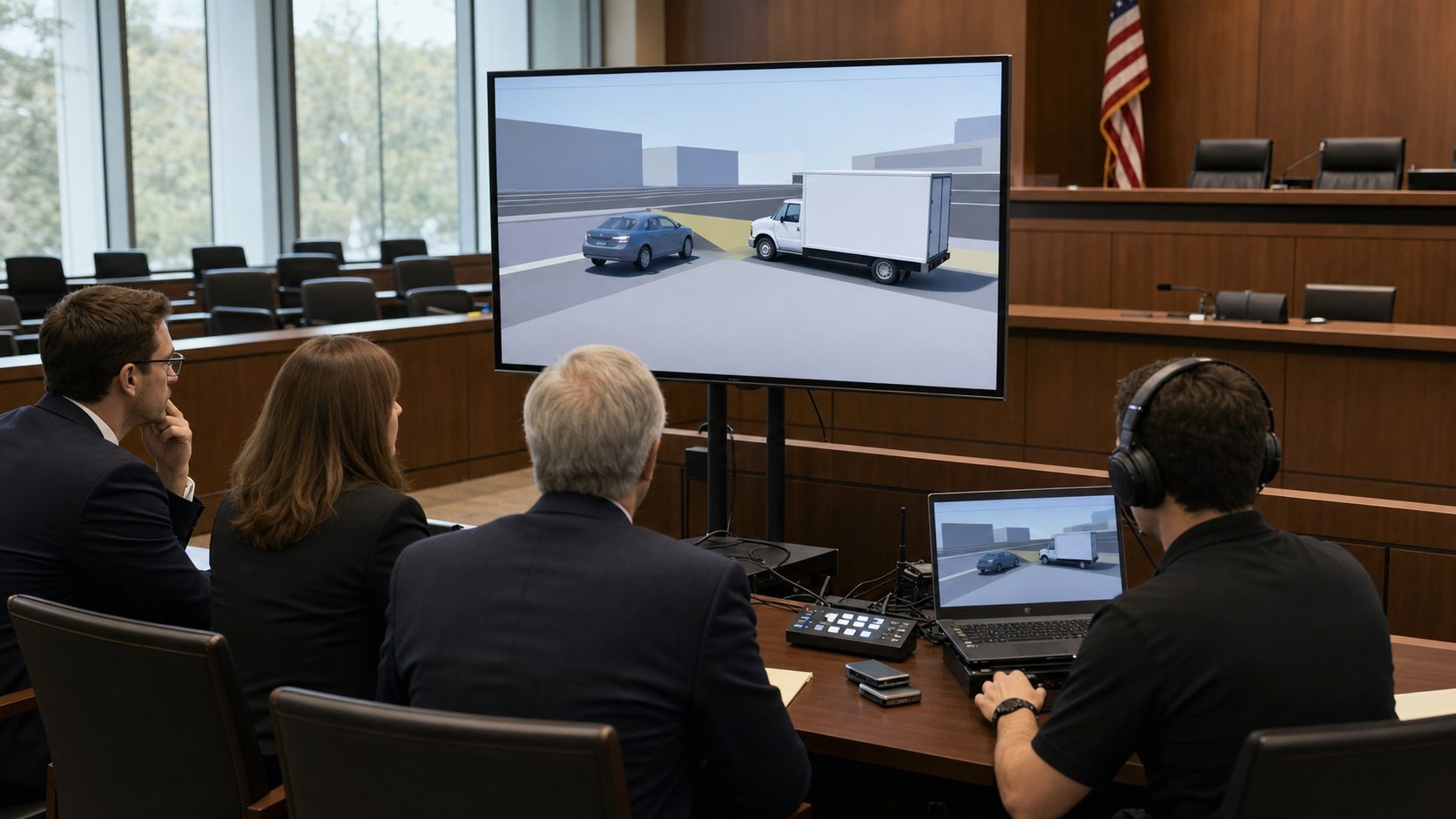
- Test the courtroom presentation. Confirm resolution, playback, audio, aspect ratio, backup files, and equipment before the hearing or trial.
Do State Courts Use the Same Standard?
Not always. Federal Rule 107 governs federal proceedings within its scope, but state evidence codes, published opinions, local rules, and individual trial judges may use different terminology and procedures. Decisions from multiple states commonly examine authentication, relevance, fair and accurate representation, helpfulness, expert support, and the risk of unfair prejudice or jury confusion.
Some courts distinguish sharply between animation and simulation. Others focus more directly on purpose, foundation, and effect. Counsel should research the controlling jurisdiction and raise the proposed visual early enough for the judge to address objections or request revisions.
Can an Animation Still Help If It Is Not Used at Trial?
Yes. A carefully produced legal animation can support expert collaboration, case assessment, mediation, arbitration, settlement presentations, depositions, mock trials, and internal strategy. The legal team should still control accuracy and audience expectations because a visual created for one setting may later become relevant to discovery or trial preparation.
Why Choose Austin Visuals for Courtroom Animation?

Austin Visuals’ legal and litigation animation team works with law firms and their retained experts to develop accident reconstructions, medical visuals, product explanations, technical sequences, timelines, and courtroom graphics. Our role is to make approved testimony and evidence easier to follow without inventing the analysis.
Projects move through defined stages: source review, visual planning, storyboards, modeling, animatic approval, technical review, legal review, rendering, and delivery testing. We can combine 2D graphics, 3D modeling, animation, illustration, and video post-production within one coordinated workflow.
Because legal schedules change quickly, our producers track deadlines, versions, reviewers, and delivery formats from the beginning. The result is a visual package counsel can evaluate, revise, disclose, and present with a clear record of how it was developed.
Conclusion
So, are courtroom animations admissible in court? They can be, but the answer depends on their purpose, the governing jurisdiction, the supporting evidence or testimony, the accuracy of the depiction, and the risk that presentation choices could mislead or unfairly influence the factfinder.
The strongest workflow starts before animation begins. Counsel defines the intended use, qualified experts control the technical opinions, artists build from traceable sources, and every material scene receives staged review. That discipline makes the visual more useful whether it appears in mediation, deposition, arbitration, or trial.
Contact us at info@austinvisuals.com or call (512) 591-8024.
Frequently Asked Questions
Are courtroom animations considered evidence?
Sometimes, but not always. A federal court may treat an animation as an illustrative aid under Rule 107 when it only helps explain evidence or argument. A simulation or other visual offered to prove a fact may be treated as substantive evidence and face additional requirements.
What is the difference between a courtroom animation and a simulation?
An animation usually illustrates testimony or an opinion already formed by a witness or expert. A simulation uses data, formulas, or software processes to generate a conclusion. Courts generally examine simulations more closely because the computational method contributes to the result.
Who authenticates a legal animation?
The sponsoring witness or expert typically explains what the animation represents and confirms the portions within that person’s knowledge or expertise. Complex animations may need review and support from more than one expert.
Can a courtroom animation go into the jury room?
Under Federal Rule of Evidence 107, an illustrative aid ordinarily must not be provided during deliberations unless all parties consent or the court orders otherwise for good cause. Substantive exhibits may be treated differently.
When should a legal team begin producing a courtroom animation?
Production should begin after the important expert analysis is sufficiently developed but early enough for source review, staged approvals, disclosure, objections, revisions, and courtroom testing. Complex reconstructions may require several weeks or months.
Can an animation include facts disputed by the opposing party?
An animation may illustrate a supported expert opinion or party theory even when the other side disputes it, but it should accurately represent the evidence and opinion offered by its proponent. Counsel must evaluate the controlling law and foundation.
Does photorealism make a legal animation more admissible?
No. Realism can improve orientation, but it can also increase the risk of unfair prejudice or a misleading impression. Accuracy, support, relevance, and restrained presentation matter more than cinematic polish.