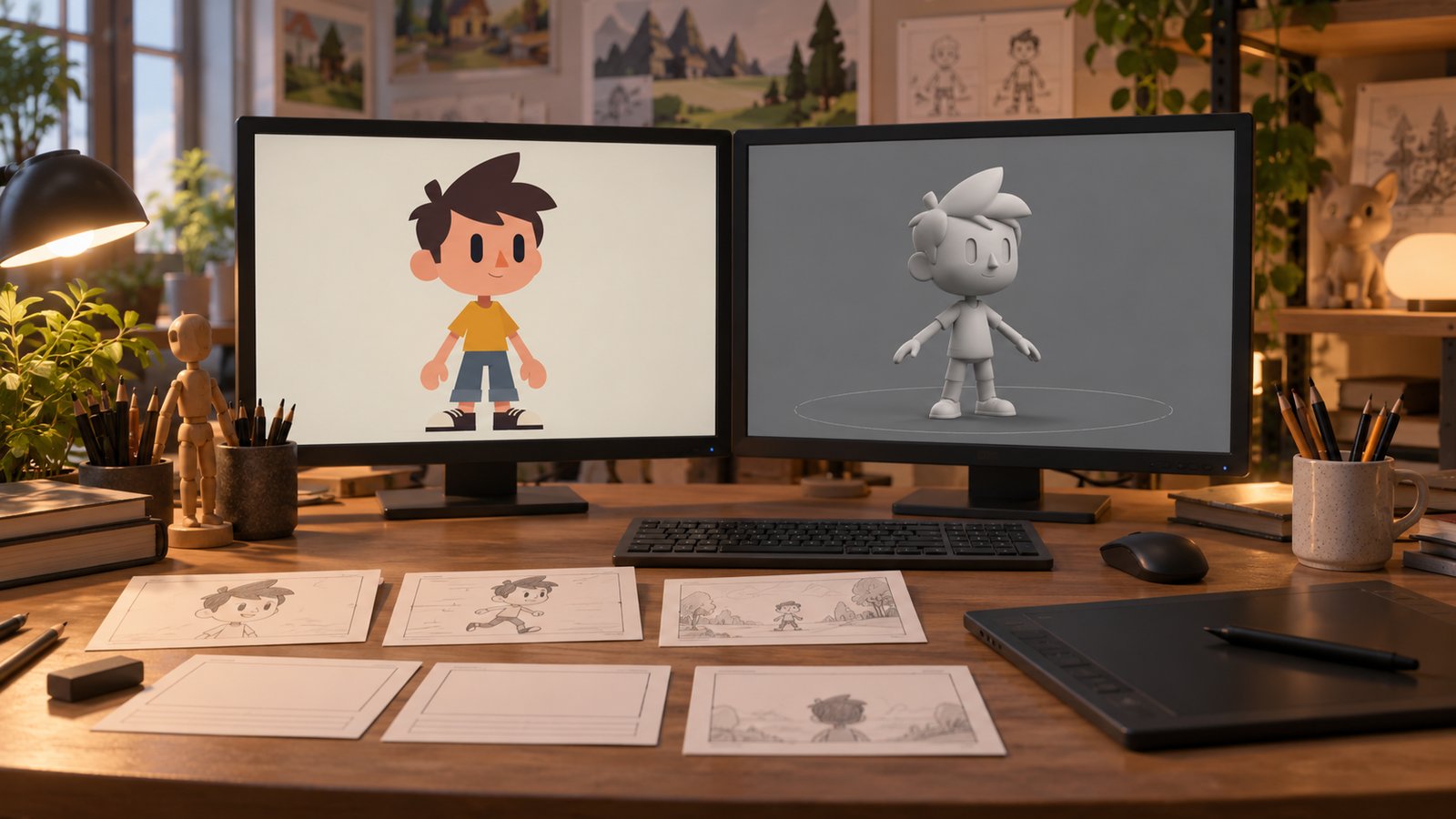
How 2D and 3D animation is made follows a production sequence that develops the explanation, creates the required assets, builds motion, and prepares the final picture and sound. The specific steps depend on the format and the subject.
A storyboard, model, rendered frame, and finished video are different production outputs. Understanding their roles helps a client know what to review at each stage. Austin Visuals describes its production process through planning, visual development, animation, and delivery.
This guide focuses on the production tasks. For source preparation, approval responsibility, and consolidated feedback, see the separate client preparation guide. Historical diagrams and video examples from this article are retained alongside the updated explanation.
Discuss an animation production scope with Austin Visuals with your audience, references, and required deliverables.
Choose 2D or 3D for the explanation
The choice between 2D and 3D should follow what viewers need to see. Neither format is universally faster, more informative, or better for every task.
2D animation can use flat artwork, diagrams, character poses, and other visual elements to explain a sequence. 3D animation uses digital geometry and scene settings to present depth, internal views, and camera movement. A project can also combine these approaches.
Define the required view before choosing a format. A conceptual overview may suit a clear flat diagram. A technical cutaway may benefit from a reviewed spatial model. The amount of custom work and review influences production more than the format name alone.
Understand the main production outputs
Each production output answers a different question. Review it for its intended role rather than expecting every early artifact to look like the finished video.
| Output | What it establishes | Review focus |
|---|---|---|
| Script | The message and spoken explanation | Audience fit and supported statements |
| Storyboard | The planned visual sequence | Scenes, order, and omissions |
| Assets | Artwork or models used in scenes | Required details and references |
| Motion preview | Movement and timing | Sequence, pacing, and relationships |
| Final output | The agreed picture and sound versions | Approved content and delivery requirements |
Develop the script and storyboard
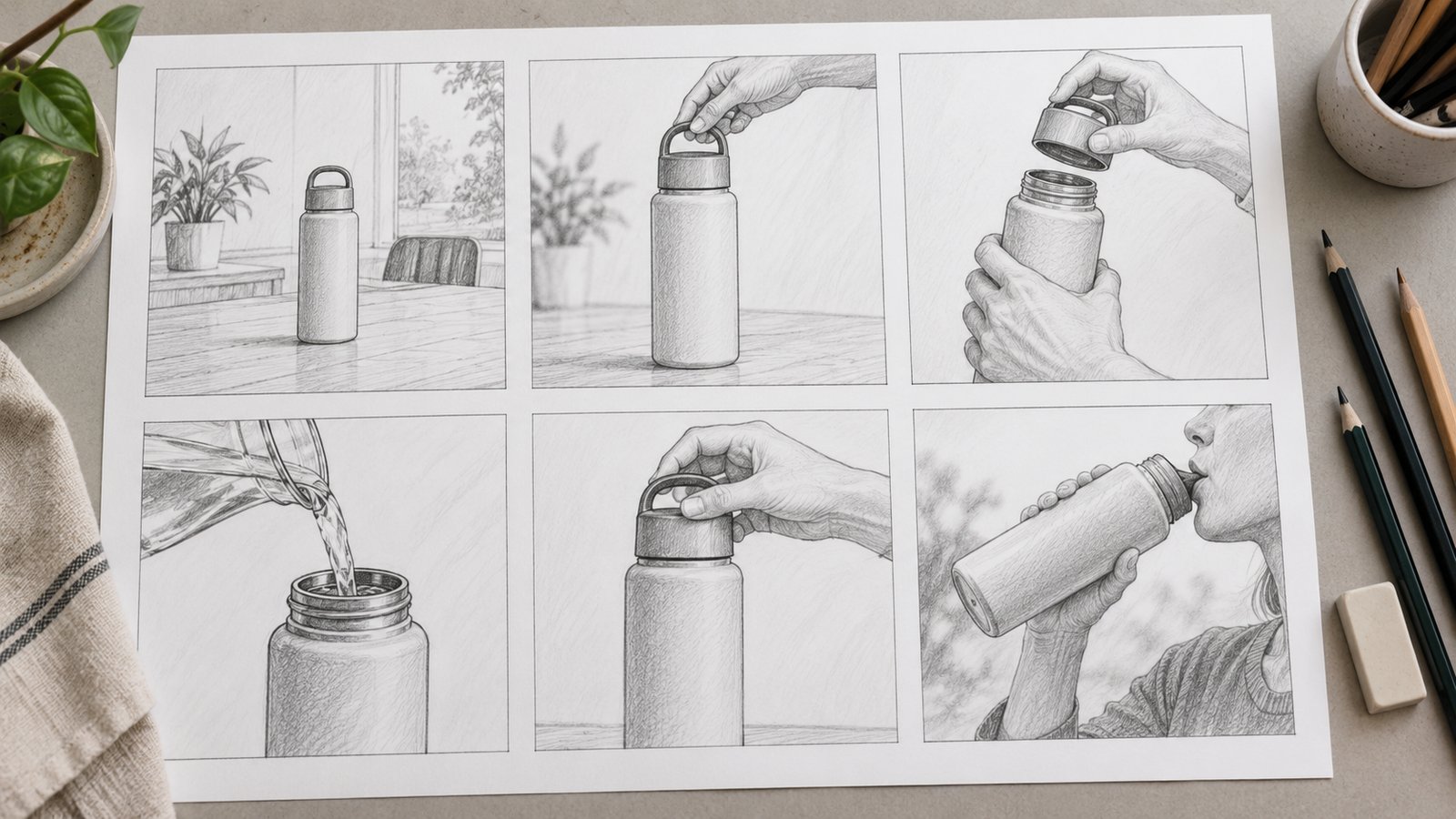
The script defines the explanation, and the storyboard shows how scenes will support it. Review these before detailed asset and motion work.
Identify the intended audience, current references, and any terminology that needs introduction. The script should contain supported statements, while the storyboard should identify which visual carries each point.
An animatic can arrange rough images and audio to test timing. Its unfinished appearance should be clear to reviewers. Check whether the sequence makes sense before judging details that have not yet been produced.
For medical or technical subjects, qualified reviewers should check the source interpretation and significant simplifications. A visually appealing storyboard does not independently validate its explanation.

Create artwork or 3D models
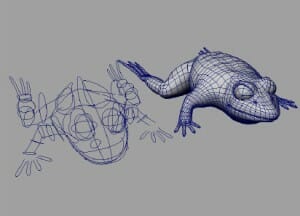
Asset creation produces the artwork or geometry required for the approved scenes. The amount of detail should follow the camera views and communication objective.
A 2D project may need diagrams, characters, backgrounds, and pose variations. A 3D project may use supplied CAD files, newly created models, or a combination. Supplied files can still need preparation for the intended animation.
Check relevant component relationships before polishing surfaces. An internal view may require information absent from an exterior photograph. Resolve missing details with the responsible reviewer instead of inventing them.
Prepare materials and movement controls
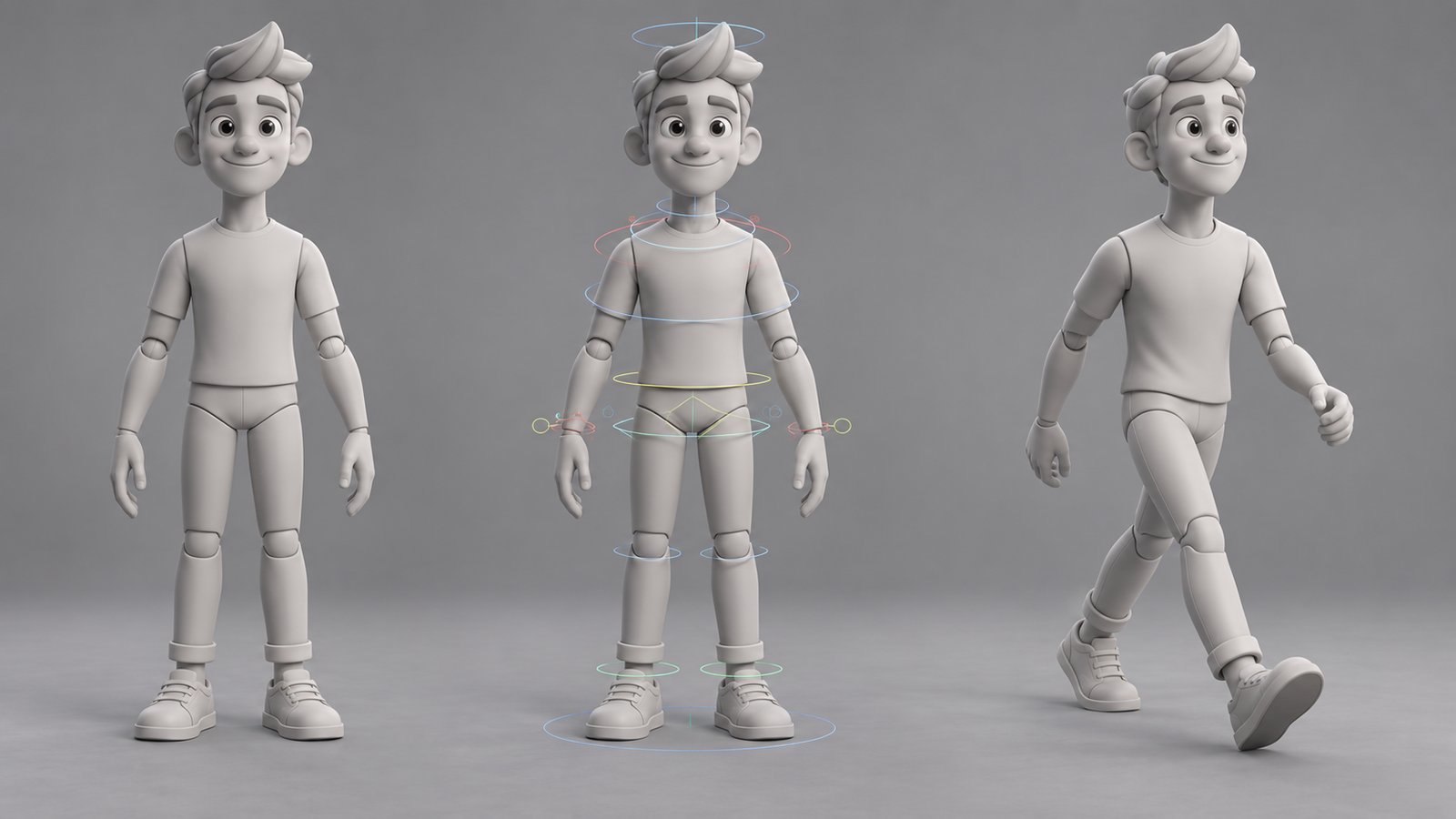
Materials describe visual surface properties, while movement controls help animate the required actions. These tasks vary according to the subject.
A product rotation can require different controls from an articulated character. Rigging is a way of organizing controls for movement or deformation; every project does not need the same rig.
Surface detail should support the explanation and visual treatment. There is no universal number of texture layers needed for a realistic model. Review what is visible, which appearance references are approved, and which details are only illustrative.

Build motion, lighting, and camera views
Animation establishes changes over time, while lighting and camera choices determine how viewers see the scene. Review these together for the intended explanation.
Check the direction of movement, sequence, and pacing in a preview. For a technical subject, compare the relevant relationships with the approved references. If time or scale is changed to make a process visible, decide whether the finished explanation needs to disclose it.
A virtual camera can show a selected internal view or an angle that would be difficult to film. That freedom also creates review responsibilities. Ensure the chosen view does not hide a condition the viewer needs to understand.
Render the required 3D frames
Rendering generates images from the prepared scene. It is a computation stage within production, followed where needed by further picture and sound work.
A hypothetical 60-second sequence at 24 frames per second contains 1,440 frames. At an assumed 20 seconds per frame on one worker, sequential computation is 28,800 seconds, or 8 hours, before overhead. This corrects the earlier arithmetic in this article; it is not a studio benchmark.
Estimate actual work from representative tests, the intended settings, and the rendering setup. See the rendering time guide for the assumptions and limitations of that calculation.
Composite, edit, and prepare sound
Compositing combines visual elements, editing arranges the finished sequence, and audio work prepares narration, music, and sound where required. The order and overlap depend on the project.
Review the relationship between the picture and narration. Captions and labels should use approved terminology. Confirm asset licenses and permitted uses for any music, recordings, or other supplied elements.
A changed script can affect more than a voice recording. It may alter scene timing, visual labels, motion, or rendered frames. Assess the production impact before treating a late request as a small wording change.


How the 2D workflow differs
2D animation uses its own artwork and motion workflow while sharing planning and review needs with 3D production. The exact approach depends on the visual treatment.
Some projects animate prepared graphic elements; others require new drawn poses or frame sequences. The brief should identify the intended style and which scenes need detailed movement.
Rough artwork and timing previews let reviewers inspect the explanation before finishing. Approved source content, clear feedback, audio planning, and delivery checks remain useful regardless of the production technique.
Check delivery against the approved scope
Final delivery should match the agreed content and versions. Check the picture, sound, captions, aspect ratio, and file specifications in the intended setting.
Confirm who retains source assets and what future edits are included or separately scoped. A final video and an editable project are different deliverables. Record the approved version so later updates can be compared with a known release.
Video examples retained from the original article
The following video references appeared in the earlier version of this production guide. They illustrate the article’s historical examples and should not be interpreted as a rendering-speed benchmark or a promised result for a new project.
How Austin Visuals helps with how 2D and 3D animation is made
Austin Visuals describes its animation services and review stages on its production process page. Use that page to discuss the scope of a particular project. For preparation and feedback responsibilities, the separate client guide provides a more focused starting point.
Explore Austin Visuals services and project planning for the relevant production scope and examples. The content and required review should be confirmed for your particular project.
Prepare a clear project brief
Choose the audience and objective before deciding how much visual detail the project needs. Gather the current references, identify the people who can approve the explanation, and specify the delivery versions. These decisions provide a practical basis for production planning and a useful project discussion.
Have an animation project to discuss?
Share your audience, references, and delivery requirements with Austin Visuals to discuss an appropriate production scope.
Contact info@austinvisuals.com or call (512) 591-8024.
Frequently Asked Questions
How is 2D and 3D animation made?
Production generally develops a script and storyboard, creates the needed assets, builds motion, and prepares the final image and sound. The specific steps depend on the project.
What is the purpose of storyboard approval?
Storyboard approval establishes the planned scenes and explanation before detailed production. It helps reviewers check sequence, omissions, and the relationship between visuals and narration.
Does every 3D project require character rigging?
No. Rigging requirements depend on what must move and how it is controlled. A product turntable and an articulated character require different production work.
How does rendering fit into production?
Rendering generates images from the prepared scene. It follows asset and motion work and can be followed by compositing, editing, audio, and delivery checks.
Why can a late script change affect several stages?
It can change the required scenes, models, motion, narration, and previously rendered frames. Review the impact before treating it as a small text revision.
Where should clients start preparing a project?
Start with the audience, objective, references, and required deliverables. The client preparation guide explains review responsibilities and feedback planning in more detail.