
Sales video audit results are useful when they identify a viewer’s problem at a specific timecode and propose a repair. Review the explanation and its supporting evidence before deciding whether the video needs a tighter edit, a replacement scene, or new filming. An expensive production can still leave a basic buying question unanswered.
Start with the version people actually see. A source project, a presentation export, and an embedded website player may contain different edits. The aim is to determine what prevents this particular video from doing its assigned job and which changes can resolve that problem.
Confirm the video’s purpose and current version
A useful audit starts with a defined audience and a question the video should answer. Without that context, reviewers can request a different kind of video while believing they are correcting the existing one.
Record where the video appears, how it is introduced, and what the viewer is expected to do afterward. A salesperson presenting to a customer can supply context that a website visitor never receives. Evaluate the video in the setting where the problem occurs.
Collect the current file, transcript, captions, and available source assets. Identify the product revision, offer, or service description the content represents. A technically polished export may contain information that is no longer appropriate to distribute.
Keep a copy of the version under review and give the audit a date. Use its timecodes consistently when collecting comments. If reviewers refer to different cuts, a seemingly precise instruction such as “remove the claim at twenty seconds” can lead to the wrong change.
Check whether the opening establishes the subject
The opening should give the intended viewer enough information to recognize the subject and the question being addressed. Assess what the viewer can understand before judging whether the opening feels energetic.
Watch it once without the production brief. Write down what is visible, what the speaker says, and when a new viewer could identify the product or service. A long logo sequence or unexplained scene can delay that orientation even when its individual shots look polished.
Compare the opening with the context that brought the viewer there. If a page promises a particular product explanation, the video should establish that explanation clearly. An opening created for an event may require a different introduction when reused on a website.
A repair could involve moving an existing identifying shot earlier, shortening repeated titles, or adding a concise line of narration. Test whether the existing footage can support the change. New filming is not automatically necessary when the missing information is already present later in the cut.
Connect every important promise with appropriate proof
Check whether the video explains and supports the claims a buyer is likely to rely on. A general statement of benefit needs enough context for the viewer to understand what is being offered.
Mark product specifications, comparisons, customer statements, and outcome claims in the transcript. Ask the responsible owner which approved information supports each one. Record any condition that the narration or graphics omit, such as the product version or the circumstances in which a feature applies.
Review the pictures as well as the words. A simulated display, an animated mechanism, or an illustrative interface can imply that something was measured or implemented. Make its status clear where that distinction affects the explanation.
If support is missing, remove or revise the claim before improving its presentation. A sharper graphic cannot resolve an evidence gap. When the underlying product information has changed, identify every shot, caption, and narration line affected by that change.
Review pictures, audio, and text in separate passes
Separate viewing passes help identify which part of the explanation is failing. Evaluate the complete video afterward so the repairs still work together.
On the picture pass, check orientation, sequence, and readable labels. Ask whether a close-up shows enough context to identify the component. Note cuts that move to a new subject before the previous relationship becomes clear.
On the audio pass, listen for unclear speech, distracting sound, and terminology the audience may not know. Read the transcript separately to find repeated claims or missing logical steps. Distinguish a weak explanation from a recording problem; they require different repairs.
On the text pass, check captions and on-screen wording at the intended display size. W3C’s caption guidance describes captions as conveying speech and relevant non-speech audio. Check product names and timing instead of assuming an automatic caption file is accurate.
A descriptive transcript also includes important visual information, according to W3C. That distinction is useful when an explanation depends on something the narration never identifies. A transcript can support the audit, while publication accessibility needs its own complete review.
Interpret retention data in its viewing context
Viewing data can identify moments that deserve inspection. It cannot, on its own, establish why viewers left or whether the video caused a sale.
YouTube’s audience retention documentation explains how its report describes attention across different moments of a video. Compare a change in the graph with the actual scene. Look for an unclear transition, a delayed explanation, or a passage that viewers might need to replay.
Keep the audience and placement in view. People arriving from a broad advertisement may have different expectations from customers opening a sales follow-up. A different source of viewers can change the pattern without any change to the edit itself.
When data is sparse, use a structured viewing review. Ask relevant viewers what they understood and where they needed more information. Record their answers without converting a small set of comments into a market-wide performance claim.
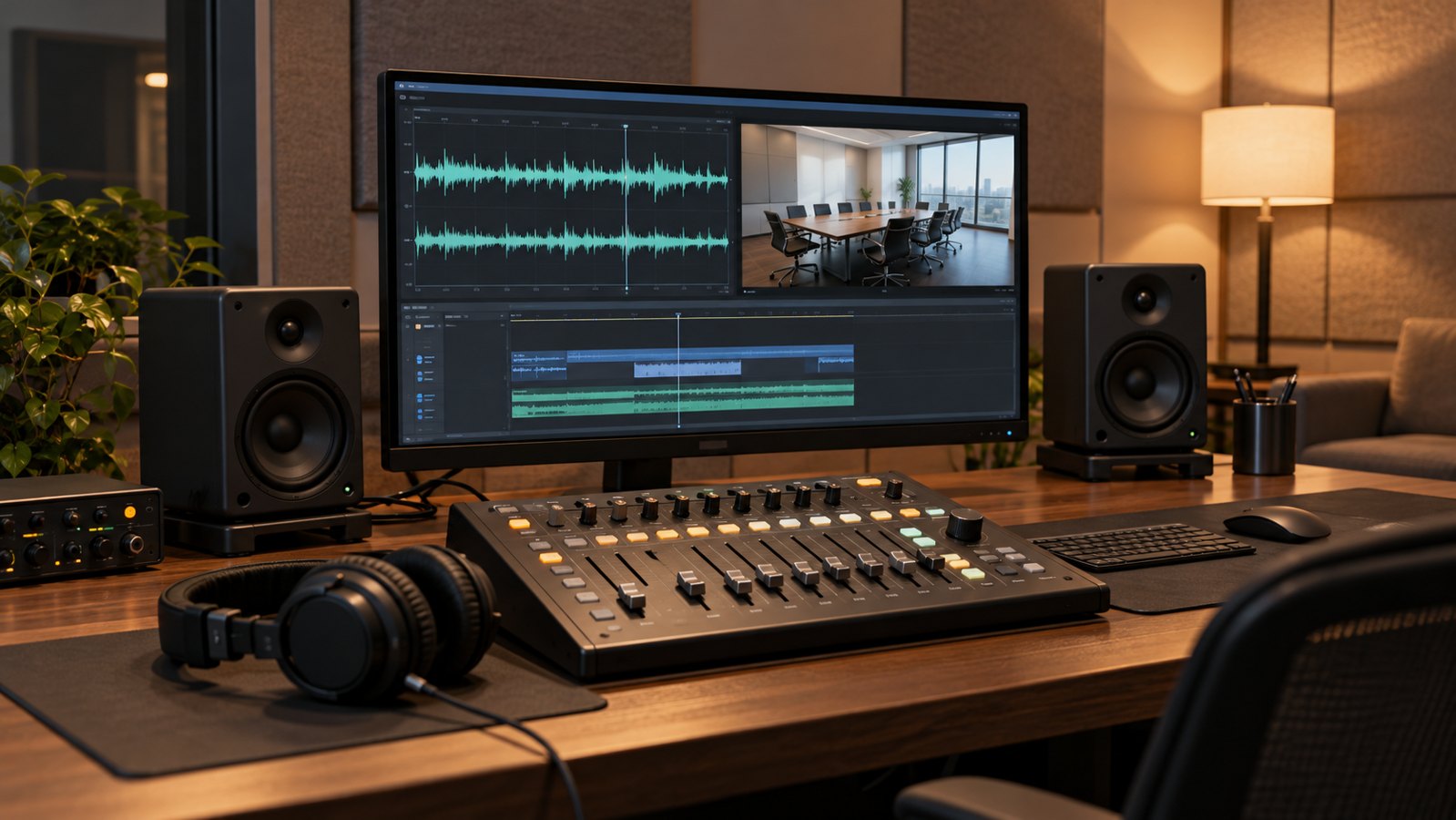
Turn observations into an actionable review worksheet
Each finding should name the viewer’s problem, identify the affected material, and define how a proposed correction will be checked. Keep preferences about appearance separate from factual or comprehension problems.
The following entries describe a fictional equipment-accessory video. They are illustrative audit notes, not findings from a client project or evidence of a performance improvement.
| Timecode | Observed problem | Candidate repair | Acceptance check |
|---|---|---|---|
| 00:00 | The product is not identified during the opening | Move an existing product view before repeated title graphics | A new viewer can name the subject |
| 00:18 | A compatibility claim has no stated limits | Use approved model-specific wording | The product owner confirms the wording and conditions |
| 00:31 | A close-up removes the connection to surrounding equipment | Insert a wider view or an orientation diagram | The viewer can locate the part within the assembly |
| 00:46 | Captions obscure a component label | Adjust caption placement or the shot composition | Both remain readable in the target player |
Add an owner and status to each finding in the working document. A product specialist may resolve a compatibility question, while an editor tests a new sequence. The person approving the final cut needs to see both decisions.
Use observable descriptions. “The label is unreadable in the mobile player” identifies something another reviewer can check. “Make it more exciting” does not establish what the viewer currently fails to understand or which change would resolve it.
Choose between an edit, a replacement scene, and a reshoot
The repair should match the missing information and the assets available. Test a representative fix before assuming the entire production needs rebuilding.
A re-edit may be sufficient when the explanation exists but appears too late, repeats itself, or uses an unsuitable order. A revised graphic or narration line may address a limited information gap when it can be integrated accurately with the existing material.
A replacement scene may be needed when an essential view is absent or the visible product has changed. For live footage, that can mean filming one additional angle. For animation, it can mean revising a model and rendering the affected sequence. Check continuity with neighboring shots before committing to the final repair.
A broader rebuild becomes a reasonable option when the audience, central message, or underlying subject has changed so substantially that local fixes cannot produce a coherent explanation. Compare the work required for each route against the same approved objective.
Confirm access to source files and the right to reuse production assets. The existence of a finished export does not establish that editable scenes, separate audio tracks, or all required permissions are available for a new version.
Prioritize the corrections that affect meaning
Resolve inaccurate information and missing explanations before polishing optional details. A consistent priority order helps the team avoid spending its review time on an attractive but irrelevant change.
- Correct unsupported, outdated, or misleading content.
- Repair the missing context that prevents understanding.
- Address speech, captions, labels, and playback problems.
- Refine pacing and appearance against the agreed objective.
Prepare a rough revised sequence that includes the most consequential repair. Review it with the intended audience and the relevant subject owner. If the fix does not resolve the problem, reconsider the diagnosis before expanding the work across the video.
Consolidate feedback into one revision list. When two reviewers request conflicting changes, record the decision and its reason. The editor should not have to infer whether a marketing preference overrides an approved product detail.
Validate the revised video in its real destination
The final check should cover the exported video and the environment in which it will be viewed. An edit can pass on the editing workstation and still fail in a presentation or website player.
Check captions, label readability, audio, and the transition to any next step. Verify that the destination still contains the information promised by the video. If several versions exist, check each one rather than assuming a shorter cut preserves every necessary condition.
Keep the original audit, the decisions taken, and the approved file together. Name the person responsible for later updates. A future reviewer can then distinguish an intentional choice from an overlooked error.
Frequently asked questions
What should a sales video audit examine first?
Confirm the audience, the video’s assigned question, and the version being used. Then check whether the opening establishes the subject. Those decisions give the remaining findings a consistent context.
Can a weak sales video be improved without a reshoot?
It may be possible when the required information already exists in the footage or can be supplied through an accurate edit, graphic, or narration change. Test a representative repair before choosing a larger production route.
Does a drop in audience retention prove the opening is wrong?
No. A retention change identifies a moment to inspect. Review the scene alongside the audience source and placement. Those factors can influence viewing patterns without establishing a single cause.
Should the audit focus on making the video shorter?
The audit should focus on making the explanation clear and appropriate to its setting. Remove repetition when it serves no purpose, but preserve the information the viewer needs to interpret the claim or sequence.
Who should approve factual changes?
The person responsible for the relevant product, service, or claim should approve its correction. A project owner should record that approval and resolve conflicting instructions before the final cut is distributed.
How can reviewers make their comments more useful?
Give a timecode, describe the observable problem, and explain how a correction will be checked. Include an approved reference when the issue is factual. Keep appearance preferences separate from errors affecting meaning.