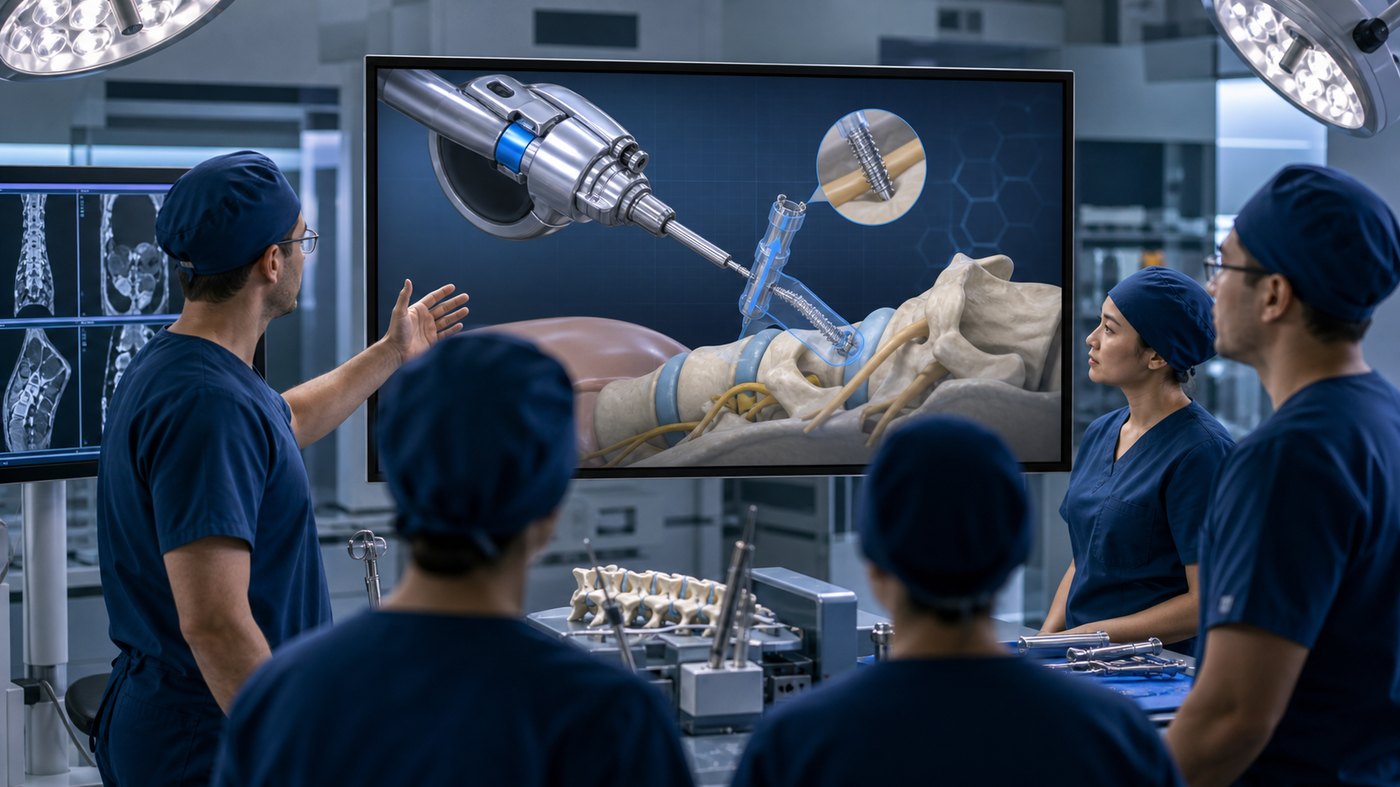
Surgical devices can be difficult to teach because the most important information is often small, internal, sequential, or hidden inside anatomy. A surgeon, sales representative, clinical educator, investor, or training team may need to understand how a device moves, where it is placed, what tissue it interacts with, and why each step matters. 3D medical animation for surgical device training makes that information visible.
Unlike live footage, 3D medical animation can isolate the device, simplify the anatomy, remove visual distractions, show internal mechanisms, and control the timing of every step. It can be used before a procedure, during a workshop, in a sales training program, at a trade show, inside a learning module, or as part of a device launch campaign.
If your surgical device needs clearer training visuals, Austin Visuals can help create medically accurate animation for technical and clinical audiences. Email info@austinvisuals.com or call (512) 591-8024 to discuss your project.
Why 3D Medical Animation Works for Surgical Device Training
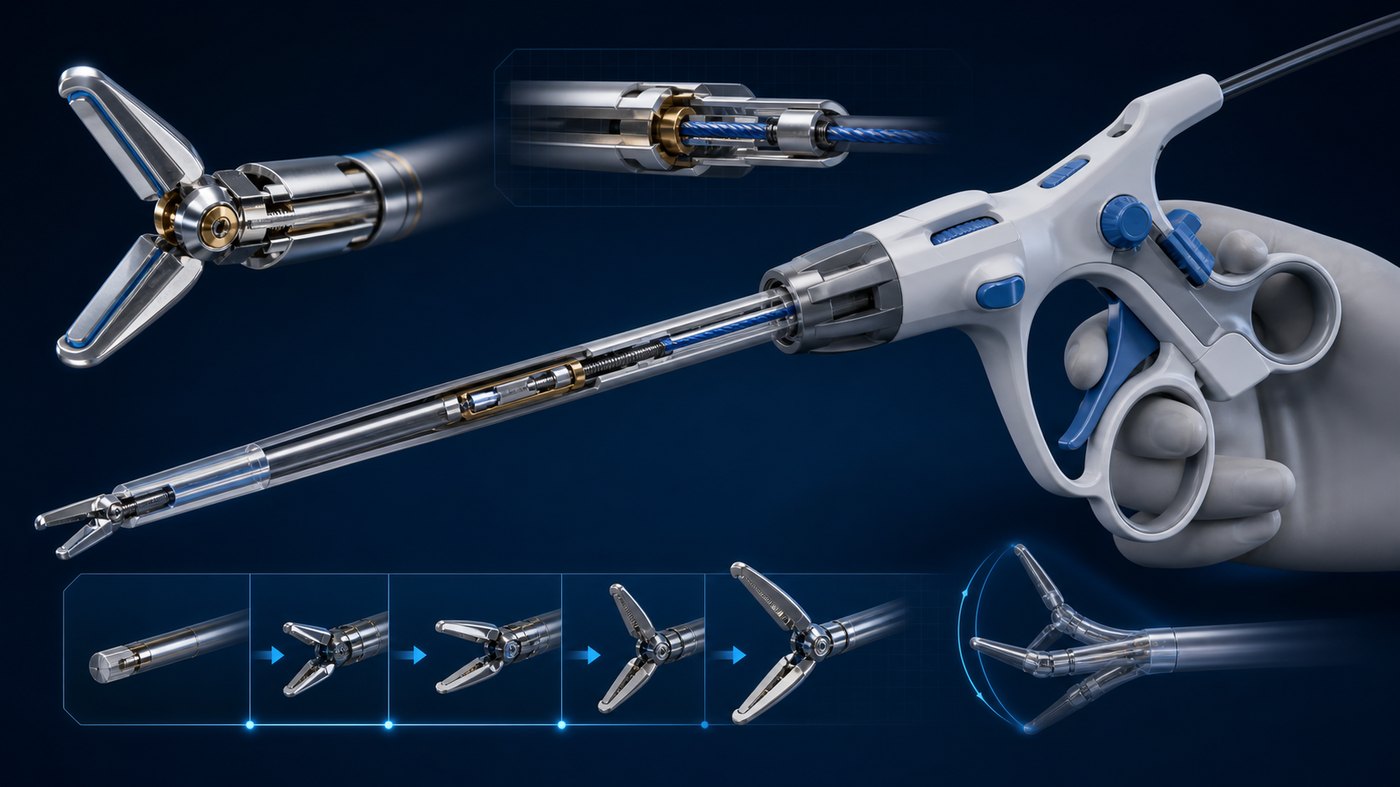
3D medical animation works because surgical device training depends on spatial understanding. Viewers need to see how a device is held, inserted, advanced, deployed, adjusted, withdrawn, or positioned. They also need to understand what the device is doing internally. A live camera may show the surgeon’s hands, but not the mechanism inside the device or the relationship to surrounding anatomy.
Animation can show all of these details in a controlled way. It can start with the complete device, then move into a cutaway view. It can show how the handle affects the distal tip, how a component deploys, how the device interacts with tissue, and how the sequence should look when performed correctly. This visual clarity helps trainees understand both the procedure and the product design.
Austin Visuals has written about using animation to boost medical device sales and training. Surgical device education is a focused example of that value: animation can support clinical confidence while also helping commercial teams communicate device advantages responsibly.
Showing Anatomy, Device Path, and Procedure Sequence
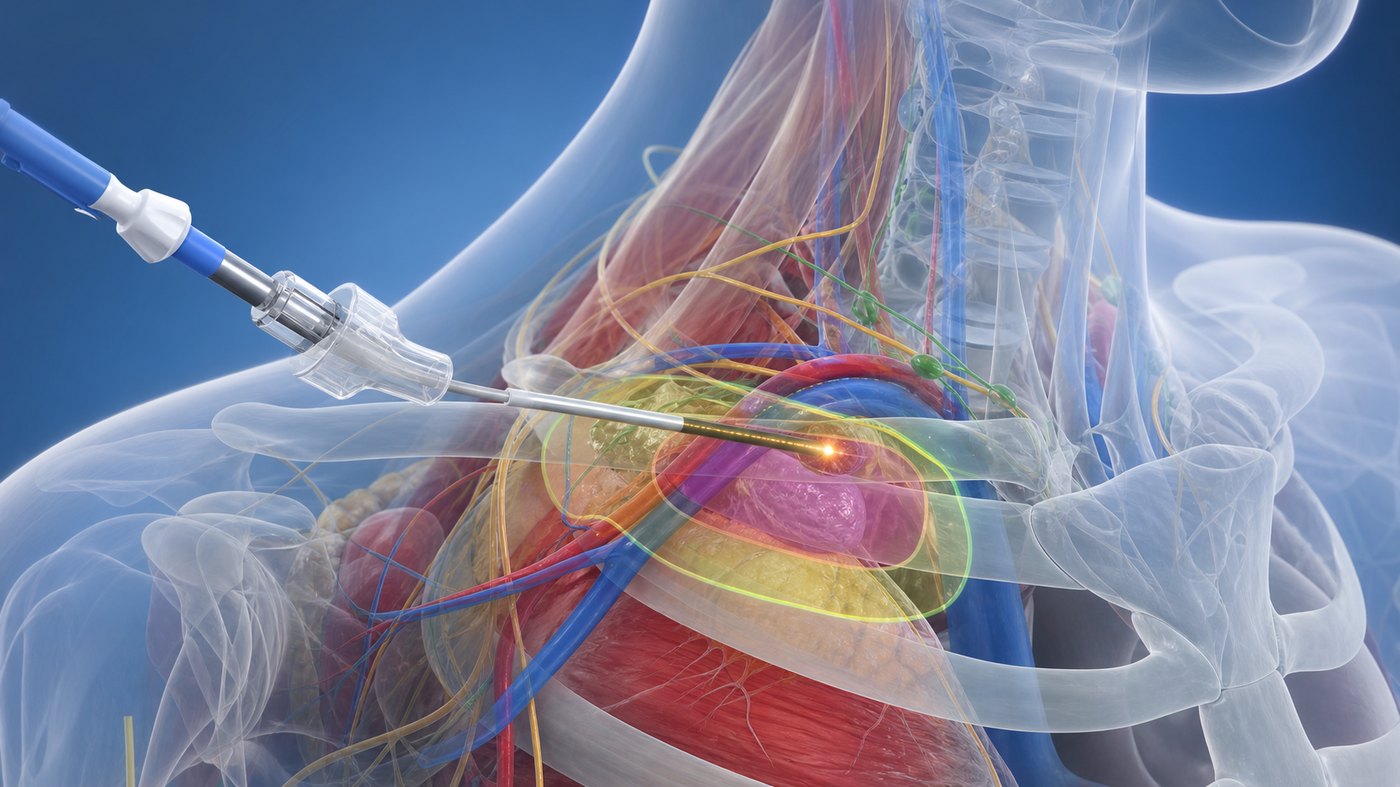
Surgical device training often requires a balance between anatomical accuracy and visual simplicity. Too much anatomical detail can distract from the teaching point. Too little detail can make the animation feel generic or medically weak. A strong 3D medical animation uses the right level of detail for the audience and training objective.
For example, a device placement animation may show only the relevant anatomy, target zone, access path, and nearby structures that matter for safe use. The animation can use transparency, color, lighting, and camera movement to help the viewer understand the procedure without overwhelming them.
Procedure sequence is equally important. Training should not only show the final placement. It should explain preparation, orientation, access, deployment, confirmation, adjustment, and completion. When each step is shown visually, learners are more likely to remember the order and recognize what correct use should look like.
This connects to Austin Visuals’ article on medical animation for surgical training, where accuracy, review, and procedure clarity are central to the production process.
Explaining Surgical Device Mechanisms Clearly
Many surgical devices are impressive because of what happens inside the device. A hinge, deployment element, catheter tip, cutting feature, implant mechanism, sensor, handle control, or delivery system may be central to the value proposition. Yet those details can be nearly impossible to show with physical footage alone.
3D animation can separate the device from the clinical environment and explain the mechanism step by step. It can show an exploded view, cross-section, transparent housing, or slow-motion sequence. It can also compare device states before, during, and after activation. For technical buyers and clinical trainers, this can make the device easier to understand and easier to teach.
Animation also helps avoid the clutter of a real operating environment. Surgical settings contain instruments, hands, drapes, monitors, and movement. Those details may be realistic, but they can distract from a training point. A 3D scene can include only the elements needed for the lesson.
For medtech teams preparing launch materials, Austin Visuals’ post on medical device marketing with 3D animation is a useful companion. Device mechanism visuals can support marketing, sales, training, and investor communication when produced with care.
Planning the Training Animation Before Production
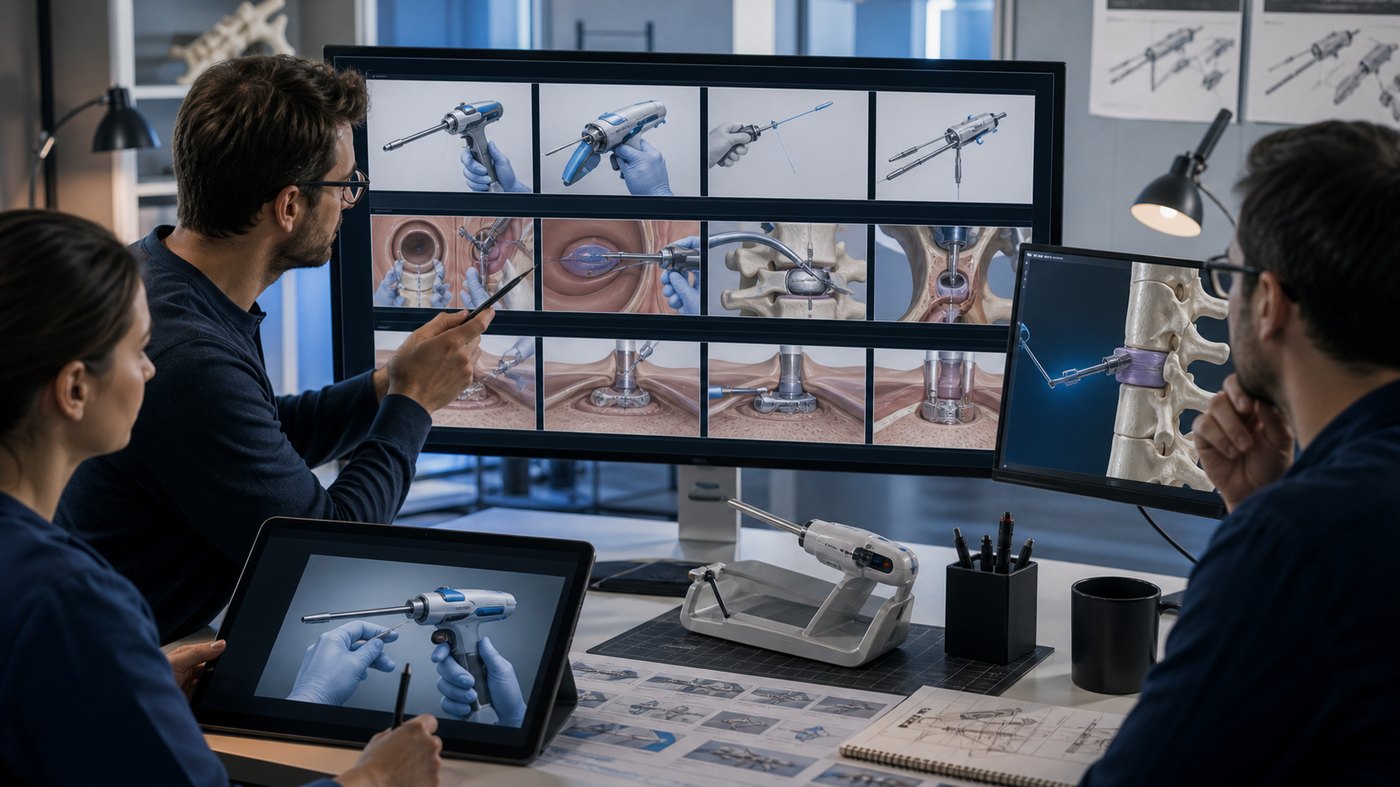
The best surgical device animations begin with a clear training objective. The team should decide whether the animation is meant to teach use technique, explain device design, support sales education, prepare clinicians for a workshop, or communicate the procedure to non-clinical stakeholders. Each purpose affects the script, visual detail, pacing, and review process.
Storyboarding is especially important. A storyboard lets clinicians, product managers, regulatory reviewers, marketing teams, and animators align before full production begins. It can identify where the animation needs anatomy, where it needs a device closeup, where it needs a simplified diagram, and where narration should explain a key point.
Useful inputs may include CAD files, IFU references, product photos, procedure notes, clinical diagrams, surgical footage, training decks, peer-reviewed references, and subject matter expert interviews. These materials help the animation team build a visual plan that is accurate and focused.
Austin Visuals also discusses clinical quality in clinical-grade 3D animation for medical marketing. Surgical device training requires that same discipline, because the visuals must be clear, polished, and medically credible.
Using Animation for Clinical Training, Sales, and Launches
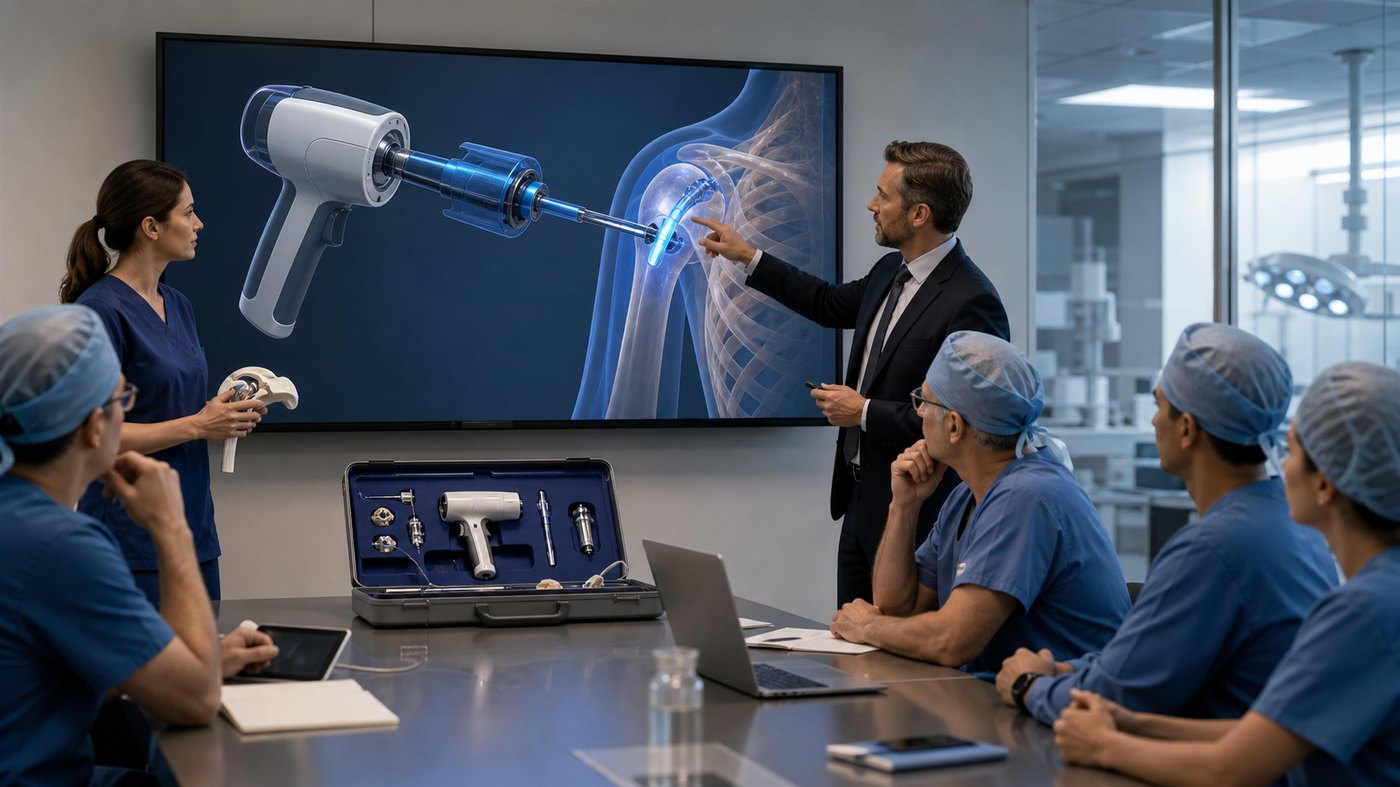
3D medical animation for surgical device training can serve several teams at once. Clinical educators may use it in workshops, onboarding, and training modules. Sales teams may use simplified segments to explain device value. Marketing teams may use approved clips in launch content. Executives and investors may use the animation to understand how the device works without needing a full surgical explanation.
The key is to plan for modular use. A long training animation can be edited into shorter segments: one for mechanism, one for anatomy, one for procedure sequence, one for benefits, and one for review or certification. This makes the production more valuable because the same visual assets can support multiple communication needs.
Trade shows and conferences are another strong use. A looping device animation can attract attention, while a deeper version can support booth conversations or private demonstrations. Austin Visuals has covered this in trade show animation for medical device companies.
For internal sales training, animation can help representatives explain a device consistently. Instead of relying on verbal description alone, teams can show the same approved sequence every time. This supports clearer messaging and reduces the risk of inaccurate explanations.
Accuracy, Compliance, and Review Workflow
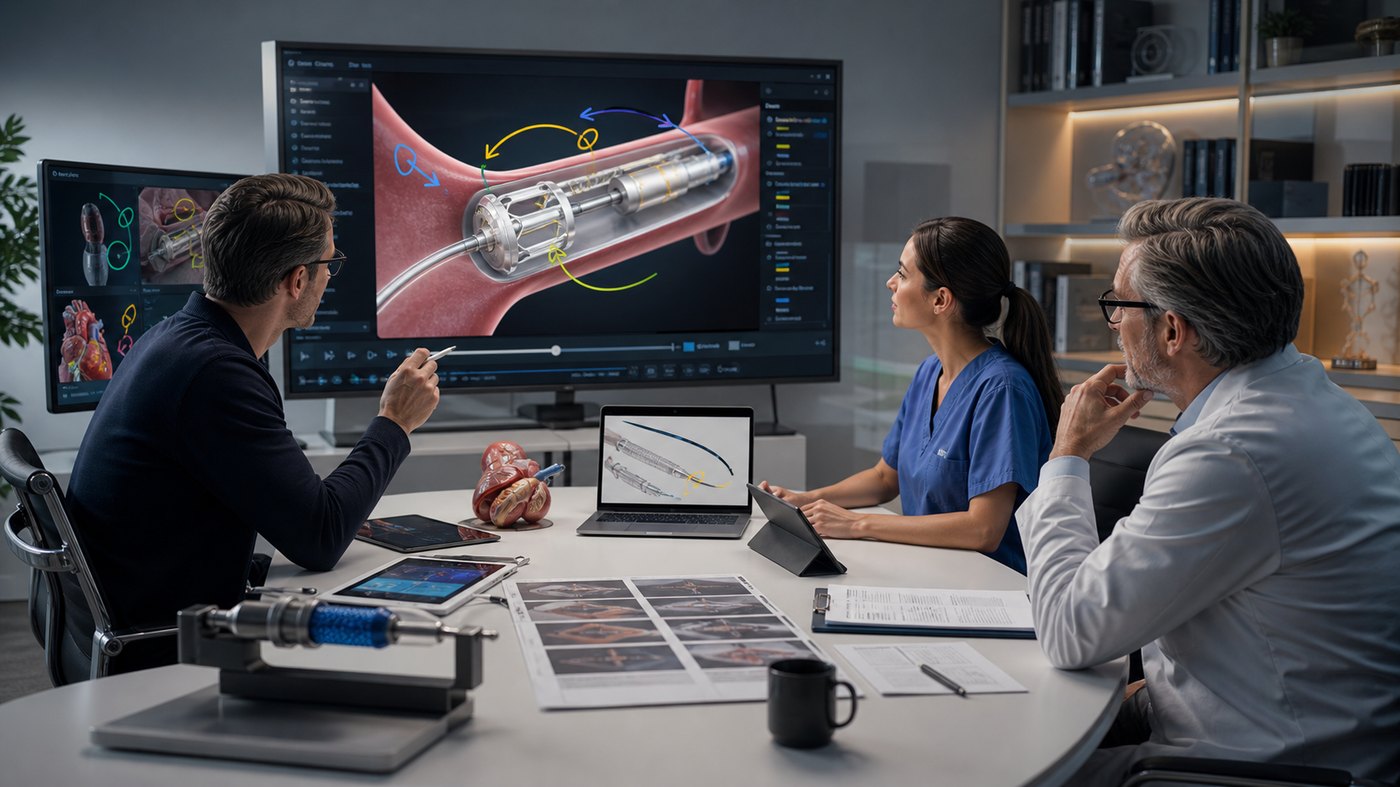
Medical animation needs a careful review process. Surgical device training content may be viewed by clinicians, regulatory teams, product managers, marketing leaders, sales trainers, and legal reviewers. Each group may focus on different details: anatomy, claims, sequence, device behavior, risk communication, labeling, or audience appropriateness.
A structured workflow helps. The team should review the script first, then storyboard, then rough animation, then final visuals. Medical and product reviewers should be involved early enough to prevent expensive changes later. Claims and language should be checked before narration and final editing.
Accuracy does not mean every scene must include every detail. It means the animation should be truthful to the training purpose. Simplification is acceptable when it makes the lesson clearer and does not misrepresent the device or procedure.
Austin Visuals has also written about why medical device companies invest in 3D animation for FDA submission and training. Whether the asset is used for training, review, or communication, the production process should respect accuracy and documentation.
Best Practices for Surgical Device Training Animation
Start with the learner. A surgeon may need a different level of detail than a sales representative, investor, patient educator, or new clinical specialist. The animation should match the audience’s knowledge level and the decision or behavior the content is meant to support.
Keep each module focused. One animation can cover the device overview, but a training library may work better as a sequence of shorter lessons: anatomy, setup, handling, placement, deployment, troubleshooting, cleaning, and warnings. Shorter modules are easier to review, update, and reuse.
Use visual emphasis with restraint. Color, transparency, glow, arrows, and motion graphics can help explain important details, but too many overlays can make a medical animation look less credible. The best visuals guide attention without distracting from the anatomy or device.
Plan for approvals. Surgical device companies often need internal review from clinical, regulatory, legal, and marketing teams. Building that review into the production schedule helps protect accuracy and reduces last-minute changes.
FAQ: 3D Medical Animation for Surgical Device Training
What is 3D medical animation for surgical device training?
It is animated medical content that shows how a surgical device works, how it interacts with anatomy, and how a procedure or training sequence should be understood.
Why use animation instead of surgical footage?
Animation can show internal mechanisms, hidden anatomy, transparent views, slow motion, device paths, and simplified procedure steps that are difficult or impossible to capture clearly with live footage.
Can animation be created from device CAD files?
Yes. CAD files, product photos, diagrams, IFU references, procedure notes, and clinical input can help create accurate 3D device visuals.
Is surgical device animation useful for sales training?
Yes. Approved animation can help sales and clinical teams explain device features, use sequence, and clinical context more consistently.
Can medical animation support regulatory review?
It can support internal review and communication when produced carefully, although final regulatory use depends on the company’s claims, labeling, and review process.
How long should a surgical device training animation be?
Many teams use a longer core animation plus shorter modules. A focused lesson may run one to three minutes, while a detailed training sequence may be divided into several chapters.
Does Austin Visuals create surgical device training animation?
Yes. Austin Visuals creates 3D medical animation, surgical animation, device visualization, training videos, and medical marketing visuals for healthcare and medtech teams.
Conclusion
3D medical animation for surgical device training helps medtech teams explain information that is hard to show with live footage, static diagrams, or written instructions alone. It can reveal device mechanisms, show anatomy, clarify placement, support procedure sequence, and improve consistency across clinical education and sales training.
For surgical device companies, animation can become a reusable training asset that supports launch, education, workshops, trade shows, internal onboarding, and stakeholder communication. The strongest results come from a clear objective, accurate source materials, clinical review, and visuals that focus on the learner’s needs.
Austin Visuals helps companies turn equipment, workflows, safety procedures, products, and technical processes into clear visual content that teams and customers can understand.
Contact us at info@austinvisuals.com or call (512) 591-8024.