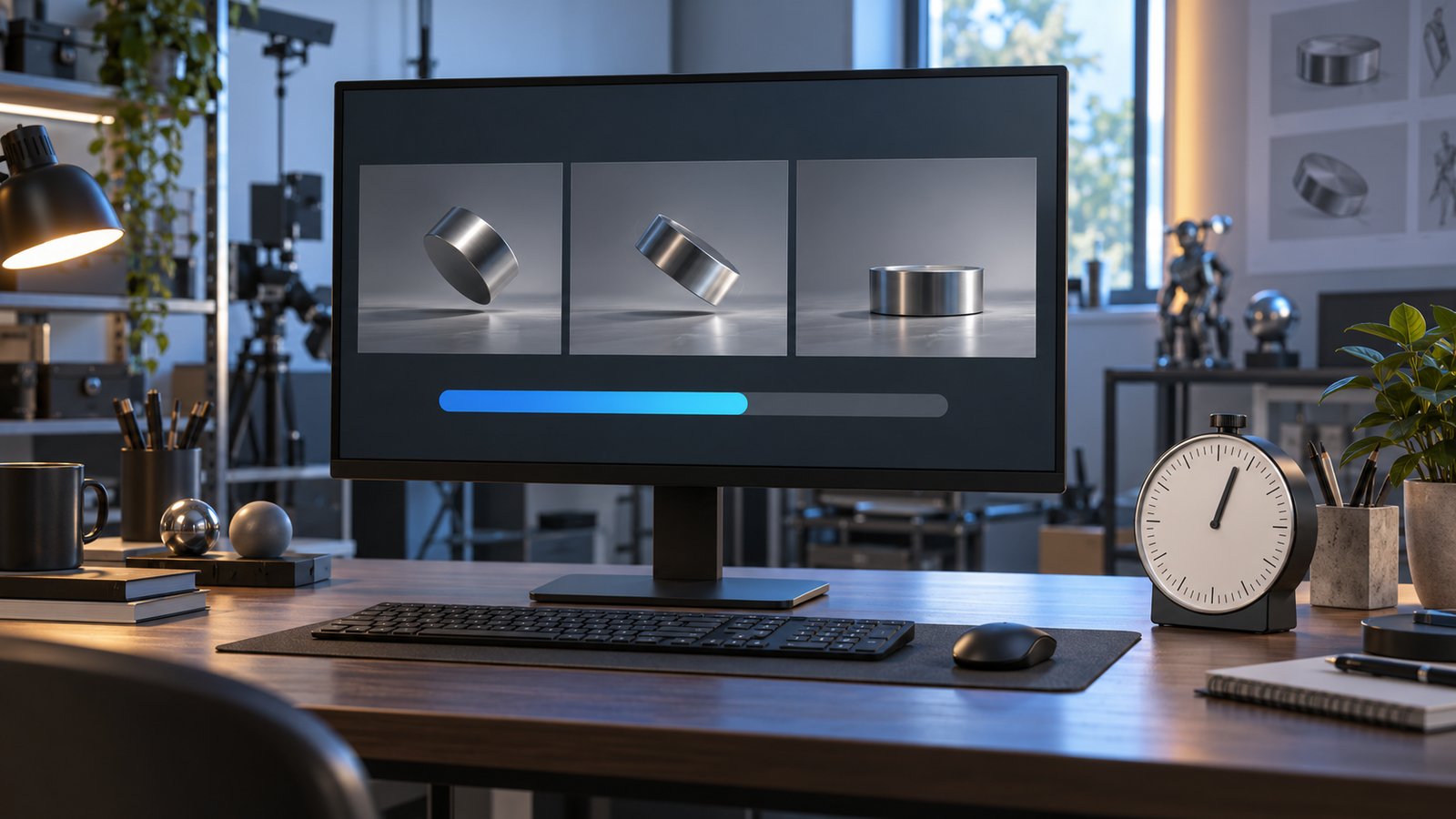
3D animation rendering time can be estimated from the number of frames and measured render times for representative frames. A useful estimate also accounts for scene variation, processing, retries, and the actual rendering setup.
There is no dependable universal time per minute of animation. A simple product shot and a complex scene can have the same runtime while requiring very different computation. Austin Visuals treats rendering as one part of a technical animation or visualization project, alongside asset creation, motion, reviews, and delivery.
This guide gives a calculation you can inspect, explains its limitations, and lists the information needed for a practical discussion. All numerical examples below are hypothetical calculations, not Austin Visuals performance benchmarks.
Discuss your technical animation requirements with Austin Visuals with the intended runtime, image quality, and delivery setting.
What rendering means in 3D animation
Rendering generates an image from a prepared digital scene. The scene can include geometry, materials, lighting, a camera, and settings that govern how the renderer calculates the image.
For a rendered animation, that calculation produces the required image sequence. Modeling creates or prepares the objects; animation controls their movement or other changes. Rendering turns the scene at selected moments into images for the final visual sequence.
Autodesk’s 3D visualization overview distinguishes scene preparation and rendering within a broader workflow. This distinction matters for scheduling: an estimate of computation does not include every activity required to make the scene ready.
Calculate the frame count first
Frame count equals runtime in seconds multiplied by the chosen frames per second. Establish the delivery frame rate before estimating the number of images to render.
A hypothetical one-minute sequence at 24 frames per second contains 60 × 24 = 1,440 frames. If each frame takes 20 seconds on one rendering worker, the sequential calculation is 1,440 × 20 = 28,800 seconds. That is 8 hours, excluding setup, transfers, retries, and subsequent processing.
| Input or result | Hypothetical value | Meaning |
|---|---|---|
| Runtime | 60 seconds | Length of the rendered sequence |
| Frame rate | 24 fps | Selected frames per second |
| Frame count | 1,440 | 60 multiplied by 24 |
| Measured time per frame | 20 seconds | Assumed representative measurement |
| Sequential computation | 28,800 seconds, or 8 hours | One worker, before overhead |
The arithmetic does not prove that 20 seconds is representative. That input must come from relevant test renders. If the scene changes substantially between shots, a single measured frame may provide a poor estimate for the whole sequence.
Choose representative test frames
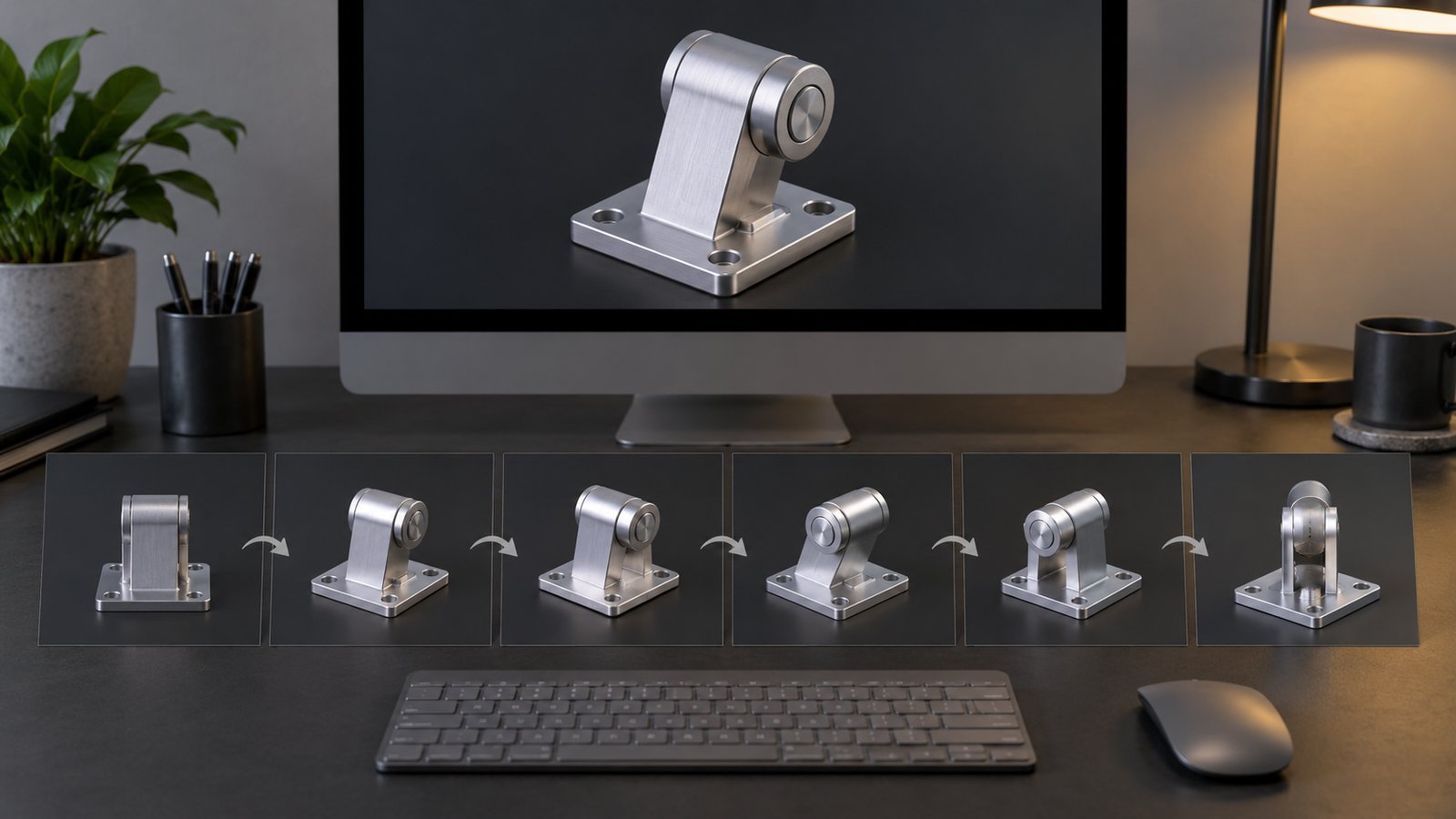
Test renders should sample the scenes and conditions that matter to the final output. A convenient preview frame is not automatically a representative production measurement.
Identify shots with different geometry, effects, lighting, and camera views. Include demanding frames as well as ordinary ones. Measure them using the intended resolution and quality settings on the setup that will actually perform the work.
- Record the scene, shot, and frame being measured.
- Record the renderer version and relevant settings.
- Identify the hardware and available memory.
- Separate preparation time from measured frame computation where possible.
- Repeat enough representative tests to understand meaningful variation.
- State what the estimate includes and what remains uncertain.
Retain the measurement record. A later change to scene content or settings can invalidate an earlier test. The record lets the team explain why an estimate changed instead of comparing unrelated numbers.
For a sequence with several shot types, estimate each group from its relevant tests, then combine the results. State how untested shots are handled. This makes the uncertainty visible instead of hiding it inside a single average.
What can change 3D animation rendering time?
Render time depends on the scene, calculation settings, renderer, and available resources. Duration alone does not describe those inputs.
Geometry, materials, lighting, transparency, motion effects, and simulation data can change the workload. The effect of a particular feature depends on how it is represented and calculated. More visual detail does not translate into one fixed multiplier that works for every scene.
Resolution changes the number of pixels in the image. Sampling and other quality controls influence the calculations used to produce those pixels. Test an appropriate combination rather than assuming every setting must be at its maximum.
Hardware should be considered with software support and resource limits. A system with a faster processor may still encounter memory limits or unsupported features. Compare measurements from the actual configuration instead of treating a component name as a delivery guarantee.
How parallel rendering changes the estimate
Parallel rendering can distribute suitable work across available resources. The elapsed time depends on how much useful work runs concurrently and on the system’s overhead and constraints.
Dividing a sequential estimate by the number of computers is a simplifying assumption, not a confirmed schedule. Transfer time, job scheduling, memory, licensing, startup, and the slowest frames can affect the result. A machine assigned to the project may also be unavailable for part of the required period.
Ask what the render estimate measures: total computation across workers or elapsed time until all required images are available. These are different quantities. A proposal should identify the resources assumed and the work that happens after the render jobs finish.

Rendering and the production schedule are different
The production schedule includes work beyond rendering. Script development, storyboarding, modeling, animation, technical review, revisions, audio, and delivery all need to be considered.
A change made before final rendering may affect models or motion. A change made after images are rendered may require selected frames or whole shots to be calculated again. Its impact depends on what changed, not just how many words appear in the feedback.
Use the animation production stages guide to place rendering within the wider workflow. For a project deadline, discuss review availability and final version requirements as well as the computer workload.
Reduce unnecessary work with a clear delivery target
A defined delivery target helps the team choose settings and detail that serve the intended use. Review the image at its actual playback size before accepting a costly change whose benefit may be invisible there.
Preview scenes can help check framing, movement, and content before final-quality calculation. They should be labeled as previews so reviewers understand which details remain unfinished. Approve the explanation and identify unresolved visual issues before committing to final output.
For an external rendering service, discuss file permissions, confidentiality, software compatibility, and transfer requirements. Determine who checks missing assets, failed frames, and final sequence consistency. Access to more resources does not remove those responsibilities.
What to include in a rendering discussion
A useful brief identifies runtime, frame rate, resolution, visual references, and the intended delivery format. It should also describe available scene assets and any fixed deadline.
List the required versions and technical review needs. If the sequence must be adapted for several audiences, clarify whether those versions reuse the same images or need different scenes. Ask for the assumptions behind the estimate and for a checkpoint when representative test renders can replace early provisional figures.
How Austin Visuals helps with 3D animation rendering time
Austin Visuals produces technical animation and other 3D visualization. Rendering requirements form one part of the project scope. Provide the intended image quality, runtime, delivery setting, and review needs so the production and rendering work can be considered together.
Explore Austin Visuals services and project planning for the relevant production scope and examples. The content and required review should be confirmed for your particular project.
Prepare a clear project brief
Choose the audience and objective before deciding how much visual detail the project needs. Gather the current references, identify the people who can approve the explanation, and specify the delivery versions. These decisions provide a practical basis for production planning and a useful project discussion.
Have an animation project to discuss?
Share your audience, references, and delivery requirements with Austin Visuals to discuss an appropriate production scope.
Contact info@austinvisuals.com or call (512) 591-8024.
Frequently Asked Questions
How do you estimate 3D animation rendering time?
Multiply frame count by a representative measured render time per frame for a first sequential estimate. Then account for scene variation, setup, retries, processing, and delivery.
How many frames are in a one-minute animation at 24 fps?
There are 1,440 frames: 60 seconds multiplied by 24 frames per second. This frame count is an input to the estimate, not a statement about render speed.
Does rendering time include the whole production schedule?
No. Script development, modeling, animation, reviews, revisions, and final delivery are separate activities. A project schedule should account for them alongside rendering.
Why can two animations of the same length render differently?
They can differ in scene complexity, quality settings, hardware, and processing requirements. Runtime alone does not describe the work required for each frame.
Will adding more computers divide the time evenly?
Not necessarily. Parallel rendering depends on available resources, scheduling, data transfer, memory, and other constraints. Test the actual setup before promising a delivery time.
What should a test render record?
Record the scene and frame, renderer version, hardware, resolution, quality settings, and measured time. Use representative frames and state what the measurement includes.