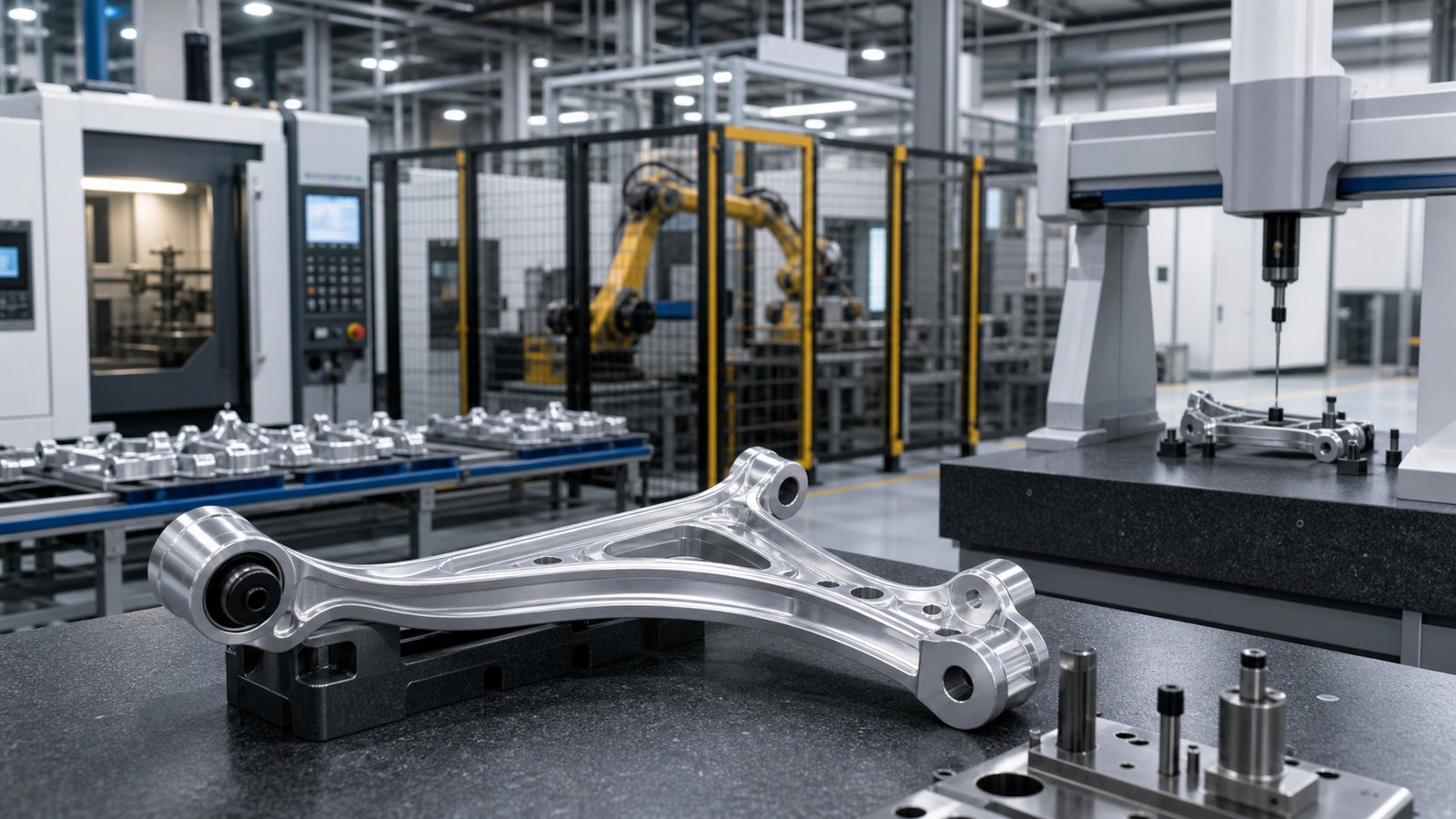
3D animation for automotive parts manufacturing turns CAD geometry, tooling, production steps, inspection points, and service procedures into a clear visual sequence that teams can review before working with the real component or cell. It is especially useful when an important feature is hidden, a process moves too quickly to film, a new part is not yet available, or multiple plants and suppliers need the same technical explanation.
The most useful animation is built around one manufacturing question, not around visual spectacle. It may teach an operator how a component enters a fixture, show a supplier where interfaces matter, explain a robot and part handoff, reveal an internal mechanism, or prepare quality personnel for an inspection sequence.
Austin Visuals creates realistic automotive and manufacturing visuals for workforce training, engineering communication, supplier onboarding, maintenance, sales, and technical presentations. Call (512) 591-8024 or email info@austinvisuals.com to discuss a project.
What Is 3D Animation for Automotive Parts Manufacturing?
3D animation for automotive parts manufacturing is a time-based technical visualization of a component, tool, machine, inspection, or production sequence. It can begin with an engineering model and add approved motion, camera direction, cutaways, exploded views, callouts, material states, and narration so a defined audience can understand what happens and in what order.
The subject may be a stamped bracket, aluminum casting, machined housing, injection-molded connector, battery enclosure, electric drive assembly, steering component, suspension link, seat mechanism, sensor, pump, fastener system, or complete production cell. An automotive parts animation can focus on one interface at full scale, then pull back to show how the component moves through the broader line.
This is different from simply rotating a CAD model. A purposeful animation identifies the starting condition, required action, important feature, expected result, and review boundary. It also makes clear which details are exact, representative, simplified, or supplied by analysis.

Why Automotive Component Production Benefits from Animation
Automotive component manufacturing combines tight geometry, repeated cycles, multiple variants, specialized tooling, automated movement, manual work, and defined quality checks. A worker at one station may see only a few seconds of the full process. A supplier may understand its own part but not the downstream assembly. A customer or new engineer may receive a drawing without understanding how the part is made or why a feature matters.
Automotive manufacturing animation provides a shared visual reference. The same sequence can move from a plant overview to a cell, fixture, component, and critical interface without requiring the viewer to reconstruct those relationships from separate documents. Time can be slowed for a fast transfer, paused at an inspection point, or compressed for a long machine cycle.
Animation can also reveal what a normal camera cannot. A housing can become transparent, a press or machine enclosure can be shown in a controlled cutaway, and a part can remain visible while it moves between operations. These techniques explain spatial relationships, but they should never imply that guards can be removed or that personnel can enter an operating cell.
Where 3D Automotive Assembly Animation Adds Value
Component orientation and assembly order
A 3D automotive assembly animation can show how parts are oriented, nested, located, supported, fastened, and verified. It can isolate a seal lip, connector key, datum surface, bearing shoulder, clip position, adhesive path, or fastener family while keeping the whole subassembly in view.
Exploded views are useful for relationships, but the movement should remain credible. Components should not pass through each other, tools need plausible access, flexible parts should follow approved handling, and heavy assemblies should use suitable lifting or positioning equipment. If a real operation requires a fixture, poka-yoke feature, torque tool, or inspection device, the animation should include it when relevant to the learning objective.
Machining, casting, molding, and forming
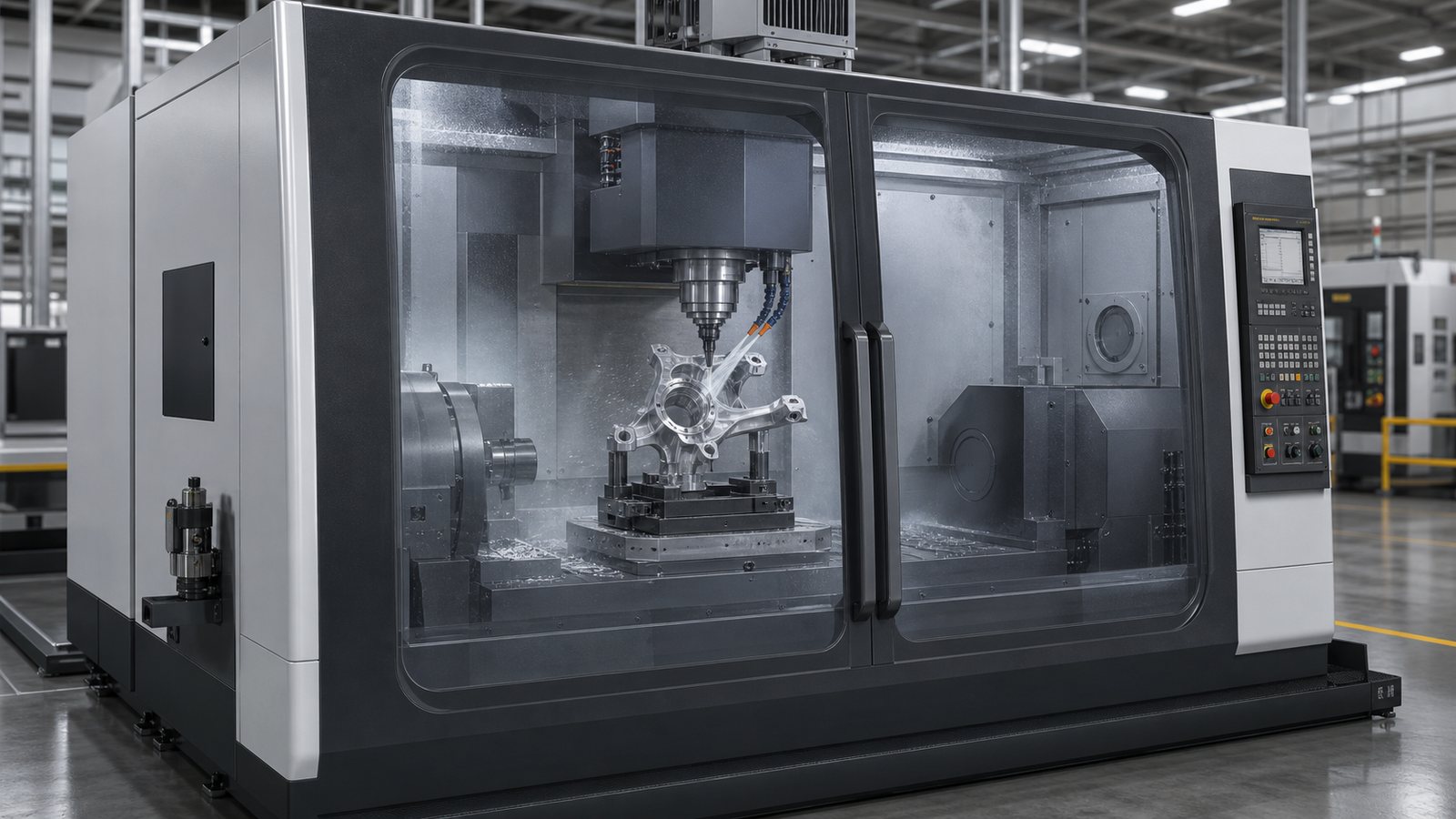
An animation can explain how a raw blank, casting, molded part, or stamped panel becomes a finished automotive component. It may show loading, locating, clamping, forming, material removal, cooling, ejection, cleaning, deburring, transfer, and inspection at an audience-appropriate level.
For machining, the visual can identify the part coordinate relationship, fixture contact, tool approach, feature sequence, and chip or coolant region without pretending to calculate the cutting process. For casting or molding, it can show supplied flow or thermal results when approved data exists. Otherwise, material movement should be labeled and treated as representative rather than as a simulation result.
Robotics and material handoffs
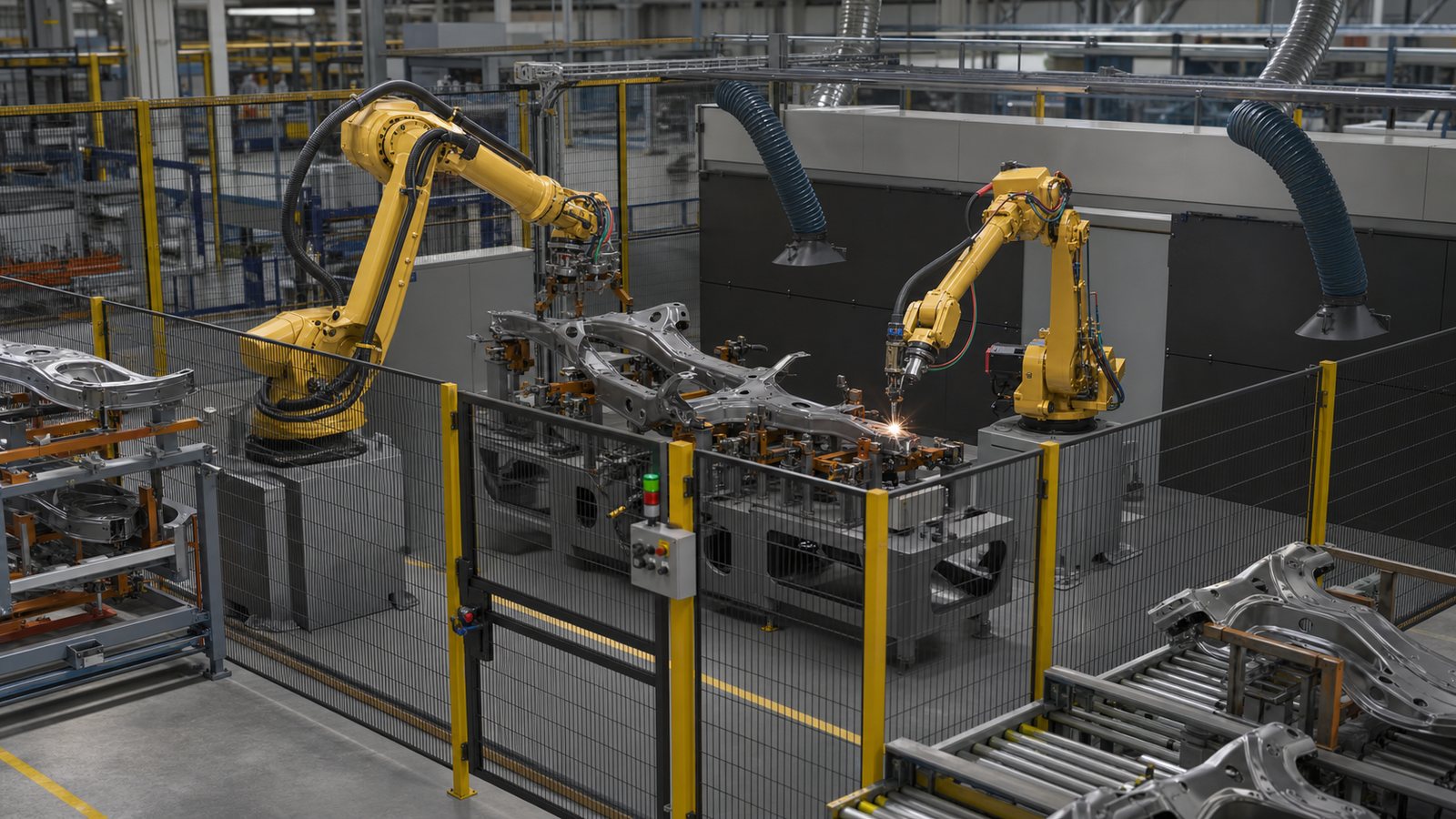
Robotic production cells are difficult to understand from one viewpoint. An animation can show how a robot receives a part, changes orientation, clears fixtures, presents it for joining or inspection, and transfers it downstream. Color and timing can distinguish the part path from robot motion, tooling, sensors, and protected space.
The visual should follow the approved cell concept or recorded sequence. It should not invent reach, payload, cycle time, safety-rated behavior, or collision clearance. When those values matter, the client should supply the validated engineering or simulation output that the animation communicates.
Inspection and quality communication
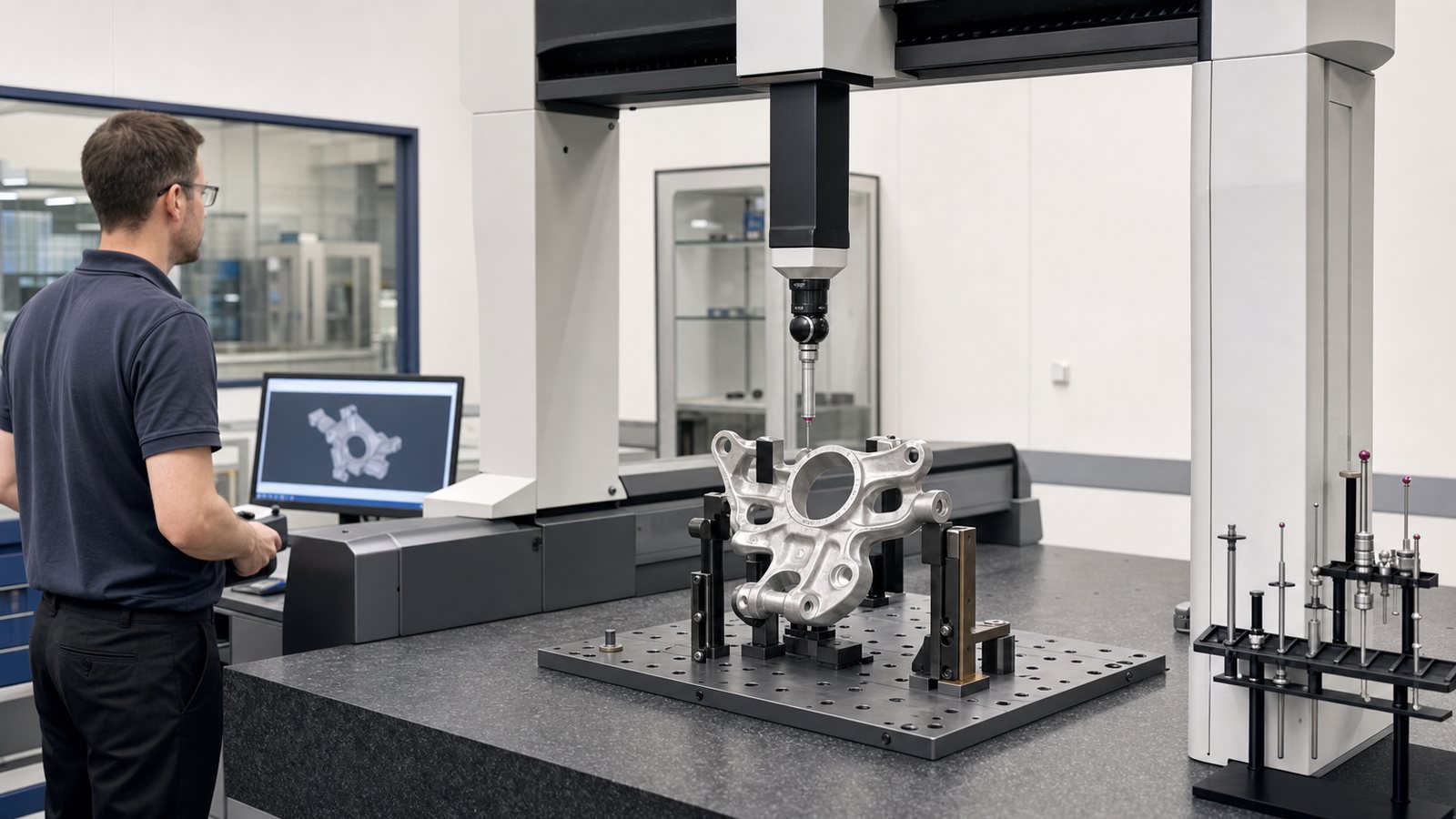
Quality requirements are often concentrated in features that are small, hidden, or difficult to explain in a wide production video. An automotive component animation can guide attention to datums, measurement locations, surface conditions, connector seating, weld regions, leak-test interfaces, gauge contact, or the difference between representative accepted and rejected conditions.
The animation should not invent tolerances, acceptance criteria, or defect signatures. Current drawings, control plans, work instructions, gauge methods, and quality experts remain authoritative. The visual can help a learner understand where and why a check occurs while the approved documentation defines the requirement.
Build the Visual from Controlled CAD and Manufacturing Sources
A credible CAD-based technical animation begins with more than a model export. Useful sources may include the current CAD assembly, drawings, product and manufacturing information, bills of material, process flow, work instructions, control plans, tooling models, cell layouts, robot or machine references, photos, videos, approved terminology, and input from people who perform or own the process.
NIST’s Digital Thread for Manufacturing work describes the importance of communicating product design through structured 3D models into manufacturing and quality activities, with information also returning to design. Animation can be one communication output from that controlled information flow, but it should not become an uncontrolled copy of the engineering definition.
Each source should have a revision, owner, and intended use. When the CAD, drawing, process sheet, and factory practice disagree, the animation team should record the conflict and ask the designated reviewer. Choosing the most visually convenient answer can create an attractive but unreliable training asset.
Production models also require preparation. Hardware may need to be separated into logical parts, duplicate or hidden geometry removed, surface problems repaired, and proprietary details protected. The team should preserve dimensions and interfaces that matter while reducing complexity that does not help the viewer.
Choose the Right Level of Technical Realism
More visual detail is not automatically more accurate. A photorealistic scene can still show the wrong sequence, tool, fixture state, or component revision. Conversely, a simplified model may be technically effective when it removes background detail and directs attention to the required action.
The project should define three levels of representation:
- Exact: geometry, orientation, interface, sequence, terminology, or condition that must match the approved source.
- Representative: contextual equipment, environment, material effect, or timing that explains the idea without claiming production-level precision.
- Omitted: confidential, irrelevant, visually distracting, or unsupported detail that should not appear.
Camera movement, transparency, color, slow motion, and exploded spacing are explanatory conventions. They should improve comprehension while maintaining real part relationships. Decorative sparks, floating parts, impossible robot movement, unsupported fluid effects, and dramatic unsafe access weaken technical trust.
Design Automotive Training Animation Around the Learner
Automotive training animation is most effective when each module has a defined learner and observable objective. A new operator, maintenance technician, manufacturing engineer, quality inspector, supplier, salesperson, and executive need different depth, language, and context.
For example, operator training may focus on start condition, part orientation, fixture loading, verification, abnormal conditions, and handoff. Maintenance content may focus on safe state, access, components, removal order, replacement, and post-service checks. A supplier module may explain packaging, interfaces, traceability, and downstream effects without exposing unrelated proprietary details.
A useful module often follows this pattern:
- Establish the context: identify the component, cell, audience, and approved operating condition.
- Show the complete sequence: give the learner a mental model before focusing on details.
- Break the task into decisions: isolate orientation, tools, checks, warnings, and expected outcomes.
- Show selected errors carefully: explain a realistic incorrect state only when it supports approved training.
- Confirm the completion state: show what the learner should verify before the handoff or next step.
- Assess understanding: pair the visual with questions, observation, or supervised practice appropriate to the role.
Short role-based chapters are easier to update than one long video. A shared 3D scene can support onboarding, refresher training, supplier communication, and multiple languages while the narration and detail change for each audience.
Keep Safety Procedures and Operating Boundaries Authoritative
Animation can prepare a worker to recognize equipment, hazards, guards, energy sources, and approved sequence, but it does not replace current work instructions, machine-specific procedures, supervision, or hands-on qualification. The employer and designated experts must decide what the visual is allowed to teach.
For servicing and maintenance, OSHA’s lockout/tagout guidance explains that training differs for authorized, affected, and other employees. A visual should therefore match the learner’s role rather than showing every person the same level of energy-control action.
Guarding, interlocks, safe distance, personal protective equipment, lifting devices, stored energy, hot surfaces, sharp edges, and robot boundaries should be reviewed when they appear. The final sequence should not normalize reaching into moving equipment, bypassing safeguards, standing under suspended loads, or entering an automated cell during operation.
Do Not Confuse Animation with Engineering Simulation
Manufacturing process visualization and engineering simulation can appear similar on screen, but they answer different questions. Animation communicates an approved sequence or supplied result. Simulation calculates behavior from defined models, inputs, constraints, and methods.
An animation may present robot studies, forming results, mold flow, casting fill, structural analysis, thermal analysis, tolerance analysis, or measured process data when the client supplies and approves them. Without validated input, the visual should not claim exact cycle time, stress, deformation, temperature, clearance, flow, tool life, or defect prediction.
This distinction matters in automotive communication because polished CGI can look conclusive. Labels, narration, legends, and review notes should make clear whether a sequence is production-representative, based on recorded operation, or derived from approved analysis.
Use a Reviewable Production Workflow
A disciplined workflow reduces expensive corrections and keeps technical decisions visible:
- Discovery: define the audience, learning or communication objective, component revision, permitted information, runtime, delivery channels, and approval team.
- Source review: inventory CAD, drawings, process documents, tooling, plant references, terminology, and known gaps.
- Script and storyboard: connect each statement and action to a source or reviewer while planning views, callouts, timing, and transitions.
- Model preparation: optimize geometry, separate moving parts, build only required context, and protect confidential features.
- Animatic: review sequence, camera, access, part motion, tool use, safety context, and narration before final rendering.
- Technical approval: obtain comments from engineering, manufacturing, quality, safety, training, product, and legal stakeholders as required.
- Final delivery: create the approved master, captions, language versions, stills, LMS-ready chapters, and presentation or web edits.
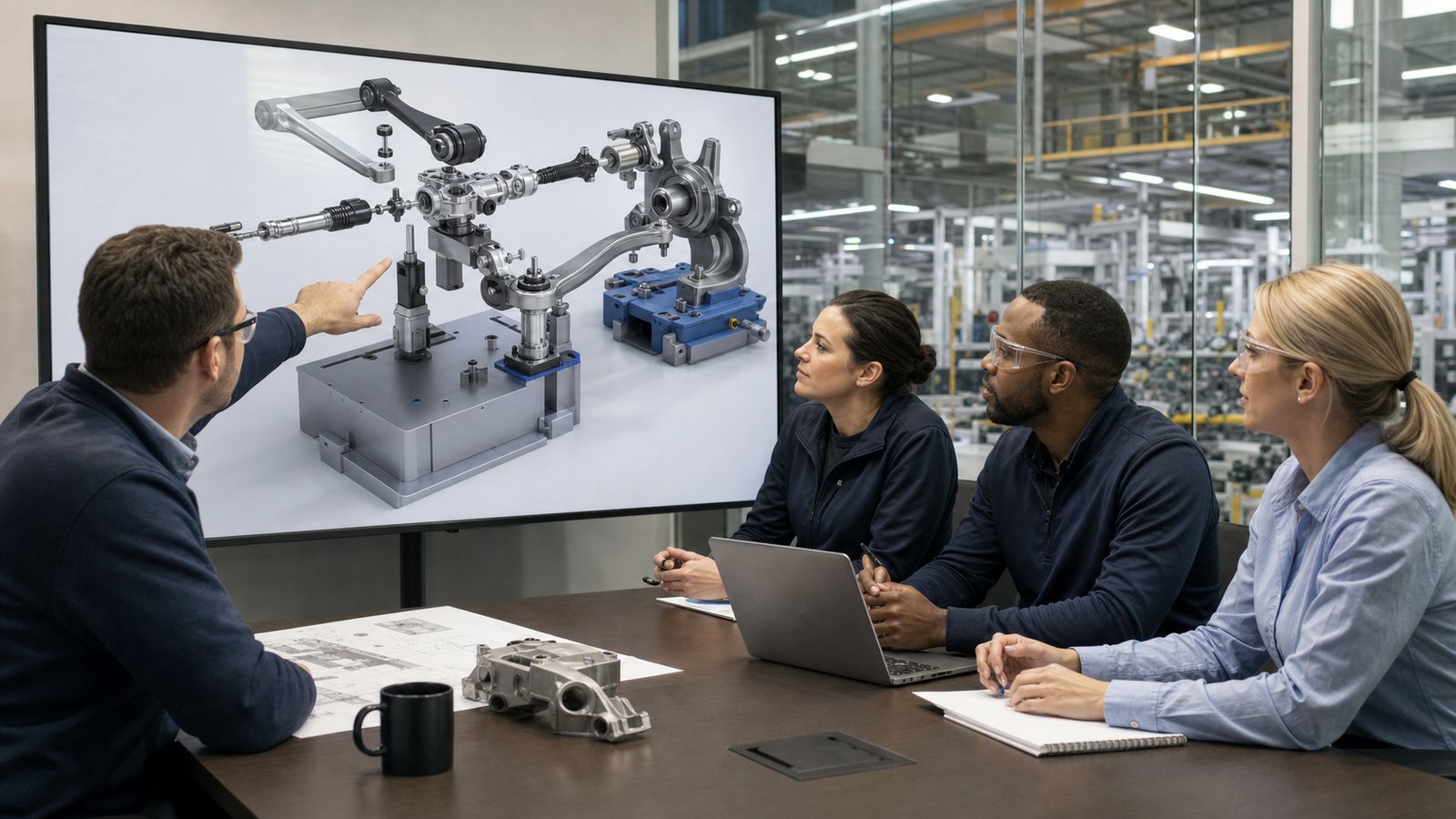
Review comments should identify the frame, issue, source, owner, and decision. That record becomes useful when a part revision, tool change, new variant, or plant-specific sequence requires an update later.
Plan for Reuse Without Creating Version Confusion
A well-structured automotive visualization can support more than one deliverable. The same approved geometry may produce operator chapters, engineering review clips, supplier presentations, service visuals, still images, trade-show loops, and customer-facing explanations. Austin Visuals’ 3D technical animation services can organize those outputs around a common visual foundation.
Reuse requires governance. Each exported version should identify its audience, revision, owner, approval date, and relationship to controlled documentation. Public and sales versions may need proprietary details removed. Training versions may need plant, variant, tool, or role-specific edits. Localization should account for narration, captions, labels, units, and screen space rather than only replacing words.
Measure Whether the Animation Supports Training
Animation quality should be judged by the outcome it is meant to support. For training, useful measures may include assessment results, instructor observations, time to demonstrate the task under supervision, repeated questions, error categories, refresher use, and learner feedback about unclear steps.
Operational measures such as scrap, rework, downtime, cycle time, or first-pass yield have many causes. A team should not credit animation alone without an evaluation design that isolates its contribution. A reasonable first goal is to confirm that learners interpret the visual correctly and that instructors present a consistent approved sequence.
Why Choose Austin Visuals for Automotive Manufacturing Animation?

Austin Visuals helps automotive suppliers, equipment makers, engineering teams, training departments, and manufacturers translate complex parts and production systems into understandable visual content. Our team can support discovery, scriptwriting, storyboarding, CAD preparation, hard-surface modeling, technical animation, voiceover, editing, captions, and multi-format delivery.
We build reviews into the process so client-designated experts can approve geometry, assembly order, tooling, cell behavior, quality points, safety context, terminology, and representative conventions before final rendering. The goal is a realistic visual that communicates clearly without pretending to replace engineering validation or controlled instructions.
Projects can cover one precision component, a family of variants, a machining or joining sequence, an automated cell, inspection, maintenance, or a complete training series. Contact Austin Visuals at (512) 591-8024 or info@austinvisuals.com to discuss the audience, source files, confidentiality needs, reviewers, and schedule.
Our Clients include:

Conclusion
3D animation for automotive parts manufacturing can make component relationships, tooling, machine sequences, robot handoffs, inspection points, and maintenance concepts easier to understand. Its value comes from a specific objective, controlled source data, credible motion, explicit technical boundaries, and review by people who own the real process.
Used as part of a complete communication or training system, animation gives operators, engineers, suppliers, quality teams, service personnel, and customers a consistent view of information that is otherwise hidden, fragmented, or difficult to film.
Make your automotive component or manufacturing process easier to understand.
Austin Visuals creates realistic CAD-based component animation, assembly sequences, guarded machine cutaways, robotic cell visuals, quality-training scenes, and multi-format technical content.
Call (512) 591-8024 or email info@austinvisuals.com to discuss your project.
Frequently Asked Questions
What is 3D animation for automotive parts manufacturing?
3D animation for automotive parts manufacturing is a visual sequence that explains a component, tool, machine, assembly, inspection, or production process over time. It combines approved geometry and manufacturing information with camera direction, motion, cutaways, labels, and narration for a defined audience.
How is 3D animation used in automotive manufacturing?
3D animation is used in automotive manufacturing for operator training, component explanation, assembly planning, supplier onboarding, robotic cell communication, inspection training, maintenance support, technical sales, and stakeholder presentations. Each version should be reviewed for its specific audience and purpose.
What automotive components can be animated?
Nearly any component with sufficient reference information can be animated, including castings, stamped parts, machined housings, molded components, connectors, pumps, sensors, suspension parts, steering systems, seat mechanisms, battery enclosures, electric drive assemblies, fixtures, and production tooling.
What files are needed for automotive parts animation?
Useful files include current CAD assemblies, drawings, bills of material, product and manufacturing information, process flows, work instructions, control plans, tooling or cell models, approved photos and video, terminology, branding, and a list of technical reviewers.
Can animation replace automotive work instructions or hands-on training?
No, animation should not automatically replace controlled work instructions, machine-specific procedures, supervision, or hands-on qualification. It can help learners build a mental model and review an approved sequence before practicing under the organization’s training system.
How accurate can an automotive manufacturing animation be?
An automotive manufacturing animation can closely match supplied CAD geometry, tooling, orientation, and approved sequence when current source files and subject-matter review are available. Calculated behavior such as stress, flow, deformation, robot performance, or exact cycle time should be shown only from validated client-supplied results.
How long does an automotive parts animation take to produce?
Production time depends on runtime, CAD readiness, component and cell complexity, missing modeling, number of process steps, review availability, rendering, narration, languages, and delivery formats. A dependable schedule can be set after discovery and source review define the scope and approval stages.