
AI training videos use AI-assisted production to explain a task, policy, or concept through video. They can support employee onboarding and repeatable learning content, but their usefulness depends on accurate source material, clear learning objectives, and human review. The right production approach matches the lesson: some topics need a presenter and graphics, while others need a precise demonstration or custom animation.
For learning teams, the challenge is rarely just making more footage. It is helping people understand what to do, recognize a decision, and find the current version when they need it. Austin Visuals approaches that challenge through video, animation, and visual explanation. This guide shows how to scope an AI-assisted training project around the learner rather than around a generation tool.
Planning a training video? Share your learning goals and reference materials with Austin Visuals at info@austinvisuals.com or call (512) 591-8024 to discuss an appropriate production approach.
Where AI Training Videos Can Be Useful
AI-assisted training video production is worth evaluating for repeatable explanations with approved scripts and manageable visual requirements. Examples include an introduction to an internal service, an overview of a business process, or a refresher explaining where employees can find support. These subjects can often be divided into short modules with clearly defined messages.
A narrated overview does not need to show every physical action. A lesson about submitting an internal request, for example, might combine a simple process graphic with authentic interface captures. Generated imagery could establish context, while the actual screen recording shows the interface employees will use.
Start by identifying what the learner must see accurately. An illustrative office background has different requirements from a machine control, a software field, or a sequence of hand movements. That distinction should determine the production method for each scene.
Define a Learning Outcome Before Writing the Script
A useful learning outcome describes an observable action. “Understand the onboarding process” is broad. “Identify the correct team to contact for an equipment request” gives the script a specific purpose and suggests a way to check understanding.
Ask who is watching, what they already know, and where they will apply the information. New employees may need terminology explained. Experienced staff may need only the changed step. Combining both audiences into one long video can bury the information each group needs.
- Learner: define the role and starting knowledge.
- Task: state what the person should be able to do afterward.
- Source: identify the current approved procedure or reference.
- Evidence: choose a question, demonstration, or practice activity that reveals understanding.
- Owner: name the person responsible for reviewing future changes.
Keep the outcome visible during production. If a scene looks impressive but does not help explain the task, simplify it or remove it. Training time is valuable, and visual decoration can compete with the information that matters.
Build From Approved Source Material

Use a current reference packet rather than asking a generative system to invent a procedure. Include the approved process document, terminology, screenshots, and explanations from the responsible subject expert. Mark which references take precedence when older materials disagree.
Create a simple script review table outside the finished video. Pair each instructional statement with its source and reviewer. This makes it easier to resolve a disagreement without rewriting the entire lesson from memory. It also provides a useful starting point when the source changes later.
Separate explanation from demonstration. A script may explain why a handoff exists, while the visual shows the approved sequence. Both need review. Correct narration cannot compensate for a screen that highlights the wrong option or an animation that implies an incorrect action.
For employee training videos involving specialized procedures, the subject expert should approve the instructional details before final production. A video producer can improve clarity and presentation; that does not make the producer the authority on your organization’s procedures.
Choose the Visual Method for Each Learning Task
Use the simplest visual method that can explain the lesson accurately. A presenter can introduce a concept. Motion graphics can organize a sequence or comparison. Screen capture can show an actual software workflow. Custom 3D animation can reveal an internal relationship that a camera cannot show clearly.
Generated scenes can help establish a general setting, but they should not be treated as evidence of how a specific product or procedure works. If the learner needs to recognize an exact component, use verified photography, recorded footage, or a controlled digital model based on approved references.
Consider a hypothetical lesson about an internal approval process. A diagram may communicate the decision points more clearly than a photorealistic scene of people talking. Conversely, an equipment orientation may need an accurate component view. The choice follows the learning requirement, not the visual trend.
Our overview of animation training videos provides another way to consider visual formats. When requesting a proposal, ask the production team to explain why its chosen format helps the specific audience.
Keep Lessons Modular and Easy to Revise
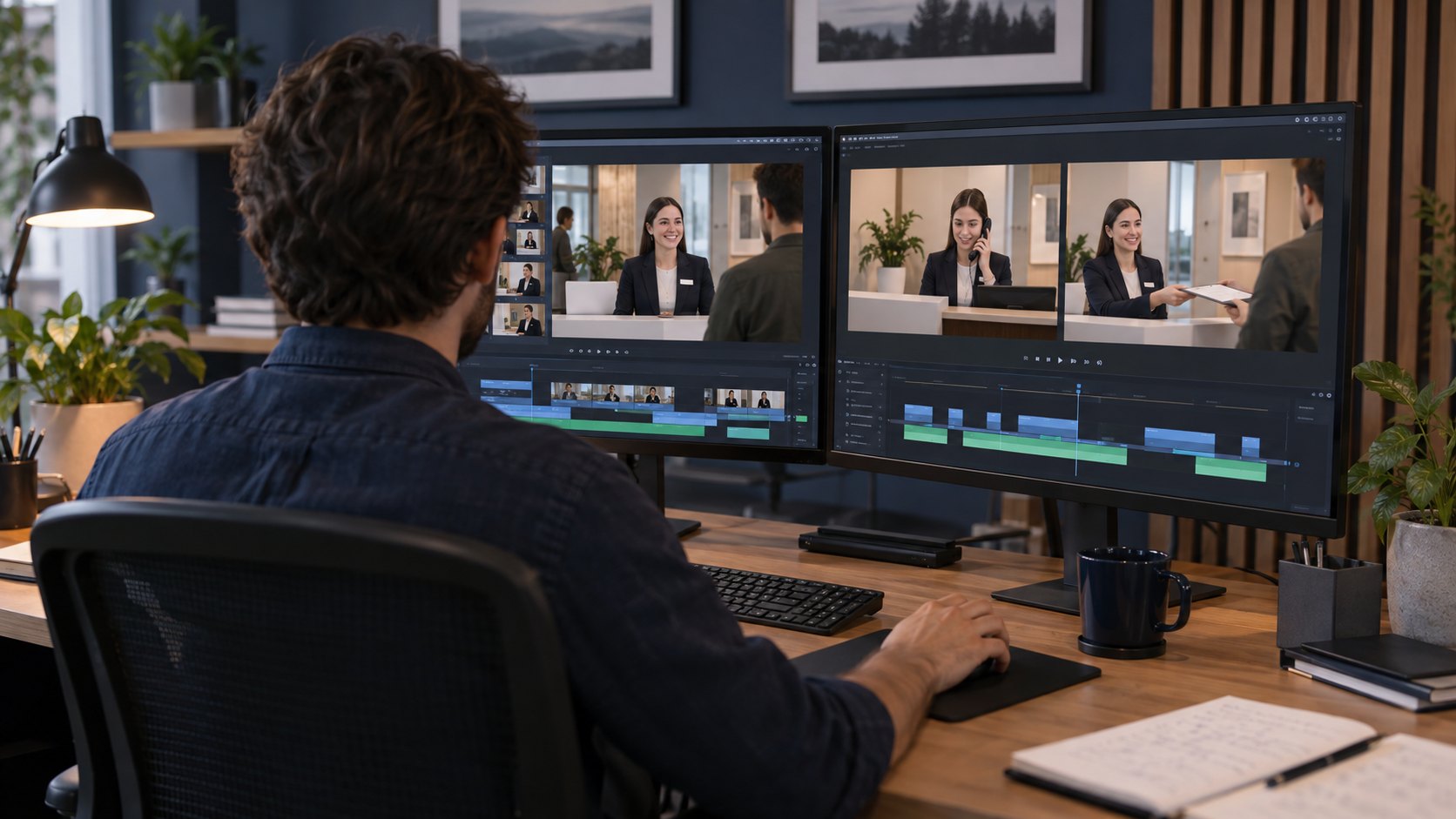
Organize a training series around distinct tasks or decisions. A change to one department’s contact process should not force a complete remake of an unrelated orientation lesson. A modular script gives each segment a clear purpose and a defined relationship to the rest of the course.
Keep frequently changing information in replaceable layers where practical. Contact details, dates, interface captures, and role names may need more frequent updates than the underlying explanation. Discuss how those elements will be maintained before approving a visual treatment that embeds them everywhere.
Maintain a version record linking the source document, script, approved video, captions, and deployment location. Assign a content owner and define the events that trigger review. A process revision is a stronger reason to inspect a lesson than waiting for an arbitrary production anniversary.
Ask what editable materials are included in the project scope. Delivery of a finished video does not automatically include animation files, voice assets, or every dependency needed for future editing. Establish a practical update arrangement while the project is being scoped.
Plan Captions, Transcripts, and Language Review
Plan accessibility at the script stage. Review how learners will receive information conveyed through speech, sound, and visuals. Captions and a descriptive transcript can support different viewing needs, while important visual actions may need to be explained in the narration or another accessible alternative.
Automatic transcription should be checked for names, technical terms, numbers, timing, and speaker changes. Captions must stay readable and should not cover the item being demonstrated. Review them in the actual player and screen size used by the audience.
For multilingual versions, have a qualified language reviewer check meaning, terminology, pronunciation, and cultural context. A translated sentence can fit grammatically while still explaining the wrong action. Approve a shared terminology list before producing a large set of localized modules.
Confirm accessibility and language deliverables with the responsible team for your particular learning environment. A video file alone does not establish that the complete course, player, or distribution system meets every learner’s needs.
Review Learning Effectiveness Before Scaling Production
Test one representative lesson before producing a full series. Select a module that includes the difficult requirements: perhaps a specific interface, unfamiliar terminology, or a decision with multiple outcomes. A simple opening title is not a meaningful test of those requirements.
Invite representative learners to use the pilot and complete the intended task or knowledge check. Ask where they hesitated, what they misunderstood, and what information they expected to see. These observations can reveal a missing explanation that a production review would not catch.
Separate completion from understanding. Watching to the end tells you that a video played; it does not show that someone can apply the lesson. Match evaluation to the objective, and use the findings to improve the script before commissioning many similar modules.
What Determines the Budget and Delivery Scope?
The cost of AI training videos depends on instructional development, source preparation, visual complexity, narration, animation, review rounds, accessibility outputs, languages, and the number of versions. A tool subscription is only one possible production expense.
Request a scope that identifies the approved script, visual treatment, module count, review milestones, and final files. State whether the producer is delivering video assets or also building a course package. Learning management system integration, quizzes, and completion tracking should be discussed explicitly rather than assumed.
Account for the client’s review responsibilities in the schedule. The production team needs current references and consolidated feedback. An unresolved procedure cannot be fixed through faster rendering, and late changes to the approved learning objective can affect several stages.
How Austin Visuals Helps With AI Training Videos
Austin Visuals offers AI video production services alongside animation and post-production. A training project can use that broader production toolkit to match each visual requirement with a suitable method, rather than generating every scene in the same way.
Bring a sample procedure, a description of the audience, existing assets, and the intended delivery environment. Discuss which material needs exact representation, who approves instructional accuracy, and how the series will be updated. Review the Austin Visuals portfolio as a starting point for a conversation about relevant visual approaches.
Our Clients include:

Make the Lesson Useful Before Making More Lessons
AI training videos work best as part of a deliberate learning project: a clear outcome, reliable sources, suitable visuals, and a review process that checks understanding. Begin with a representative module, learn from the pilot, and build an update plan that keeps the content useful after delivery.
Planning a new training video or learning series?
Discuss your audience, source materials, and production requirements with Austin Visuals. Email info@austinvisuals.com or call (512) 591-8024.
Frequently Asked Questions About AI Training Videos
What are AI training videos?
AI training videos use AI-assisted tools within a video production workflow to explain a task or concept. They still require approved instructional content and review.
Can AI training videos replace an instructor?
They can support repeatable explanations, but they do not automatically replace guided practice, discussion, or assessment. Choose the format around the learning objective.
When should I use custom animation instead?
Use controlled animation when the lesson needs exact geometry, a specific sequence, or a clear view of an internal process that generic imagery cannot explain accurately.
Can existing training videos be updated with AI?
Some elements may be updated with AI-assisted tools, depending on source files and permissions. Review the original materials and the requested changes before choosing an approach.
How much do AI training videos cost?
Cost depends on instructional scope, assets, animation, audio, revisions, languages, and delivery requirements. Request an estimate based on a representative module and the full series plan.
Can these videos be used in a learning management system?
Video assets can be prepared for the target system’s requirements. Confirm packaging, captions, assessments, and tracking separately; a video export is not necessarily a complete course package.
Related Articles
- Choosing animation formats for training videos
- Combining AI tools with human production expertise
- AI and creative video production in Austin
Have a training project to discuss? Contact Austin Visuals below.