
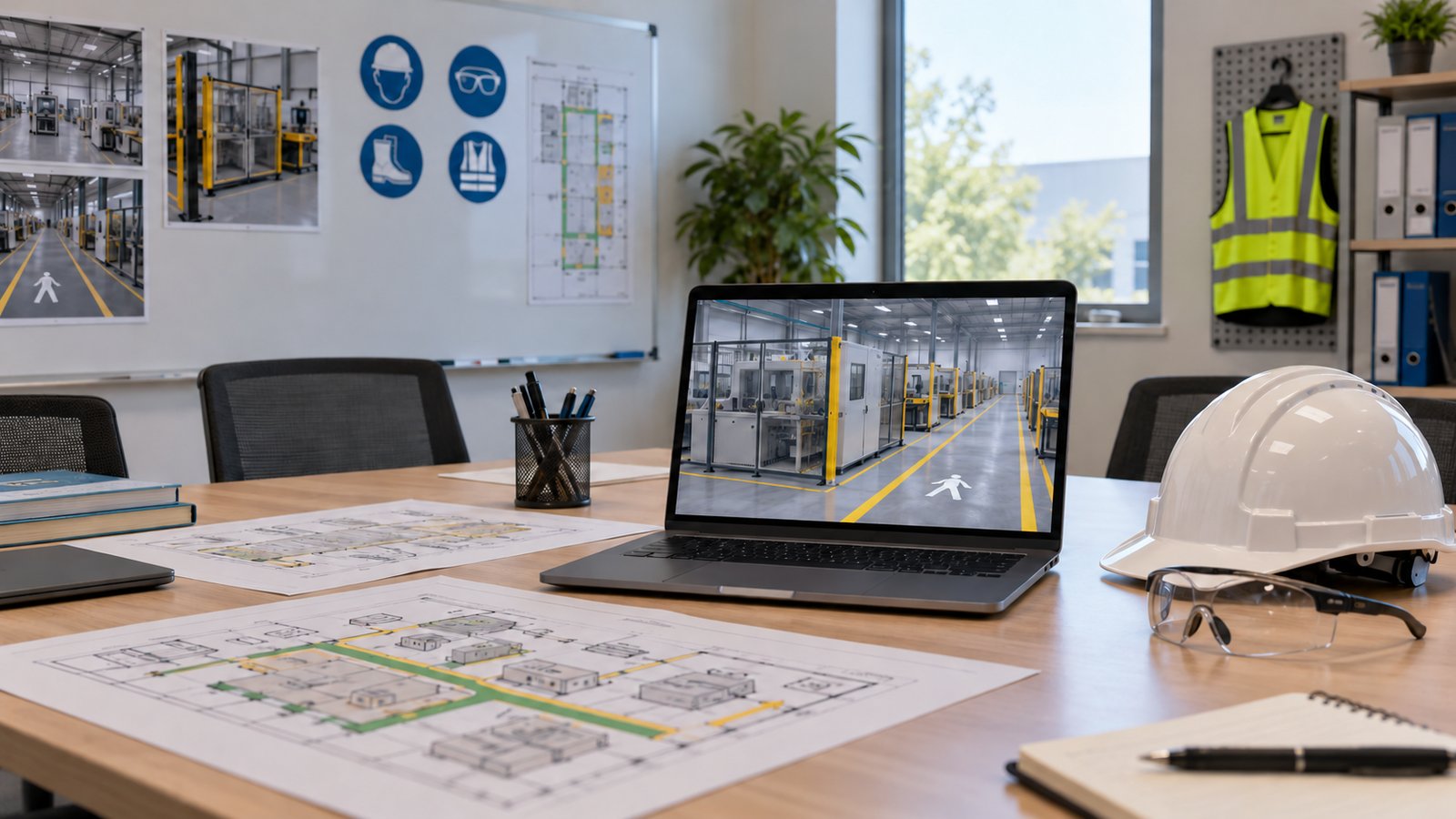
Industrial safety animation videos explain selected hazards, equipment relationships, and approved work sequences through controlled visuals. Their scope should follow a defined training objective and current source material, with qualified people checking the explanation before release.
For a training manager, the first question is what employees need to recognize or explain after watching. A general orientation, equipment overview, and task-specific module have different information needs. Austin Visuals provides safety and training animation services that can be discussed around those needs.
This guide covers the inputs, review decisions, and delivery requirements for a safety animation project. It does not provide instructions for operating equipment or replace the employer’s approved training program.
Discuss a safety animation project with Austin Visuals once you have identified the task, audience, and available references.
What industrial safety animation videos can explain
Safety animation can show a selected relationship or sequence that is difficult to see clearly in ordinary footage. A cutaway can reveal an internal component, while a simplified overhead view can establish where people and equipment are located.
The visual must make its purpose clear. An illustration of a hazard is different from an approved instruction for completing a task. If a scene removes equipment covers, changes time, or hides surrounding activity to make the explanation visible, reviewers should decide whether that simplification needs a caption or spoken explanation.
Choose a narrow subject for the first module. For example, a fictional orientation animation could identify which areas of a facility require additional authorization. It would not establish that viewers are qualified to perform the work inside those areas. This distinction helps keep the content useful without implying a broader training result.
Start with a task and an approved reference
A production brief should identify the exact communication task and the version of the source material that governs it. “Make a safety video” leaves too many important decisions unresolved.
Name the audience and its assumed experience. New employees may need equipment names explained, while experienced operators may be reviewing a specific procedural change. Ask the responsible subject matter expert which terms, conditions, and boundaries must appear in the module.
| Brief input | What to identify | Why it matters |
|---|---|---|
| Objective | The task or concept being explained | Sets the scope of the sequence |
| Source procedure | Approved document and revision | Provides a reviewable reference |
| Equipment | Relevant model, configuration, and views | Prevents an unrelated visual from being used |
| Audience | Role, prior knowledge, and language | Guides terminology and explanation |
| Reviewer | Who can approve each technical detail | Clarifies decision responsibility |
| Delivery | Training setting and required versions | Determines formats and supporting files |
Keep a reference register with filenames, revision dates, and owners. If a drawing changes during production, the team can identify affected scenes instead of assuming the new file is interchangeable with the old one.
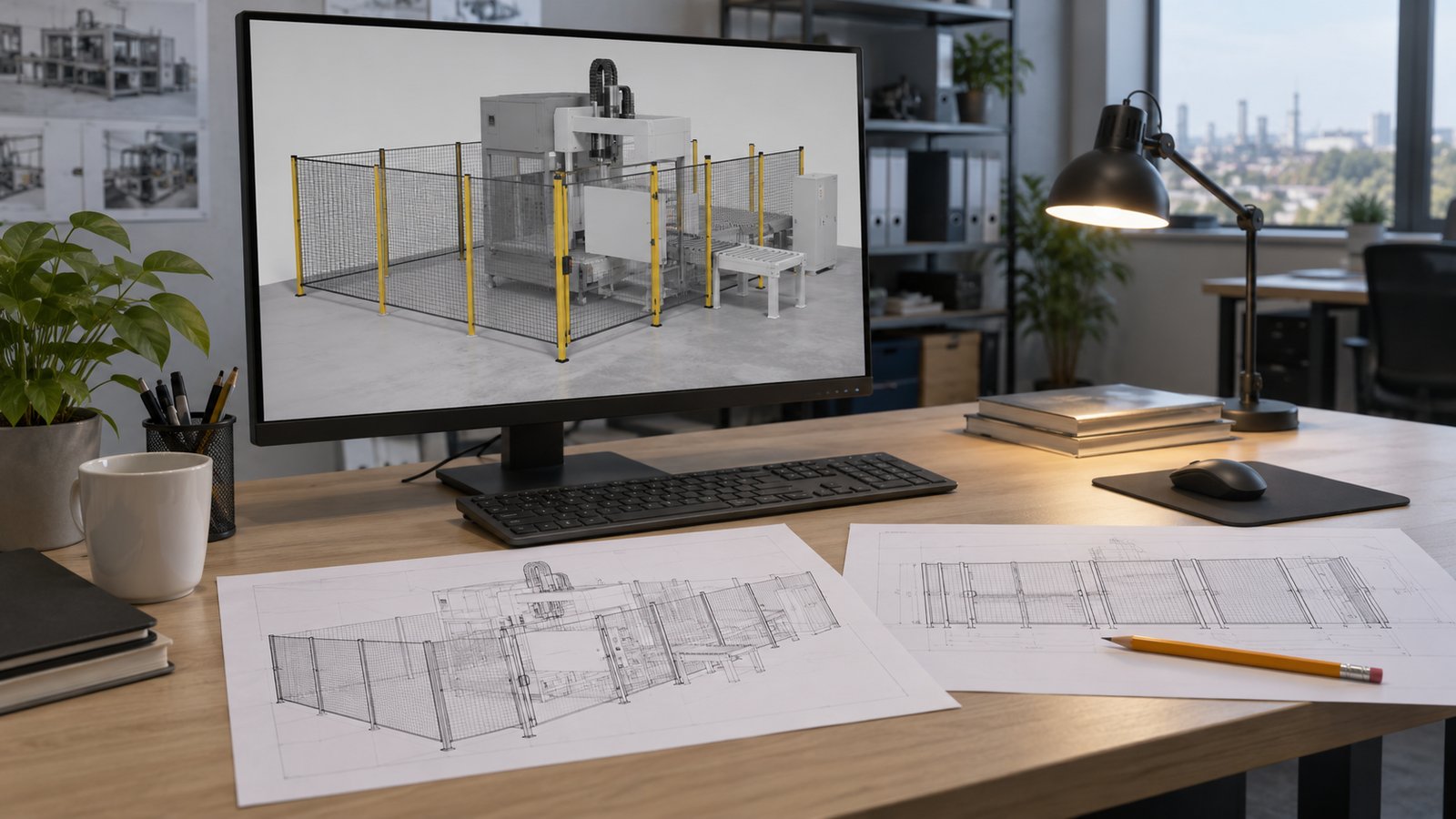
Connect the Safety Animation to a Task and Review Owner
A safety animation brief should connect each proposed scene to a defined task, an approved reference and the person responsible for checking it. The matrix below is a planning aid; it is not a site procedure or a record that HSE approval has occurred.
| Task or hazard topic | Learning objective | Source to identify | Proposed reviewer and release check |
|---|---|---|---|
| Vehicle and pedestrian interaction | Recognize the locations and interactions selected for the orientation module. | Current approved traffic plan and relevant site instructions. | Site operations and HSE: check the actual layout, boundaries and intended audience. |
| Stored-energy awareness | Understand the scope of the awareness message and when the approved task procedure applies. | Employer-approved procedure and relevant equipment documentation, with versions. | Authorized subject-matter reviewer: keep awareness separate from qualification to perform isolation work. |
| Maintenance access | Recognize the components and access constraints included in the brief. | Approved equipment layout, access information and maintenance scope. | Maintenance lead and HSE: check the depicted equipment state and any simplified view. |
| Emergency orientation | Identify the approved locations or communication points covered by the module. | Current site emergency plan and approved maps. | Site emergency/HSE owner: confirm the version, audience and distribution date. |
OSHA’s November 22, 1994 interpretation on computer-based training discusses training in the context of HAZWOPER and the limitations of generic, self-paced material. Have the program owner identify the applicable requirements and how the module will be used within the training program.
Watch the Austin Visuals Safety & Training Animation Demo Reel, listed in the safety and training portfolio. A reel can help compare presentation approaches. Select the relevant subject and plan the task-specific review before adapting any visual idea.
Can production proceed without filming on site?
Some safety animations can be developed from drawings, photographs, and other approved references without a filming visit. That decision depends on whether the supplied material adequately represents the subject and surrounding context.
Provide views that explain relationships, not just a polished product photo. Relevant information may include equipment layout, component names, direction of movement, and the approved sequence. The responsible reviewer should identify what the drawings or images cannot establish.
A verbal description can help clarify an input, but it should not be treated as proof that a model or sequence is accurate. Record important decisions and connect them to the reviewed script or storyboard. If a missing view could change the explanation, resolve it before detailed animation.
Discuss confidentiality before sharing facility information. A public overview and an internal module may require different detail. Confirm which labels, layouts, or equipment features are permitted in each delivery version.
Review the script and storyboard before detailed motion
Script and storyboard review establishes the explanation before the team invests in finished scenes. Reviewers should check the order, wording, visual emphasis, and any conditions that make a statement valid.
- Confirm the source material and the audience assumptions.
- Check the script against the selected training objective.
- Review the storyboard for omissions and misleading simplifications.
- Resolve technical questions and conflicting comments.
- Approve the defined sequence for the next production stage.
Use scene numbers and timestamps when giving feedback. “The equipment looks wrong” is difficult to act on. A comment identifying the component, reference revision, and required correction gives the production team a specific problem to resolve.
Approval should describe what was reviewed. A storyboard signoff may approve the planned explanation without approving every later surface detail, label, or movement. Keep the review checkpoints appropriate to the risks and technical content of the project.
Where animation fits within a training program
An animation is one training resource, and its presence alone does not establish compliance or worker competence. Applicable requirements depend on the work, the standard, and the training program.
In a 1994 interpretation on computer-based training, OSHA addressed the importance of access to a qualified trainer for questions and of hands-on training where needed. The letter concerns particular training requirements; it is not blanket approval for every video, simulation, or VR module.
Ask the people responsible for the program how the animation will be introduced, discussed, practiced, and assessed. Decide what learners should do when their situation differs from the illustrated scenario. The module should direct questions to the appropriate training resource rather than suggesting that the picture covers every condition.
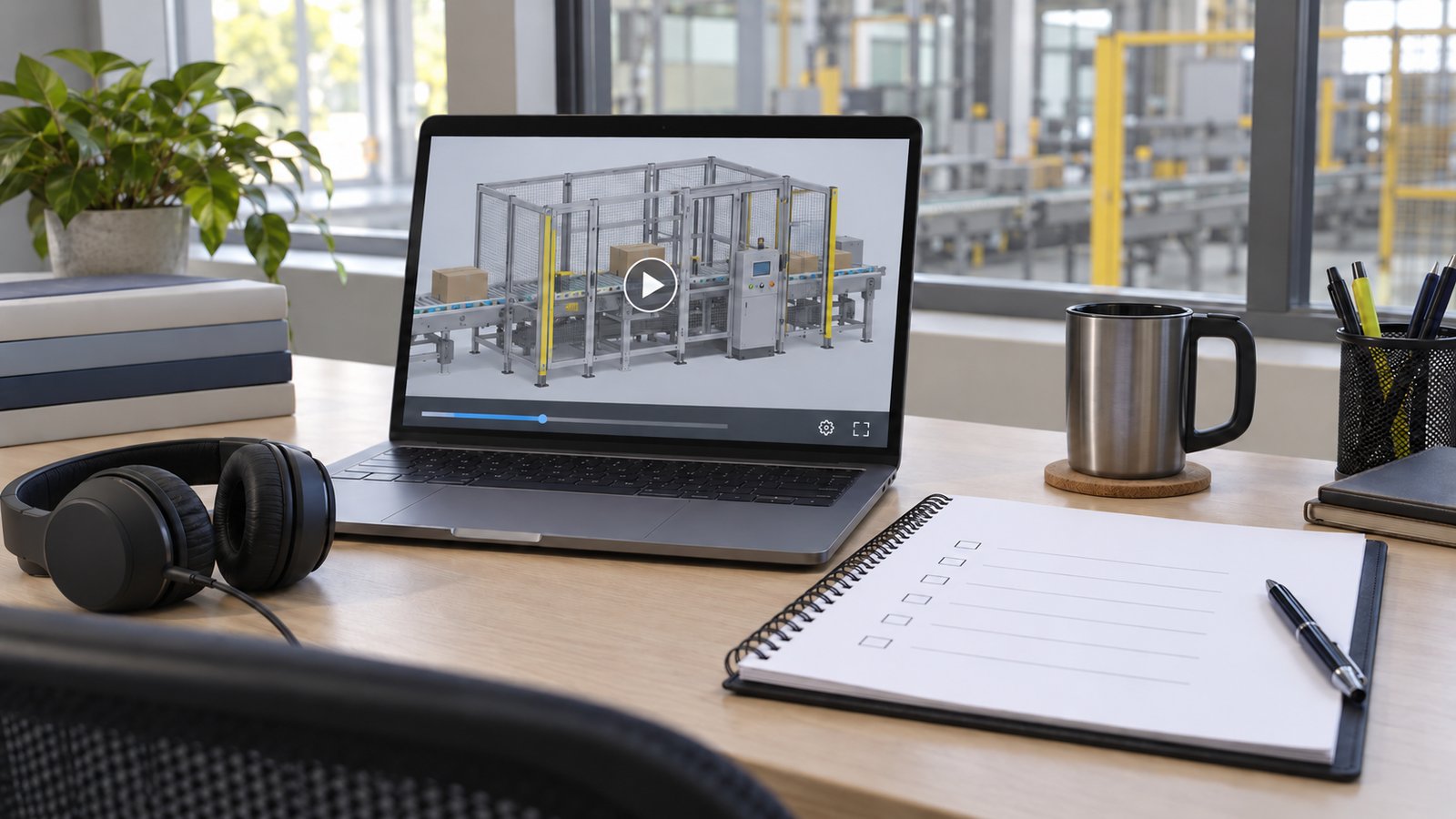
Make the finished explanation usable
Delivery planning should account for where the module will be viewed and what viewers need to follow it. Labels, narration, captions, and supporting materials should convey a consistent explanation.
Check readability at the actual playback size. A label that is visible on a production monitor may be unreadable in a small learning-platform player. Review captions for equipment names, technical vocabulary, timing, and any meaning that a transcription service could mishear.
State the required language and delivery versions before production. Translated narration, different aspect ratios, and edits for a separate audience can require their own review. Check any translated technical wording with the people responsible for the program.
Evaluate the objective and plan for updates
Evaluate a safety animation against the objective it was designed to support. Views, completion rates, and positive comments do not by themselves show that someone can perform a task safely.
For an orientation module, the assessment might ask learners to identify the relevant area or explain when to seek further instruction. A task-specific program may need supervised demonstration or other assessment selected by qualified training staff. Define that assessment separately from the animation production brief.
Assign an owner for future revisions. Equipment changes, revised procedures, or updated terminology can make a previously approved scene unsuitable. Keep the released version linked to its approved sources so an update can be reviewed as a specific change rather than an unexplained replacement.
How Austin Visuals helps with industrial safety animation videos
Austin Visuals offers safety and training animation alongside engineering and technical visualization. Share the training objective, current approved references, required delivery formats, and review responsibilities. A scoped discussion helps identify which parts of the sequence need additional information before production.
Explore Austin Visuals services and project planning for the relevant production scope and examples. The content and required review should be confirmed for your particular project.
Prepare a clear project brief
Choose the audience and objective before deciding how much visual detail the project needs. Gather the current references, identify the people who can approve the explanation, and specify the delivery versions. These decisions provide a practical basis for production planning and a useful project discussion.
Have an animation project to discuss?
Share your audience, references, and delivery requirements with Austin Visuals to discuss an appropriate production scope.
Contact info@austinvisuals.com or call (512) 591-8024.
Frequently Asked Questions
What are industrial safety animation videos?
They are visual explanations of selected hazards, equipment relationships, or approved work sequences. They support a training program defined by the employer and qualified reviewers.
Can safety animation be made without filming on site?
Sometimes. Current drawings, photos, and approved references may support production. A reviewer must determine whether those inputs adequately represent the equipment and work environment.
Who should approve the technical sequence?
The client should assign qualified subject matter experts and safety or training reviewers. They should verify the sequence against the approved source material and intended task.
Does an animation alone satisfy safety training requirements?
That cannot be assumed. Applicable training requirements depend on the work and standard. The training program may also need instructor interaction, practice, and assessment.
What files should a safety animation brief include?
Provide the training objective, approved procedure version, equipment references, site context, and reviewer responsibilities. Identify the exact scenario and any information that must remain confidential.
How should safety animation effectiveness be evaluated?
Evaluate the defined learning or performance objective with an appropriate assessment. Views and completion alone do not show that someone can perform a task safely.
Related Articles
- 3D modeling basics
- Estimating animation rendering time
- How 2D and 3D animation is made
- VR oil and gas training planning